The 10 Best n8n Enterprise Alternatives for Workflow Automation
Agentic AI for Enterprise
The 10 Best n8n Enterprise Alternatives for Workflow Automation
We reviewed 10 workflow automation tools to find the best n8n alternatives. Pricing, strengths, and trade-offs for every team type in 2026.
Himanshu Gupta
Content, Adopt AI
7 Min
February 19, 2026
TL;DR
n8n's promise vs. reality: The open-source model and self-hosting control sound perfect until you're spending more time managing servers than building workflows. What starts as "free" becomes expensive in engineering hours.
We analyzed 10 alternatives: From enterprise platforms (Make, Workato, Tray.io) to AI-native tools (Adopt AI, Gumloop, Relay.app). Each solves different problems; there's no universal winner.
Pick based on your team: Non-technical teams need Zapier or Relay.app's simplicity. Developers want Pipedream's code-first approach. Enterprises require platforms like Workato and and Adopt AI.
The real question isn't "best tool", it's "best fit": The right automation platform gets out of your way and lets your team ship. If you're debugging more than building, or non-technical teammates can't use it, that's your signal to switch.
We evaluated 10 alternatives to identify which perform better and why.
The concept is straightforward: self-hosted visual automation without high vendor fees. In practice, however, teams often spend hours on tasks that should take minutes. Workflow crashes and challenging debugging can create significant obstacles.
This is not entirely n8n’s fault. The platform provides extensive control, which can sometimes exceed what teams require.
To assess these platforms, we built identical workflows for each of them. Examples include form submissions triggering notifications, customer data synchronization, and weekly reports aggregating data from multiple sources.
These automations appear simple but often reveal underlying challenges.
The results were unexpected. Some platforms allowed us to focus on our work, while others required frequent troubleshooting. A few demonstrated that automation does not always require visual workflows. Each tool addresses different needs, and hands-on experience reveals what truly matters.
We begin by examining n8n’s strengths and limitations, as understanding these factors is essential before selecting an alternative.
Where n8n Works (And Where It Doesn't)
Before considering alternatives, it is important to define your specific requirements.
n8n made some trade-offs. Some of them might work for you, while others might not.
Where n8n Shines
Cheaper at scale - n8n charges per workflow execution, not per operation. A Reddit user mentioned that their team cut costs from $7,600 to $320/month while scaling from 1.5M to 9.5M operations; 20x savings.
You own the infrastructure - Self-host on your servers. Your data stays in your infrastructure, not a vendor's cloud.
Flexible for technical users - Code nodes, HTTP/API connections, JavaScript expressions. You can build what rigid no-code tools can't.
Fast prototyping -Developers wire up concepts in minutes without setting up full codebases.
Where n8n Falls Apart
Non-technical teams struggle - Pulling data requires understanding of JSON and JavaScript. Basic tasks like attaching files, configuring credentials need technical knowledge most business users don't have. This is why teams pay more for simpler tools.
Debugging is painful - There is no real debugger. You need to click nodes, check execution traces, and then add manual logging. While this is great for building, it’s hard for maintaining.
Collaboration doesn't work - Workflows live in databases, not files. There is no version control, no dev/test/prod environments, and very limited team features.
Breaks under load - Large files (50MB+) crash workflows. Heavy processing takes down instances. Works as an orchestrator, struggles with actual compute.
Enterprise features cost extra - Few enterprise features either need to be built by brands themselves or one needs to pay for enterprise licensing that charges per execution on infrastructure you already host.
The Pattern
n8n works when:
You're technical
Running medium-complexity workflows
Using it as glue, not the processing engine
Cost and self-hosting matter
n8n fails when:
Non-technical people build automations
Workflows need debugging and version control
You need enterprise governance
Processing heavy files or regulated workflows
You just need six months to hit these limits.
How We Evaluated These Alternatives
Our analysis is based on community-sourced user discussions, supplemented by broader web research. We reviewed multiple user threads per tool to capture authentic, real-world feedback; the kind of honesty you only get when the sales pitch is over and people are talking about what actually breaks, what scales, and what makes their jobs easier.
We validated this feedback against each tool's documented feature set, pricing structures, and real-world use cases across different team types. We covered tools across categories; from enterprise platforms to open-source options to AI-native newcomers. Each solves different problems for different teams.
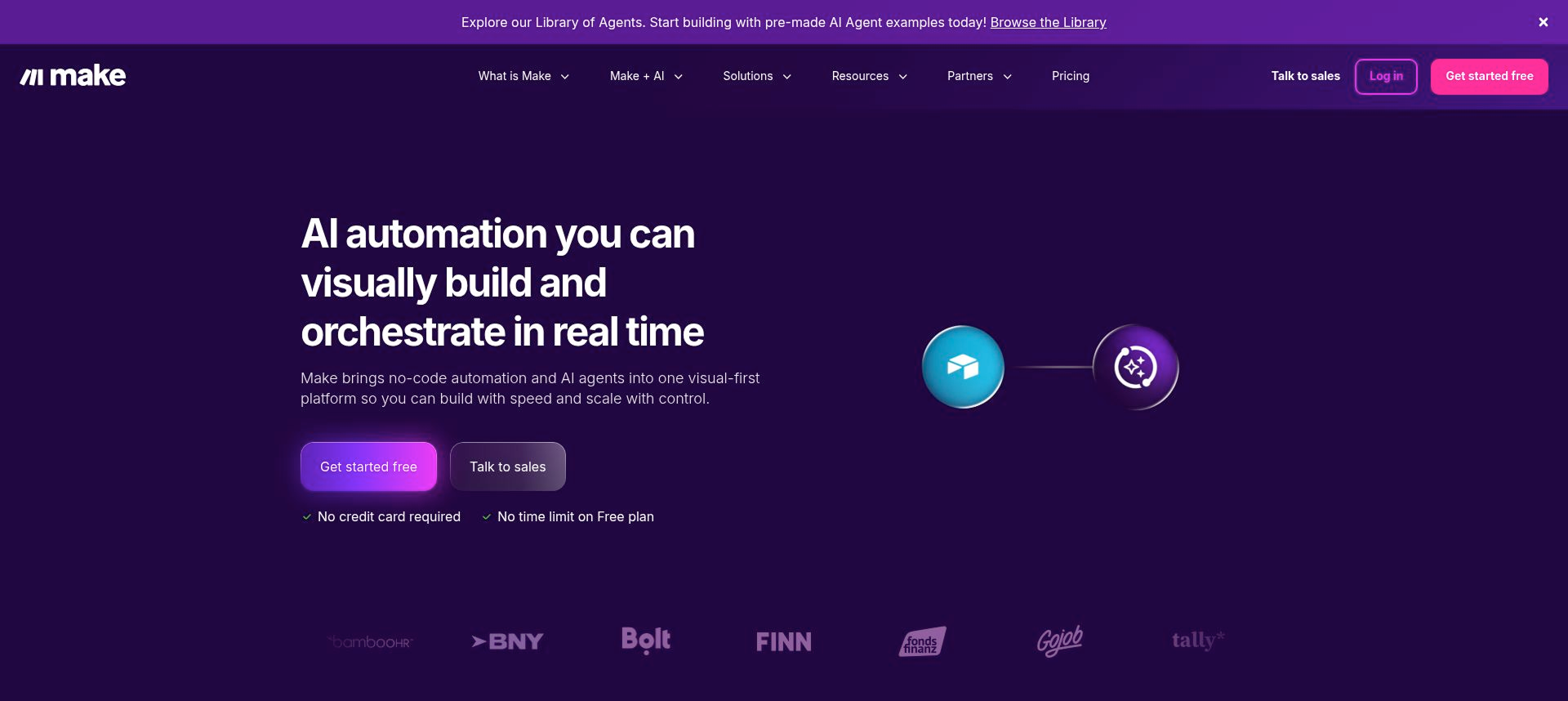
1. Make
Make (formerly Integromat) is a visual automation platform founded in 2012 and acquired by Celonis in 2022. It's built for users who need more power but don't want to maintain code. With over 3,000 app integrations and a canvas-style workflow builder, Make handles complex multi-step automations that involve branching logic, data transformation, and API orchestration.
What it is: Visual automation platform with advanced logic, branching, and data manipulation capabilities.
Best for: Technical-but-not-dev users building multi-step workflows with complex conditions and data handling.
Make handles workflows that would be a tangled mess elsewhere. Routers for branching logic, iterators for processing arrays, aggregators for compiling data; all visible on a canvas where you can see exactly how data transforms at each step.
Popular with SaaS founders and ops teams who prototype features, MVPs, and back-office automations without maintaining code repos.
Why it works:
Visual debugging that actually helps - Step-by-step execution history shows you what data looks like at each step. When something breaks, you can see why.
Handles complex data manipulation - Built-in functions for text, arrays, dates, JSON parsing. You can do serious data work without writing code.
3,000+ app integrations - Strong connector library covering standard SaaS tools and enterprise apps.
Where it fails:
Per-operation pricing burns fast - Loops, polling triggers, AI calls, and test runs consume operations quickly. Users report accidentally burning 100K+ operations on a single test. One team scaled from 1.5M to 9.5M operations and saw costs jump before switching to cheaper alternatives.
Steeper learning curve - More powerful than Zapier means more complex. Routers, iterators, mapping across nested data; users say they spend more time troubleshooting than getting things done.
Maintainability becomes a problem - The "mega-scenario that runs the whole business" has no versioning, no rollback, and one bug brings everything down. As workflows grow, they become liabilities tied to one person's knowledge.
Cloud-only - No self-hosting option.Hard blocker for orgs with strict compliance or data residency requirements.
Pricing:
Free: 1,000 operations/month
Core: $9/month (10K operations)
Pro: $16/month (10K operations)
Teams: $29/month (10K operations)
Enterprise: Custom pricing
Extra operations cost 25% more than plan credits. At scale, costs climb fast.
What users are saying: Make users praise its power for complex workflows, but consistently complain about surprise costs. The biggest frustration? Per-operation pricing that burns through credits faster than expected, especially with polling triggers, loops, and test runs. Teams report spending more time troubleshooting than building, and as scenarios grow, they become fragile "mega-workflows" that only one person understands. The tipping point: when high-volume users hit scaling costs and migrate to self-hosted alternatives or custom code for core business logic.
Bottom Line
Make is excellent when you need complex workflows and can predict your operation usage. It's what n8n wants to be - polished, powerful, and actually maintained. But per-operation pricing at high volume or across many clients makes people look for self-hosted alternatives.
Switch from n8n if - You need polished visual debugging and can afford per-operation pricing.
Stick with n8n if - You're technical, self-hosting matters, and high-volume workflows would make Make's costs explode.
2. Zapier
Zapier launched in 2011 and became the name everyone knows in automation. With 8,000+ app integrations and a simple step-based builder, it's designed for people who don't code. This includes marketing teams, ops folks, and small businesses. Zapier is where most non-technical teams start automating.
What it does: Connects apps with "when this happens, do that" logic. Linear workflows, clear triggers and actions, templates to get started fast.
Best for: Non-technical teams running straightforward workflows. People who want it to just work.
Why it works:
8,000+ integrations - More apps than anyone else. Niche CRMs, EU-only fintech tools, long-tail SaaS - if you use it, Zapier probably connects to it.
Zero learning curve - Build multi-step workflows with paths, filters, and AI steps without touching code. It's why teams without engineering support start here.
Reliable infrastructure - For standard workflows like CRM syncs, notifications, basic enrichment, it just works. Integrations update fast when vendors change APIs.
Where it fails:
Per-task pricing explodes at scale - Every action counts as a task. A 5-step Zap run once = 5 tasks. Event-heavy use cases like calendar syncs, CRM updates, bulk imports burn through tasks fast. Users report bills jumping 500-600% when usage spikes.
Gets messy at scale - Lots of small Zaps stacked together. Hard to see end-to-end logic. Shallow task history makes debugging painful. Automations turn off unexpectedly.
Weak on complex workflows - Nested conditions, heavy data transformations, sophisticated error handling are all messy and fragile. API work hits feature gaps and rate limits. Serious data operations need workarounds.
Cloud-only - No self-hosting. Dealbreaker for teams with compliance, data residency, or on-prem requirements.
Pricing:
Free: 100 tasks/month
Professional: $19.99/month (750 tasks)
Team: $69/month (2,000 tasks)
Enterprise: Custom pricing
Tasks scale up with cost. 5,000 tasks/month can hit $200+. At high volume, bills get painful.
What users are saying: People praise Zapier's simplicity but consistently complain about surprise costs. Task-based pricing burns faster than expected, especially with frequent workflows and multi-step Zaps. Teams report outgrowing Zapier's linear model fast; what works for simple automations becomes expensive and unmaintainable at scale. The tipping point: when bills jump, and they realize cheaper alternatives handle complexity better.
Bottom line: Zapier works when you need simple, reliable automation and your task count stays predictable. It's the easiest entry point for non-technical teams. But per-task pricing and limited complexity handling make people switch once volumes grow or workflows get sophisticated.
Switch from n8n if - Your team is non-technical and needs the easiest possible setup with maximum integrations; stick with n8n if - you have any technical capacity and want to avoid paying 5-10x more for simple, frequent workflows.
Bottom Line
Zapier works when you need simple, reliable automation and your task count stays predictable. It's the easiest entry point for non-technical teams. But per-task pricing and limited complexity handling make people switch once volumes grow or workflows get sophisticated.
Switch from n8n if - Your team is non-technical and needs the easiest possible setup with maximum integrations.
Stick with n8n if - You have any technical capacity and want to avoid paying 5-10x more for simple, frequent workflows.
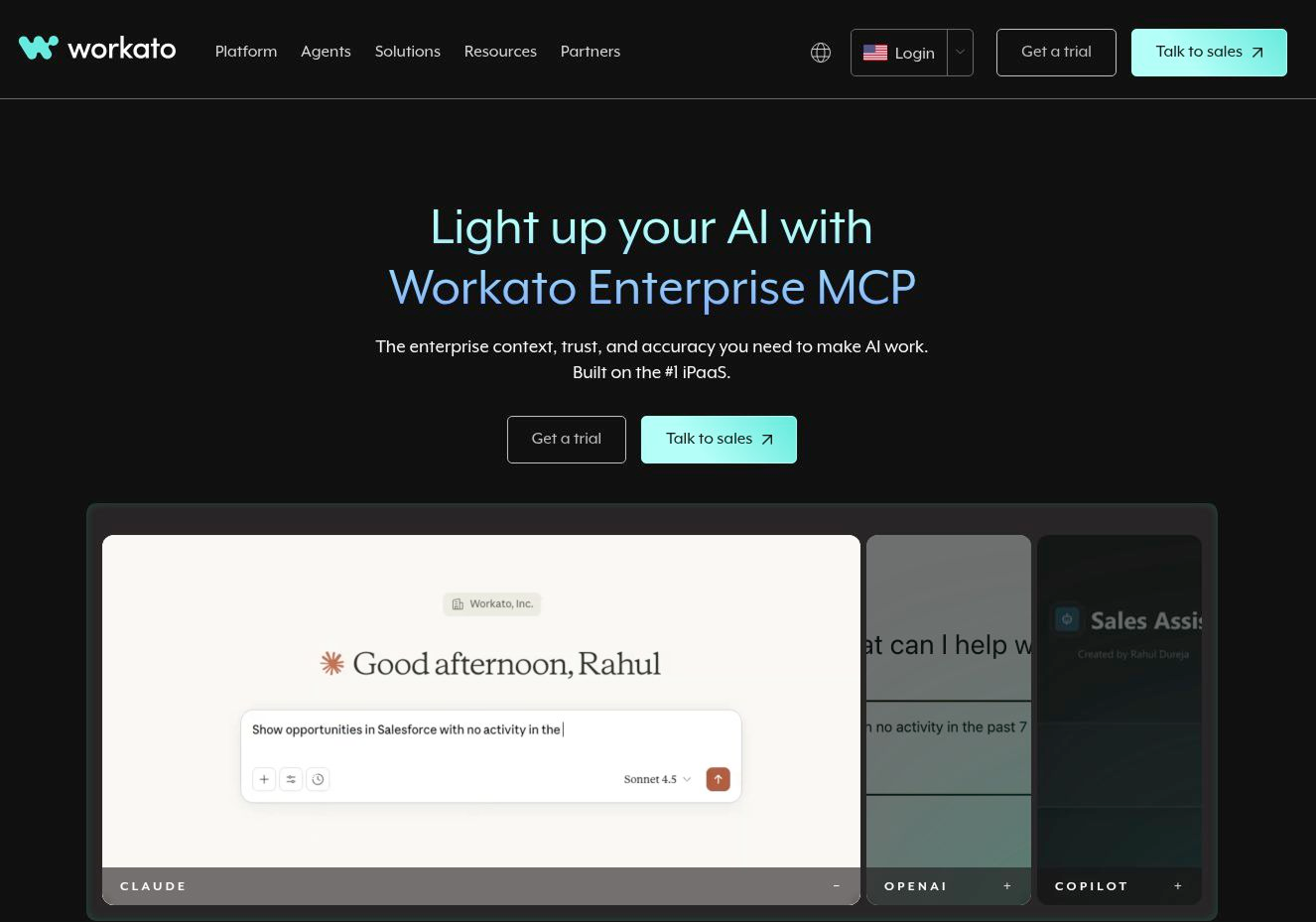
3. Workato
Workato launched in 2013 and raised $200M at a $5.7B valuation in 2021. It's built for mid-market and enterprise teams that need more governance than Zapier but less complexity than MuleSoft. Over 11,000 businesses use it. Think order-to-cash flows, employee onboarding, and cross-system integrations.
What it does: Enterprise automation platform combining app integration, workflow automation, and governance. Low-code "recipes" with complex logic—loops, conditionals, custom SDK connectors. Built for end-to-end business processes, not simple triggers.
Best for: Mid-market and enterprise IT teams automating cross-department workflows with compliance requirements.
Why it works:
Built for complex enterprise processes - Handles workflows across departments - finance, HR, ops. Deep integration with ERP systems (NetSuite, Workday, SAP), compliance built-in (SOC 2, HIPAA, GDPR).
Low-code that scales - Business analysts build automations without constant engineering help. Pre-built connectors (1,200+ apps), reusable recipes, visual builder. Users report Salesforce-NetSuite integrations live in hours.
Strong governance and security - Role-based access, audit trails, central management. The compliance story that gets CIO sign-off.
Where it fails:
Pricing is the dealbreaker - Starts $10K-15K annually minimum. Usage-based pricing charges per task-batching operations costs extra. Users report getting "penalized twice"and being forced into batching (losing simplicity) then paying more for batch features. Real contracts: $84K-$180K for 5M tasks annually.
Overkill for simple use cases - If you need straightforward data replication or simple automations, Workato's power becomes overhead. Data engineers prefer ETL-first tools (Fivetran, Airbyte) for pure data pipelines.
Learning curve at depth - Easy for basics, complex beyond that. Users mention steep curve for advanced recipes, error handling, and workflows requiring programming knowledge despite low-code branding.
Data volume limits - CSV parsing caps at 50K records, lookup tables at 100K. No centralized data store. Teams doing heavy data work hit walls.
Cloud-only - No self-hosting. Blocker for strict compliance, data residency, or on-prem requirements
Pricing:
Standard: Custom quote (~$10K+ annually)
Business: Custom quote
Enterprise: $84K-$180K+ annually (typical range for 1M-5M tasks)
Usage-based models mean costs scale unpredictably as automations grow.
What users are saying: Workato gets praise for power and connectors, but consistently gets dinged on cost. Teams love it until pricing conversations happen—minimums scare SMBs, usage-based billing makes finance nervous as automations proliferate. Common pattern: start with Workato, workflows scale, invoices explode, migrate to cheaper tools or custom code. The learning curve paradox hits too—praised as user-friendly for simple tasks, called complex and poorly documented for advanced work.
Bottom Line
Workato works when you're automating mission-critical enterprise processes and cost isn't the primary constraint. Strong governance, deep ERP connectors, compliance features. But pricing pushes SMBs and mid-market teams toward simpler tools or self-hosted alternatives once they see the actual numbers.
Switch from n8n if - You're enterprise-scale, need deep ERP integrations, and require SOC 2/HIPAA compliance with governance features.
Stick with n8n if - You're not spending $80K+ annually or don't need enterprise-grade security and audit trails.
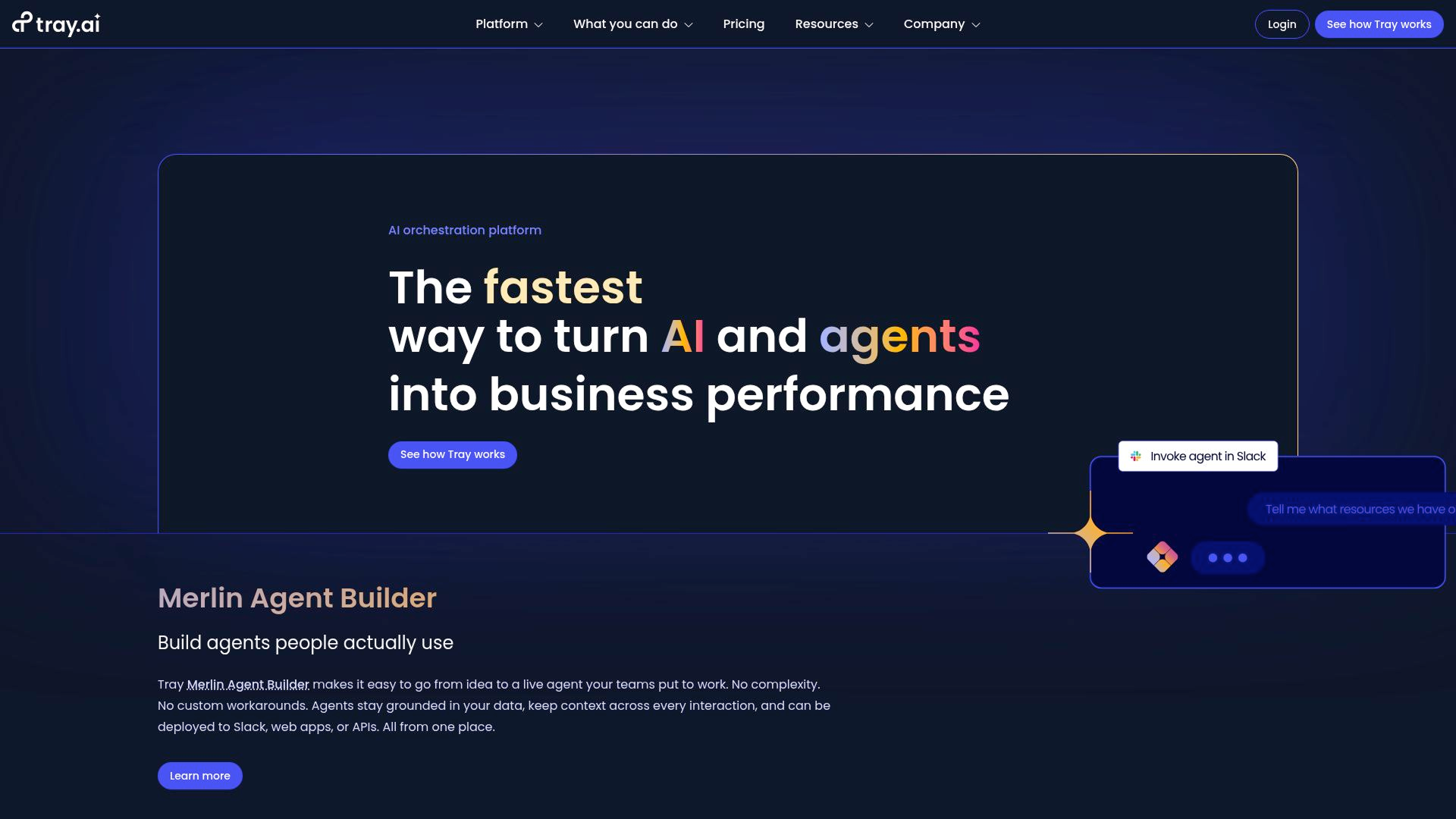
4. Tray.ai
Tray.ai launched in 2012 and positions itself between simple automation tools and enterprise iPaaS platforms. It's built for complex, multi-system workflows with low-code flexibility. It's used by mid-market and enterprise teams connecting serious back-office systems: NetSuite, Workday, Salesforce, billing platforms, and support tools.
What it does: iPaaS platform for complex integrations. Visual workflow builder with loops, conditionals, XML/JSON handling, custom helpers. Connects 600+ apps with deep API flexibility.
Best for: Mid-market teams and enterprises orchestrating complex workflows across CRM, billing, ERP, and analytics systems.
Why it works:
Handles complex workflows- Branching logic, retries, exception handling, high-volume transaction spikes and more. Users describe it as "nearly any scenario" flexibility with generalized connectors and helpers.
Strong orchestration - Better than Zapier when payloads spike. Handles workflow branches, error handling, and data transformations that simpler tools can't.
Breadth of use cases - Works across CRM, billing (ConnectWise, NetSuite), data analytics (SurveyMonkey, Mixpanel), support (Zendesk), identity management. One platform for varied integration needs.
Where it fails:
Pricing isn’t SMB friendly - Starts $500/month minimum, realistically $2,500+/month for useful capacity. Users report quotes around $2,500/month for ConnectWise-NetSuite invoicing—makes manual entry look affordable. Enterprise contracts run $5K-$10K+ annually. The budget test fails immediately for bootstrap teams and cost-conscious orgs.
The learning curve is real - NetSuite consultants call the interface "over-complicated for just mapping simple orders." Even power users acknowledge "there is a learning curve" to master helpers and platform concepts. Overkill for straightforward automations.
Implementation quality varies - Users report Tray dev teams lacking experience with specific systems (NetSuite), causing implementation issues. Support struggles fixing workflow problems. Generic connectors mean more heavy lifting vs. specialized vendors with turnkey templates.
Cloud-only - No self-hosting. Instant disqualification for teams wanting open-source, on-prem, or infrastructure control.
Usage-based model with custom quotes. Real-world costs range from $ 2,500 to $10K+/month for serious use.
What users are saying: Tray gets praised for its flexibility but is consistently criticized for its price and complexity. Teams describe it as "heavy duty" and "very expensive"; great when you need enterprise-grade orchestration, overkill when you don't. Common frustration: the interface is more complicated than expected, especially for simple mappings. Implementation quality complaints surface around specific systems, such as NetSuite. The pattern: powerful tool, but pricing and complexity push smaller teams toward Make, n8n, or DIY solutions.
Bottom Line
Tray.io works when you're mid-market or enterprise, automating complex multi-system workflows, and have budget plus technical capacity. It's built for serious integration work like order flows, exception handling, high-volume events. But pricing ($2,500+/month realistic minimum) and learning curve make it wrong for simple automation or lean teams.
Switch from n8n if - You need enterprise-grade orchestration with better error handling and retries, have complex multi-system workflows, and can afford $5K–$10K+ annually.
Stick with n8n if - You're technical enough to build the workflows yourself, self-hosting matters, or your budget is under $2,500/month.
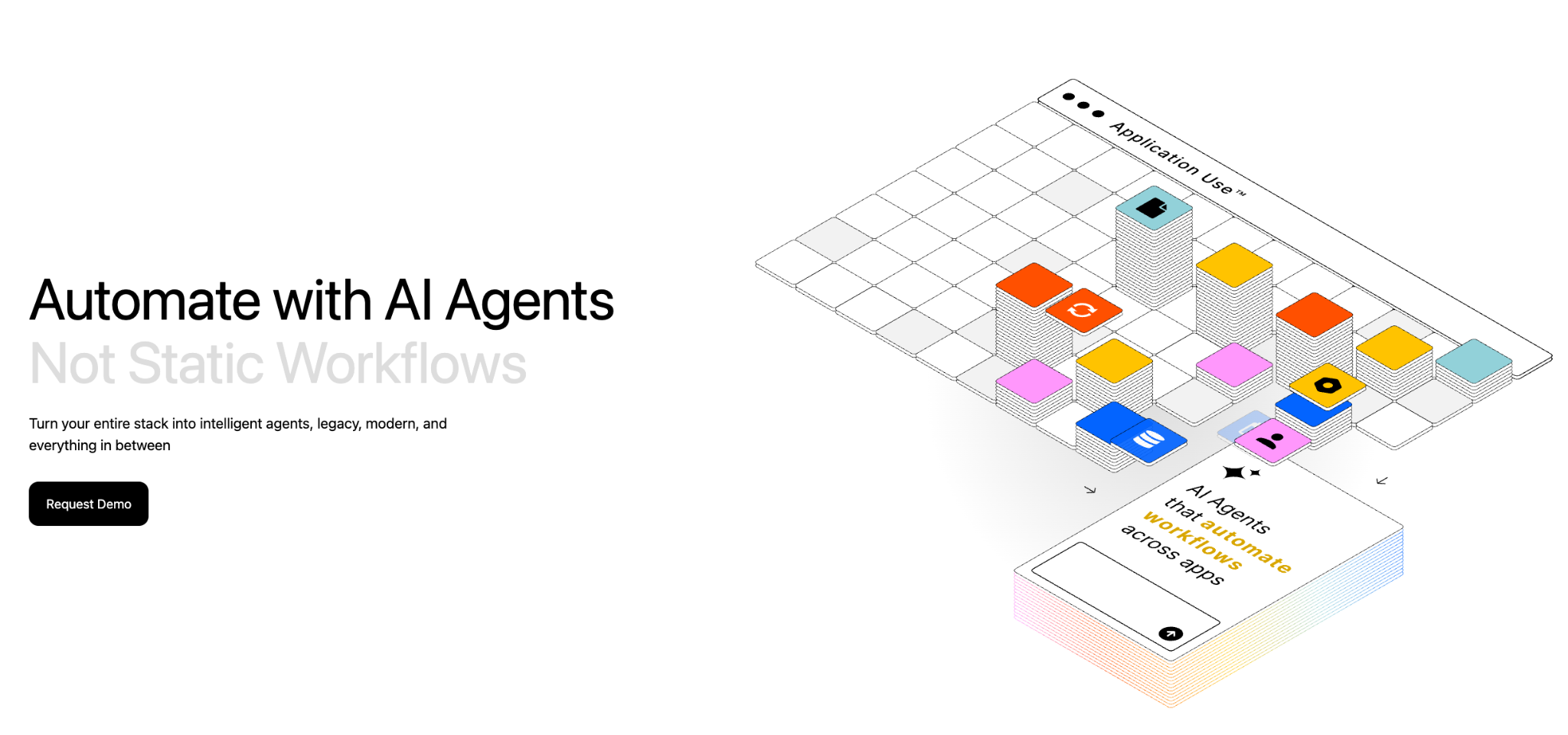
5. Adopt AI
Adopt AI is an end-to-end platform for building and operating enterprise agents — not just infrastructure, but the full lifecycle from API discovery to govern agent deployment.
What it does: Adopt AI turns existing applications into agent-ready systems without rebuilding them. ZAPI (Zero-Shot API Discovery) uses browser-based agents and network crawling to automatically discover, document, and catalog every API in a live application — typically within 24-48 hours. ZACTION (Zero-Shot Action Generation) transforms those discovered APIs into validated, composable actions using LLM reasoning and built-in evaluation loops. The Agent Builder lets teams construct agents using natural language, configuration, or code, with prebuilt UI components for chat, structured inputs, and history. Deploy in-app via JS SDK, or extend to any external client via MCP or REST API.
Best for: Product teams embedding intelligent agents into their applications, enterprise teams needing to agentify complex workflows across fragmented systems (insurance claims, pharma compliance, retail operations, financial services onboarding, supply chain ), and companies that want production-grade agents without multi-month integration cycles.
Why it works:
Zero-shot discovery eliminates integration drag - ZAPI discovers APIs directly from live applications - no SDKs, no code changes, no manual mapping needed. It captures every API triggered by real user actions, uses your own documentation to guide exploration, and keeps output current with re-runs.
Actions are auto-generated and validated - ZACTION converts discovered APIs into structured, reusable actions with inputs, outputs, constraints, and guardrails baked in. Built-in evals continuously test action logic. Actions are composable; chain them into multi-step workflows without writing orchestration code.
Plugs into your existing stack - Adopt AI connects through your existing APIs and identity systems. Deploy agents as in-app endpoints (sidebar, search, homepage), external/web endpoints, or workflow endpoints; all under one policy and observability layer. MCP/SDK patterns with reference implementations for common systems.
Enterprise governance by design - SOC 2 Type II, ISO 27001, HIPAA, GDPR, CCPA compliant. Fine-grained permissions (RBAC), audit trails, policy enforcement, and guardrails built into the platform. Hybrid deployment available; inference can run in the customer's cloud environment for sensitive operations.
Non-engineering teams can build & iterate - Low-code builder and SDK enable rapid iterations. Built-in dashboards, analytics, and telemetry. Product managers get a full capability surface with orchestration, guardrails, and evals without waiting on engineering for every change.
Dedicated engineering support - FDEs (Field Development Engineers) embed as an extension of your team for onboarding, scaling, and enterprise alignment.
Where it's less suited:
Not a general-purpose workflow orchestration tool - Adopt AI is purpose-built for agentifying applications and enterprise workflows. If you need data transformations, scheduled jobs, multi-branch conditional logic, or ETL-style pipeline orchestration, you’re better off leveraging both n8n and Adopt AI. Adopt AI handles what agents do across systems; it doesn't replace your workflow automation layer.
Pricing:
Transparent, usage-aligned pricing with no hidden integration costs. Learn more about the pricing here.
What users are saying: Customers across SaaS, logistics, and financial services agree that Adopt AI deploys quickly, integrates seamlessly with existing systems, and makes scaling AI agents across operations effortless. The result: teams work smarter, without rebuilding what already works. Read our latest customer story here.
Bottom Line
Adopt AI works when you need to turn real enterprise applications into agent-ready systems with governed, auditable execution across fragmented tools. The patented zero-shot technology (discovery + action generation) collapses months of integration into days. It's not a workflow orchestrator, not a chatbot builder. The platform that makes agents actually work against real business systems in production.
Adopt AI and n8n, when leveraged together, removes all the tradeoffs that come with n8n.
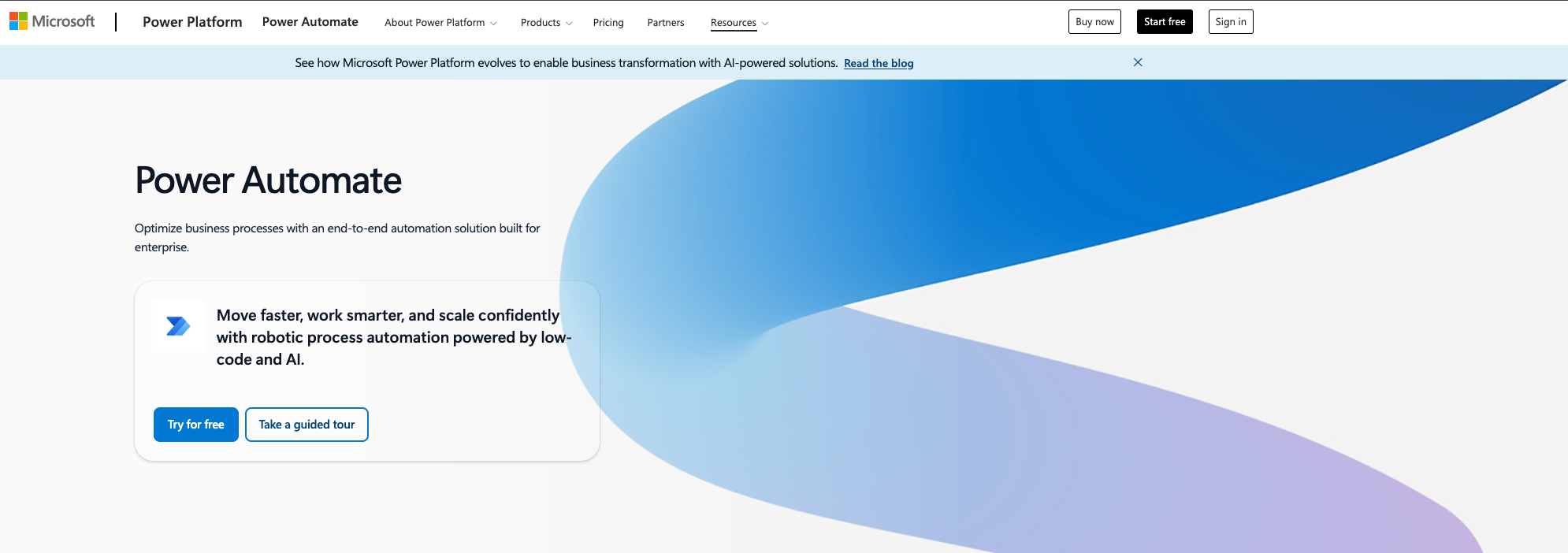
6. Microsoft Power Automate
Microsoft Power Automate is Microsoft's workflow and RPA platform, deeply wired into M365, Dynamics 365, Azure, and Power Platform. Launched as part of Power Platform, it's the automation layer for Microsoft-heavy organizations. Used for approvals, onboarding, HR workflows, document processing across SharePoint, Teams, Outlook, OneDrive.
What it does: Low-code automation platform with cloud flows, desktop flows (RPA), and process mining. Connects natively to the Microsoft stack plus 1,000+ external apps. DLP policies, tenant-level analytics, and built-in governance.
Best for: Enterprises deeply invested in Microsoft 365 and Dynamics 365 that need governed, compliant automation.
Why it works:
Everything talks to everything (if it's Microsoft) - Native integration with SharePoint, Teams, Outlook, Dataverse, Dynamics. Approvals, onboarding, purchasing workflows using existing identities. No connector hell inside the Microsoft ecosystem.
Enterprise governance baked in - DLP policies control which connectors work together, tenant-level analytics, Center of Excellence starter kit. IT prefers staying in the Microsoft walled garden for compliance.
RPA plus process mining under one roof - Desktop flows automate Windows apps and legacy systems. Process mining finds automation candidates. Recent AI/Copilot features for natural language flow building.
Cost leverage if you're already paying Microsoft - Some M365 and Dynamics licenses include standard Power Automate capabilities (standard connectors, 750 runs/month). Premium per-user at $15/month seems reasonable if you're already in the ecosystem.
Where it fails:
Licensing is a nightmare - Confusing per-user, per-flow, per-bot options. Standard vs premium connectors trip people up - HTTP requests and many third-party SaaS require premium licenses even if you already pay for M365. Desktop RPA needs both premium user plan ($15) and per-bot license ($150-$215/month). Partners acknowledge Microsoft licensing is so complex some companies employ someone just to interpret it.
Platform limits block scale - API call limits throttle high-volume workflows. 6,000 inbound webhooks per day ceiling hits MSPs and event-heavy use cases. On-prem gateway blocks files over 2040MB. Dataverse record limits (2K-5K) frustrate bulk processing. Advice from community: switch to Azure Logic Apps for serious scale.
Developer experience gets painful fast - New designer UI called "hot garbage"—slow, glitchy, hard to navigate. Connectors (even for OneDrive, Forms) described as "nightmare to work with." Everything is treated as strings, datetime/JSON handling being overly complicated. Renaming actions breaks downstream references. No folder organization for flows. Debugging complex flows with nested loops is painful. "Fine for quick automations; effectiveness drops as complexity rises."
Limited outside Microsoft world - Non-Microsoft connectors lag Zapier/Make in quality. No native Python 3 support—requires Azure Functions or Desktop workarounds. HTTP connector requires premium license and is often blocked by DLP. Developer-centric tools (n8n, Pipedream) win for API-heavy, self-hosted scenarios.
Cloud-only - No self-hosting option.
Pricing:
Free: Included in some M365 plans (standard connectors, 750 runs/month)
Premium: $15/user/month (premium connectors, attended RPA, AI Builder credits)
Add-ons: AI Builder ($500/unit/month), Process Mining ($5K/tenant/month)
Real costs climb fast once premium connectors and RPA enter the picture.
What users are saying: The tool is often relentlessly criticized for its licensing complexity, platform limitations, and poor UI. Developers find it frustrating beyond basic flows. Common theme: "fine for simple automations, painful for complex work." Feeling that development is "stalled" while newer tools (n8n, Make) mature faster.
Bottom Line
Power Automate works when you're Microsoft-first (M365, Dynamics, Azure), automating internal business processes, and needing governance. Strong for approvals, document workflows, RPA with IT oversight. Fails for cross-SaaS API-heavy work, high-volume workloads, or teams wanting better dev experience. Licensing complexity and platform limits push people toward alternatives once requirements grow.
Switch from n8n if - You're enterprise Microsoft-heavy, need compliance/governance, and IT mandates staying in the Microsoft ecosystem.
Stick with n8n if - You're cross-SaaS, need API flexibility, want self-hosting, or value developer experience — n8n wins on all these fronts.
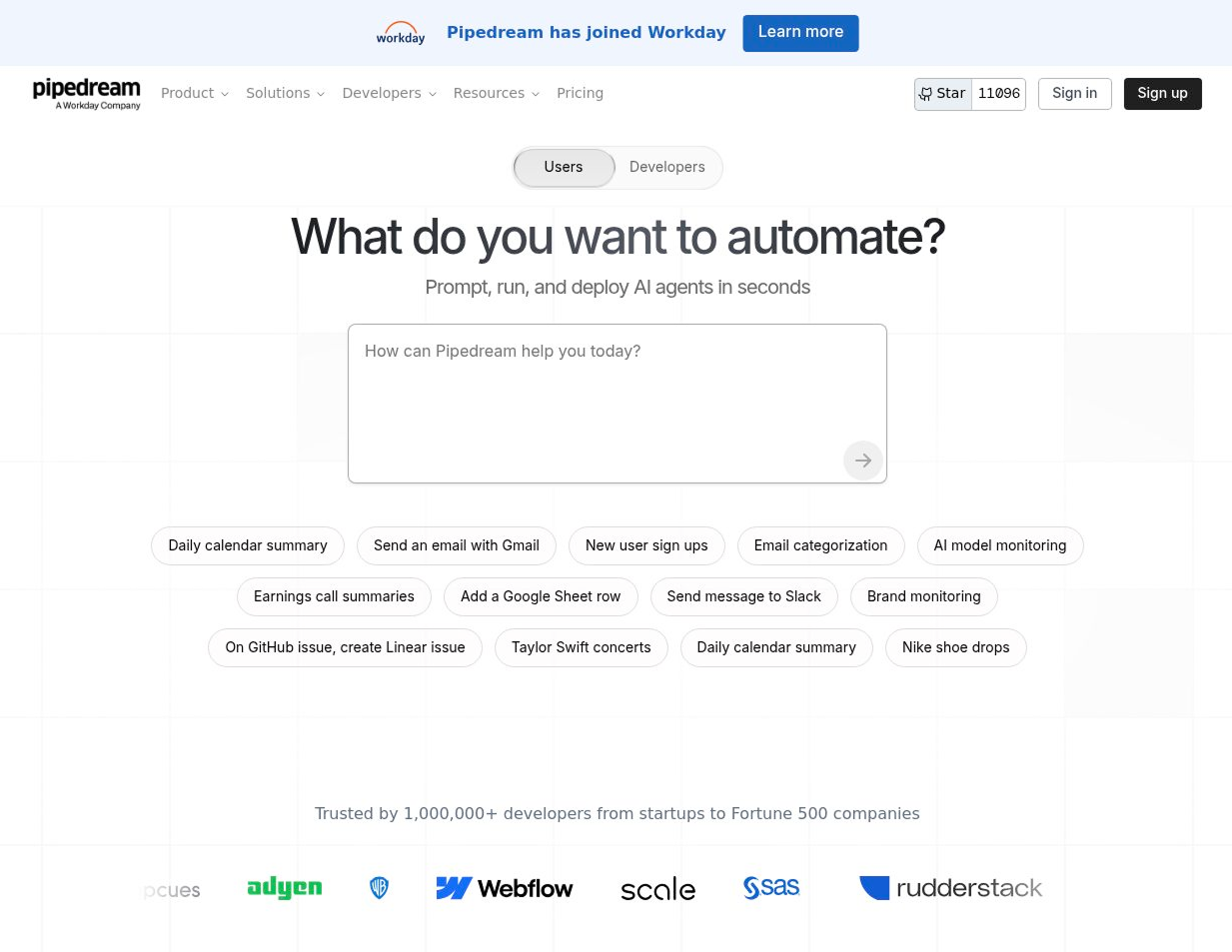
7. Pipedream
Pipedream It's serverless workflow automation that lets you drop into JavaScript or Python mid-flow. Built for technical users who want API-level control without managing infrastructure. 2,900+ app integrations.
What it does: Serverless automation platform. Event-driven workflows (webhooks, schedules, app events) with first-class code steps. Use npm packages, HTTP requests, Python/JavaScript/Go. No servers to manage.
Best for: Developers and technical teams building API-heavy, real-time workflows who want code-level control.
Why it works:
Code-first when you need it - Drop into JavaScript or Python, use npm packages inside workflows. Express complex logic in one code step vs. chaining 5-10 visual modules. Designed "with APIs in mind" - even without prebuilt connectors, HTTP and code steps handle any REST API.
The pricing model favors heavy processing - Charges credits based on compute time (1 credit per 30 seconds at 256MB memory), not per-task like Zapier/Make. Cheaper for data processing, bulk operations, AI workflows where you batch work into single execution windows. Users call it "more fair" for complex logic.
Real-time, serverless - Excellent for webhooks, streaming events, near-real-time syncing. No infrastructure management vs. self-hosting n8n or Node-RED.
Throttling and rate-limit control - Lets you throttle workflows to never hit API limits. Tune batch sizes, control execution timing. Operational control developers want.
Where it fails:
Not for non-developers - Positioned as developer platform. You "hit the need to start coding very fast" once workflows get non-trivial. Non-technical teams bounce to Zapier, Make, Relay for drag-and-drop simplicity.
No self-hosting - Cloud-only SaaS. Teams needing on-prem, compliance, data residency look to n8n, Windmill, Activepieces, Node-RED.
Pricing spikes on certain patterns- No native loop/iterator node in UI; this forces multiple runs where competitors iterate inside one scenario. Large batch jobs explode run counts. Long-running, frequent workflows (Shopify user: workflows taking minutes per run across multiple stores) get expensive.
Fewer ready-made integrations - 2,900 apps vs. Zapier's 8,000+. More custom code required. Developers describe "limited ready-made integrations" vs. mature no-code tools.
Pricing:
Free: 100 credits/month, 1M AI tokens, 3 active workflows
Basic: $29/month (2,000 credits)
Advanced: $49/month
Connect: $99/month (10,000 credits)
Credits consumed: 1 per 30 seconds compute time per workflow segment.
What users are saying: Developers love code flexibility, npm packages, serverless models. "Sequential approach to workflows is excellent." "Helped me look like a real hacker." Criticized for learning curve, per-run billing on large batches, lack of iterator node. Non-technical users find it complex. Pattern: start with Pipedream for MVP, migrate to custom code (AWS Lambda, Azure Functions) for cost control at scale or to n8n for self-hosting.
Bottom Line
Pipedream works when you're technical, doing API-heavy logic-dense workflows, and want code control without managing servers. The pricing model favors heavy processing per run. Fails for non-developers, high-volume loop-heavy operations, or teams needing self-hosting. Sweet spot: technical MVPs and real-time event-driven automation.
Switch from n8n if - You want serverless (no infrastructure management), are comfortable writing code, and your workflows are logic-dense rather than high-volume iteration.
Stick with n8n if - You need self-hosting, want visual workflow building, or have high-volume batch operations — n8n's iterator and self-hosted model win.
8. Gumloop
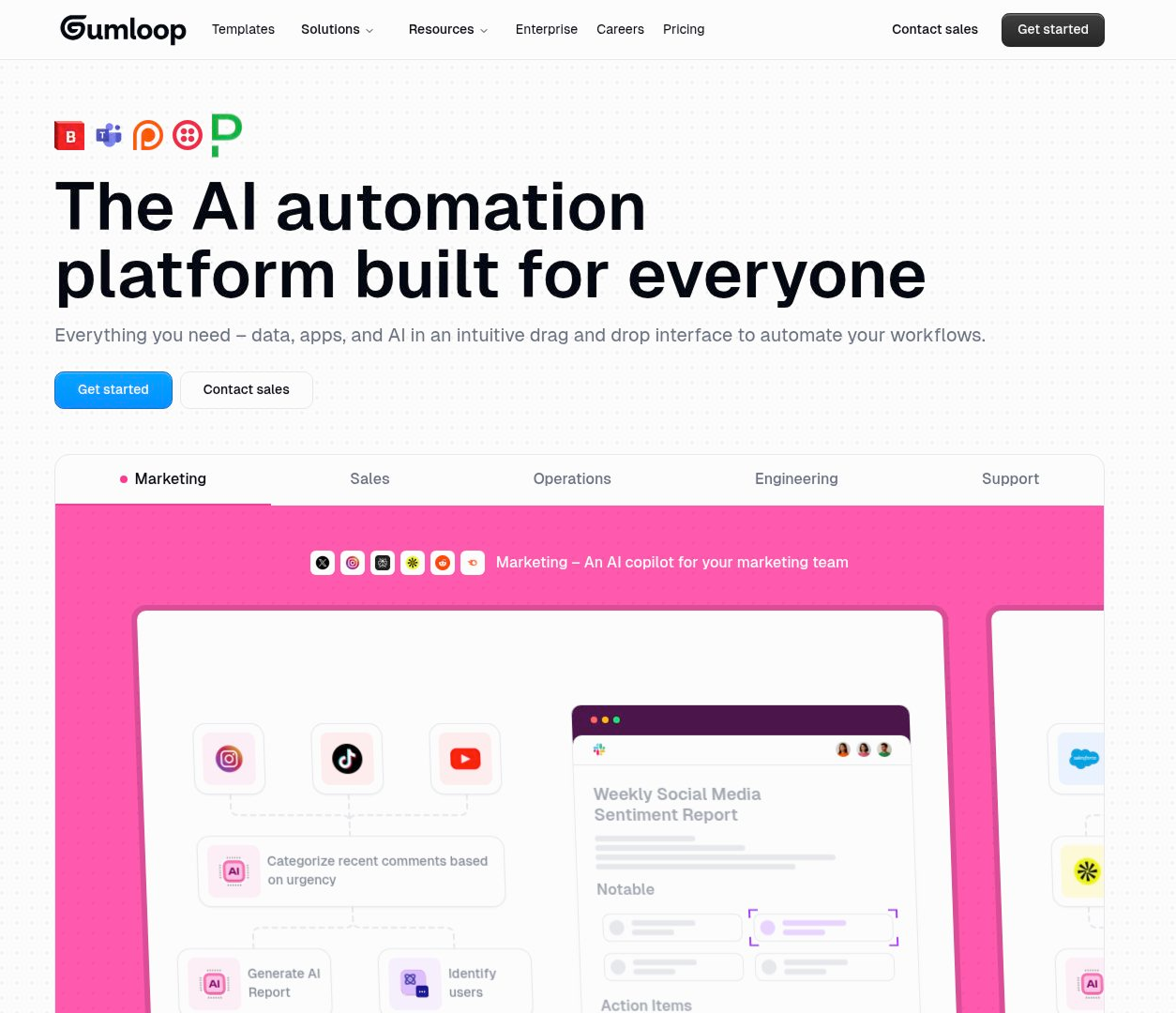
Gumloop launched in 2019, positioned as "AI-native" no-code automation, especially for marketing and content workflows. Used by teams at Shopify, Instacart, Webflow. SOC 2 Type 2 and GDPR-compliant.
What it does: Visual workflow builder where AI isn't just one action node—it's baked into higher-level blocks for extraction, classification, transformation. Drag-and-drop flows with built-in LLM access (no separate API keys), reusable subflows, publish flows as shareable mini-apps.
Best for: Marketing and growth teams automating SEO, content, lead gen, and enrichment workflows.
Why it works:
AI-first design, not bolted-on - Most tools (Zapier, Make, n8n) treat AI as one action you wire up manually. Gumloop bakes AI into semantic blocks—you define "what" (classify leads, extract attributes), it handles "how." Complexity grows slower. Power users prefer Gumloop for "80% of situations" when self-hosting isn't required.
Built for marketing workflows - Constantly ranked "best for marketing teams." SEO (SERP scraping, competitor analysis, content outlining/drafting/repurposing), lead gen (scraping, classifying, CRM pushes), email/social (automated replies, calendar building, cross-posting). One agency: 5 custom workflows, 10 hours/week saved, 65% increase in qualified demos year-over-year.
No-code builder with templates - "Zapier + ChatGPT with a visual builder." Marketing templates (SEO, content, research) get teams to value without blank canvas. In-product assistant helps design workflows. "Middle ground if you want power without complexity."
Production-ready for teams - Runs millions of tasks in parallel. Multi-seat plans, role-based permissions, reserved compute, SSO/SAML. Feels more production-ready than hobbyist AI tooling for mid-market GTM teams.
Where it fails:
Entry price is steep for small teams - Solo starts at $37/month (10,000 credits), Team at $244/month (60,000 credits, 10 seats). Free tier (2,000 credits) enough to taste, not run recurring automation. Freelancers, solopreneurs, low-usage teams find the floor hard to justify. Credit-based billing is also unpopular vs. simple task-per-month pricing.
No self-hosting - Cloud-only SaaS. Teams needing granular control, explicit data flows, and auditability prefer n8n. Regulated environments or on-prem requirements blocked. Engineering teams want deterministic behavior, custom code, deep debugging—harder in AI-abstracted nodes. Pattern: technical orgs → n8n/LangChain/CrewAI; marketing orgs → accept Gumloop unless compliance blocks.
UX polarizing - Split sentiment. Some say the drag-and-drop interface is "excellent," others call it "horrible," "odd," "not intuitive." Basic flows straightforward, advanced nodes have many settings that overwhelm. Consultants report end-clients struggle to understand/adjust flows, pushing them toward Zapier/Make.
AI reliability concerns - Sharp critique: "They've tried to automate everything away from their AI but their AI is incapable." When AI-assisted builders misconfigure flows or fails on edge cases, users feel they lack levers to fix quickly. For mission-critical, deterministic workflows (billing, order management, strict pipelines), AI fuzziness is a bug, not feature. Teams prefer explicit logic tools.
Support and ecosystem gaps - There's no live chat—support. Fewer app integrations vs. Zapier/Make's years of accumulation. Some marketers prefer specialized tools (Relevance AI, Metaflow, Airops) for specific jobs, claiming they outperform generalist platforms.
Pricing:
Free: 2,000 credits/month, 2 concurrent flows, forum support
What users are saying: Marketing teams praise speed-to-value, AI-first workflows, and time savings. "Gorgeous UI," "intuitive no-code." Criticized for pricing ($97-$244/month steep), high credit usage on complex workflows, polarizing UX, and AI reliability issues. Pattern: love it for marketing automation, abandon when need control, self-hosting, or mission-critical deterministic logic.
Bottom Line
Gumloop works when you're a marketing/growth team, want AI deeply embedded in scraping/enrichment/SEO/content workflows, care about speed over low-level control, fine with hosted SaaS, and can justify $100+/month. Fails for cost-sensitive small teams, self-hosting/on-prem needs, non-technical teams overwhelmed by the interface, mission-critical deterministic workflows, or teams wanting the broadest app ecosystem.
Switch from n8n if - You're marketing-led, want AI-native blocks to reduce complexity, and hosted SaaS with compliance is acceptable — speed matters more than control.
Stick with n8n if - You need self-hosting, granular control, explicit data flows, deterministic logic for mission-critical workflows, or cost sensitivity — n8n self-hosted is cheaper.
9. Relay.app
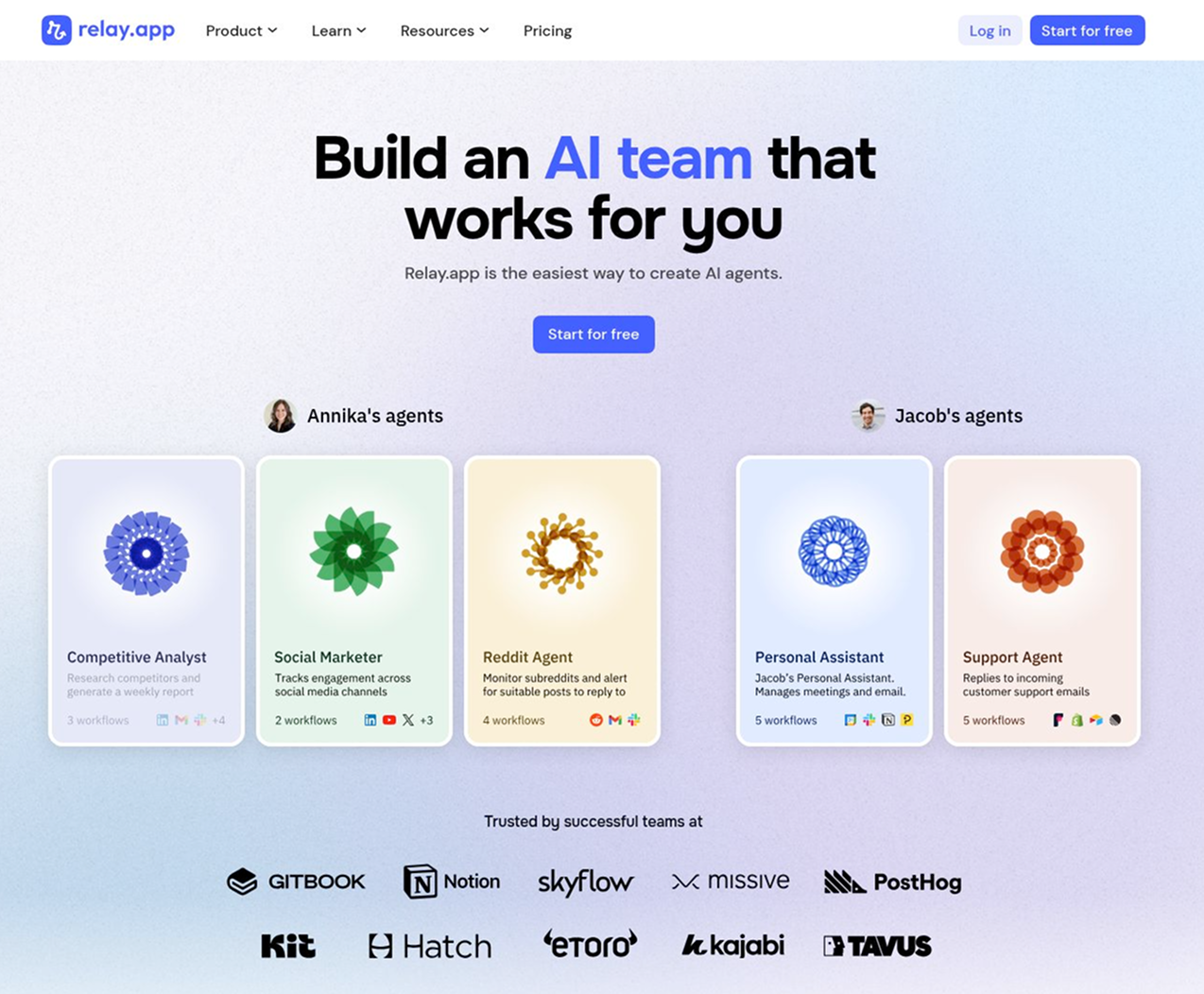
Relay.app launched recently, positioned as a simple AI automation with human-in-the-loop controls. "Make's pricing + Zapier's ease of use." Built for everyday tech-savvy SaaS users, not developers. Integrates with Slack, Salesforce, Google Workspace, Jira, Notion, and HubSpot.
What it does: Visual workflow automation with AI-native steps (extraction, summarization, classification) and human approval checkpoints baked into flows. Connect apps, add AI steps, and insert approvals when decisions need human review.
Best for: Non-developer teams wanting drag-and-drop automation with AI and approval gates—easier than Make, more affordable than Zapier.
Why it works:
Easiest UI in automation - Consistently praised as simpler than Make and Zapier. Users who struggled with Make "eventually switched to relay.app," found it "much simpler and more intuitive." "Only needed five minutes to grasp everything," "best UI out of the bunch." Targets "everyday SaaS users" not developers—if you don't want to think in APIs, webhooks, error-handling modules, Relay feels friendlier.
AI-native workflow steps - Built-in AI capabilities for text extraction, summarization, classification. Parse inbound emails/forms (categorize leads, extract fields), then create CRM records, trigger sequences, create tasks. Summarize conversations/tickets, sync to Notion/HubSpot/Jira. Smart routing (AI decides pipeline, owner, queue). Reduces need to maintain separate prompt logic or custom code.
Human-in-the-loop built in - Explicitly supports human approval steps interspersed in automation. Marketing ops: approval before updating pricing or publishing content. Sales ops: human approval before bulk-updating deals. Support: manual triage on some tickets, automated handling on others. Baked into product UX, attractive for teams wanting automation without giving up control.
Pricing predictability, free AI credits - "More affordable pricing, without fees for each task" (vs. Zapier per-task billing). "Pretty good free tier," free AI credits to experiment. "Make-like pricing with Zapier-like usability." Predictability plus AI credits is the key reason teams move from Zapier/Make to Relay.
Where it fails:
Less depth for advanced/technical work - Doesn't match deep control of Make/n8n. Salesforce user: Make "might have more functionality," specifically arbitrary SOQL queries vs. Relay's filter options. Team acknowledges "some advanced features like custom GPTs aren't available"—not a full "build-your-own AI product" platform. Power users start in Relay for quick wins, later consider alternatives when outgrowing UI—especially complex branching, heavy API scripting, deep vendor-specific features.
The ecosystem is not as mature - Newer than Zapier/Make/n8n, doesn't have thousands of long-tail integrations or massive template libraries. Users praise integrations with "new tools" (Attio, Fireflies), but pattern: off-the-beaten-path stacks or niche SaaS have higher chances already supported by Zapier/Make. Heavy reliance on pre-built templates? Zapier/Make/n8n ecosystems richer from age.
No self-hosting - Hosted SaaS aimed at "everyday SaaS users," not enterprise DevOps. Teams needing their own infrastructure (compliance, data residency, air-gapped environments), tight security controls, extending platform with custom code/nodes → look to n8n, Activepieces. Hard blocker for regulated/on-prem-only/security-sensitive environments.
Not for building customer-facing AI products - Strong at "AI inside workflows" but intentionally not a custom-GPT builder. To sell AI agent as a product, expose multi-tenant instances, do custom memory/retrieval/multi-tool orchestration → reach for dedicated AI-agent platforms, frameworks (LangChain, LLMOps), or Make/n8n + direct API calls.
Newer product trade-offs - Users like "platform still early, team responsive and driven," "feels like Zapier in 2013." But: fewer battle-tested edge cases, fewer third-party tutorials/consultants. Some treat it as "one of several tools" rather than sole automation backbone due to vendor risk. For teams needing a long proven history and wide partner ecosystem, this alone justifies looking at alternatives.
Pricing:
Free: 200 steps/month, 500 AI credits, single user
Professional: $38/month (750 steps, 5,000 AI credits, priority polling, single user)
Add-on AI credits: $19/month (10,000 credits) to $1,199/month (1M credits)
What users are saying: Praised for ease of use; comments like "easiest to learn," "minimal learning curve," "brilliant UI." "Game-changer for marketing," "saves countless hours," "super affordable." Criticized for limitations: advanced Salesforce functionality missing, newer ecosystem (fewer integrations/templates), no self-hosting. Pattern: love it for simplicity and price; outgrow when need deep technical control or niche integrations.
Bottom Line
Relay.app works when you're a non-developer team automating lead capture/enrichment, content workflows, internal ops; value UI simplicity, AI-enhanced steps, human approvals, and predictable pricing. Fails for deep Salesforce/ERP logic, complex multi-branch automation with low-level control, self-hosting/on-prem, niche app dependencies, or building customer-facing AI products.
Switch from n8n if - Your team is non-technical, struggles with n8n's complexity, and hosted SaaS with simple UI + human-in-the-loop is more valuable than self-hosting control.
Stick with n8n if - You need self-hosting, advanced technical workflows, a broad ecosystem, or deep vendor-specific integrations — n8n gives you more power and flexibility.
10. Relevance AI
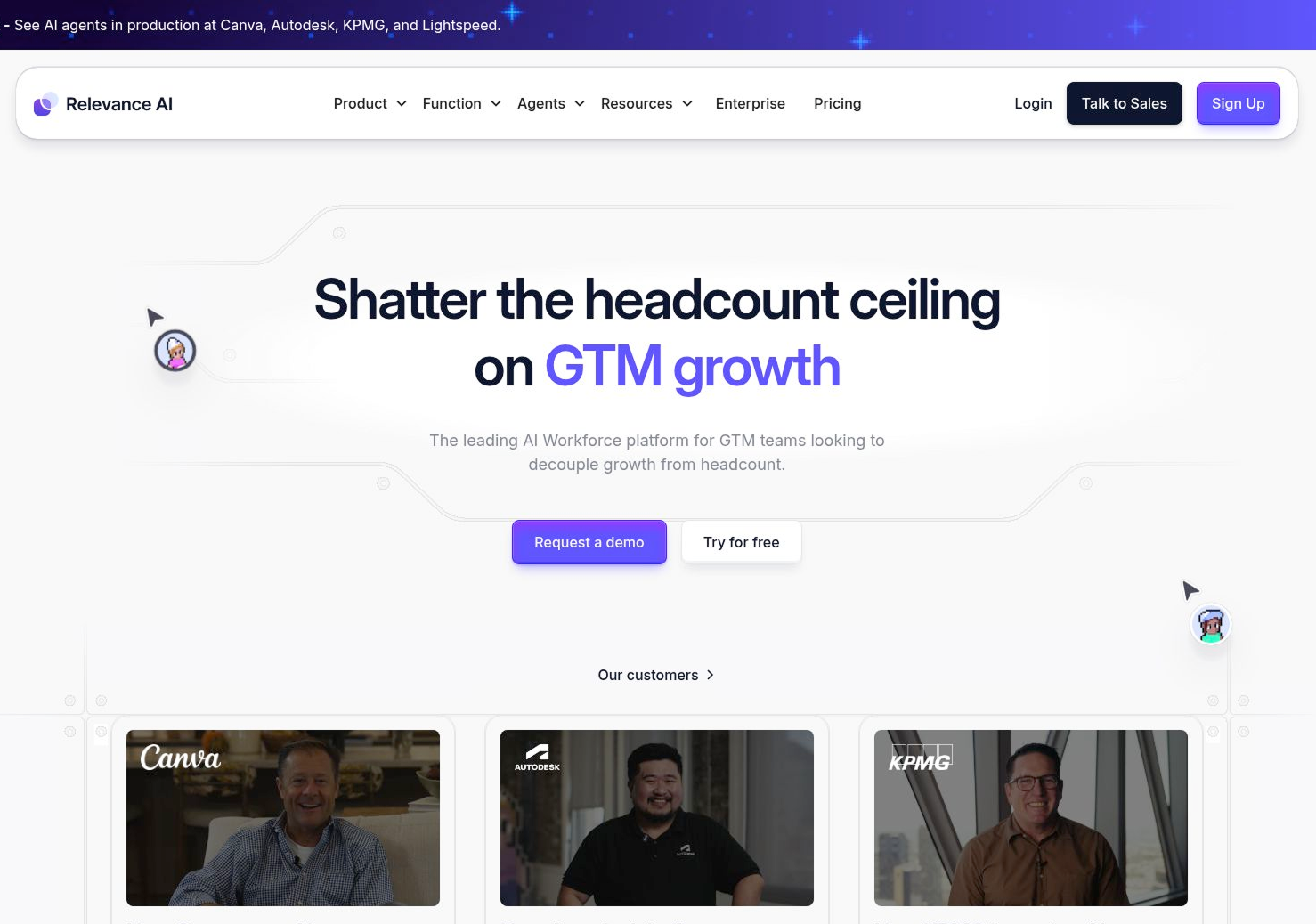
Relevance AI launched 2019, Sydney, positioned as "AI workforce platform"—no-code builder for multi-agent systems. SOC 2 Type II and GDPR-compliant. Used for BDR agents, research workflows, content pipelines, lead enrichment.
What it does: No-code platform for building AI agents and multi-agent systems. Drag-and-drop interface, templates, built-in AI tools (search, scraping, transcribing, APIs). Multiple specialized agents coordinate on tasks. 9,000+ integration tools, 400+ pre-built agents.
Best for: Ops teams, marketers, agencies automating multi-agent workflows—research, BDR, content, lead enrichment—without coding.
Why it works:
Fast agent prototyping without coding - Effective for quickly standing up agents (lead qualification, customer support, document processing, research) in hours vs. building LangChain/LlamaIndex from scratch. Attractive to ops teams, marketers, solo founders wanting working agents fast.
Strong for multi-agent coordination - Ranked "best for multi-agent systems." Multiple specialized agents coordinate on research, content pipelines, complex business processes. AI BDR agents (multi-channel outreach, CRM updates), research agents (sales call prep, competitor scraping), automated lead enrichment, content engines (blog pipelines, social calendars).
Templates, low learning curve (simple cases) - Ready-made templates, "exceptionally low learning curve" for getting agents running. Non-technical users describe agents in natural language, adapt templates—big win vs. wiring manually in n8n/Make.
AI tools abstraction - Each agent has capabilities (calling external APIs, processing data, transforming transcripts). Better suited to "do work across systems" vs. just "answer questions" like pure chatbot builders.
Why it fails:
Credit-based pricing burns fast - Everything consumes credits—actions, testing, chat interactions. Base cost: 4 credits/execution (Free/Pro), 3 credits (Team), 2 credits (Business). Users: "Everything costs credits," chatbots burn through quickly, geared toward individual tasks not heavily scaled assistants. High-volume or always-on agents (public support, large outbound, massive content farms) leads to unpredictable bills. Teams look for flat pricing or control their own infra.
Performance degrades under load - "More intense tasks" (larger, complex workflows) slow down response times, especially conversational chatbot front-ends. Broader skepticism about debugging/reliability of multi-agent systems. For hard SLAs, strict latency targets, very complex orchestration, it pushes toward custom stacks or mature automation frameworks.
No instant webhooks - Triggers poll on schedule (every 2 minutes), not instant. "Manageable" but not ideal for real-time flows.
Integrations are good but not the best - Marketing touts 2K+ integrations, users describe "minimal integrations" in practice. Often call out to Zapier/Make/own APIs for deeper coverage. Communities frame Relevance alongside Stack AI, Vectorshift, Flowise—users needing a broad battle-tested integration layer still lean Zapier/Make/n8n as primary orchestrator. Feels like an extra layer vs. central nervous system.
Not ideal for high-intensity chatbots - Good for automating tasks, not running high-intensity chatbots. Under heavier conversational loads, latency increases, credit model is painful. Teams wanting "chat support" or "website copilot" at scale choose dedicated chatbot platforms or build custom RAG stacks.
More technical than marketing suggests - Interface no-code, but "getting robust, monetizable agents still demands more technical expertise than it claims." For intricate workflows or deep custom integrations, teams hit no-code limits, move to n8n/Make + custom scripts or build internal frameworks (LangChain, LlamaIndex, pure code). Classic pattern: great 0→1, constraining at 1→10 scale.
No full self-hosting - Can only self-host components, not the whole platform. Security-sensitive/regulated environments wanting full self-hosting or VPC-only deployments blocked. Pushes toward self-hosted orchestration (n8n/LangGraph/custom) or cloud platforms with stronger enterprise deployment.
Add-on: Vendor Credits (LLM costs passed at wholesale, roll over indefinitely)
What users are saying: Praised for user-friendly interface, fast setup, automation capabilities, 9K+ tools. "Ease of use," "useful," "AI integration." Criticized heavily for expensive pricing, credit exhaustion, performance under load, "poor customer support." Pattern: love for simple internal agents; abandon for high-volume always-on agents, cost unpredictability, or need for deep control/self-hosting.
Bottom Line
Relevance AI works when you're an ops/marketing-heavy team, want quick multi-agent prototyping for internal workflows (sales research, lead enrichment, light content), and moderate volume where the credit model is manageable. Fails for high-volume always-on agents, real-time automation, broad integration coverage, high-intensity chatbots, deep customizability, or full self-hosting.
Switch from n8n if - You're a non-technical ops team wanting fast multi-agent setup without coding, and hosted SaaS with compliance is acceptable — speed to value matters more than control.
Stick with n8n if - You need high-volume workflows, real-time webhooks, broad integration coverage, self-hosting, or full control over orchestration logic — n8n gives you the power and predictability it wins on.
Quick Comparison: The Cheat Sheet
Here's how all 10 alternatives stack up at a glance:
Not for non-developers, pricing spikes on certain patterns
Gumloop
Marketing teams, AI-heavy workflows
$37/month
AI-first designMarketing templatesProduction-ready for teams
Entry price steep, credit burn, UX polarizing
Relay.app
Non-technical teams, simple AI automation
$38/month
Easiest UIAI-native stepsHuman-in-the-loop
Less depth for advanced work, newer ecosystem
Relevance AI
Ops teams, multi-agent workflows
$19/month
Fast agent prototypingMulti-agent coordinationTemplates
High credit usage, performance degrades under load
Conclusion: The Real Cost of Sticking with n8n
Here's what we learned testing 10 alternatives over six weeks: n8n's open-source promise is real, but so is the operational tax.
The "free" model works brilliantly until -
Your marketing team needs to build something and can't figure out how.
A workflow breaks and nobody knows why
You're three weeks into what should have been a one-day project.
The right alternative depends on what you actually value.
But, here's the uncomfortable truth. The best automation tool isn't always the most powerful or the cheapest. It's the one that gets out of your way and lets your team ship. The one where your marketing person can build something without filing a ticket. The one where debugging doesn't feel like a huge uphill task.
n8n gives you control and flexibility. For some teams, that's exactly what they need. For others, that freedom became a burden they didn't sign up for.
What to do next?
Don't migrate everything at once. Pick your most annoying workflow; the one that breaks constantly or takes forever to modify. Build it in 2–3 alternatives. Live with each one for a week. You'll know which one feels right.
The best automation tool is the one where you stop thinking about automation and start thinking about the work you're actually trying to do.
Active Pieces is free if you self-host. Pipedream has a generous free tier (100 credits/month, 1M AI tokens). Integrately offers a free tier for light usage. If you're already self-hosting n8n, Active Pieces is your best bet—it's the spiritual successor without n8n's rough edges.
Which n8n alternative has the most integrations?
Zapier leads with 7,000+ app integrations, followed by Make with 2,000+. But integration count isn't everything—most teams only use 10-15 core tools. Make and Pipedream give you better flexibility for custom API work when you need something that doesn't have a pre-built connector.
What's the best open-source alternative to n8n?
Active Pieces if you want similar architecture with better developer experience (TypeScript, easier to extend, better team features). Pipedream if you prefer code-first workflows and don't mind it being less visual. Both learned from n8n's mistakes.
Can I migrate existing n8n workflows to another platform?
Mostly manual, unfortunately. Most platforms have import/export features, but n8n workflows won't directly port to other tools. Budget time to rebuild—it's a good opportunity to simplify and improve workflows anyway. Start with your most critical 3-5 workflows, not everything at once.
Which alternative is best for AI-powered automation?
Adopt AI if you want AI agents that actually build and execute workflows (not just assist). Relay.app for AI-assisted no-code workflows with human approvals. Gumloop for marketing-specific AI automation. Stack AI for data/ML pipelines. Relevance AI for multi-agent systems.
What's cheaper than n8n at scale?
Self-hosted Active Pieces (free infrastructure costs only). Pipedream's free tier if you're under 100 credits/month. Integrately for cloud ($20/month vs. n8n Cloud's execution-based pricing). The real question: are you factoring in maintenance time? "Free" self-hosted options cost engineering hours.
Should I just stick with n8n?
Maybe. If you're self-hosting successfully, have technical resources to maintain it, and aren't hitting team collaboration limits; there's no reason to migrate. n8n works well for technical teams who can handle the rough edges. But if you're spending more time debugging than building, or your non-technical teammates can't use it, that's your signal to explore alternatives.







.svg)
.svg)