
AI Transaction Categorization: How It Works and What to Look For

Deepak Anchala
Co-Founder and CEO, Adopt AI6 October 2026

A $412.18 charge from "AMZN Mktp US*2K47R" hits your business card. Office supplies? Inventory? A monitor you should capitalize? The merchant name won't tell you, and a rule that sends every Amazon charge to one account will misfile the monitor, the inventory or both.
Most of the hard problems in AI transaction categorization show up in that one line. This guide covers how the tools decide, where they break, and what to check before you trust one with your books.
The short answer
AI transaction categorization reads each bank or card transaction (description, amount, date, merchant code and any attached receipt or bill), compares it with how you've coded similar transactions before, and suggests an account from your chart of accounts. Good tools show a confidence level and the reason for each suggestion, send uncertain items to a person, and keep a record of who accepted each category.
When you compare tools, look past the accuracy claim. Check whether the tool explains its choices, uses your chart of accounts as written, handles splits and transfers, and lets a person approve before anything reaches the ledger.
How AI transaction categorization works
Most tools combine three methods. Knowing which one made a given call helps you judge it.
1. Rules
"Anything from our payroll provider goes to Payroll Expense." Rules are fast, predictable and easy to audit. They break on merchants that sell many things (Amazon, Costco, a hardware store), on vendors that change their billing descriptor, and on the first transaction from a new vendor.
2. Pattern matching on your history
The tool looks at how your team coded past transactions from the same merchant, at similar amounts, on a similar schedule, and proposes the same account. A $49 charge from your project management software every month on the 3rd gets the same code as last month. This method learns your habits, including the bad ones: if someone miscoded a vendor for six months, the model learns the mistake.
3. Reading the transaction and its documents
Language models can read a messy bank description ("SQ *BLUE BOTTLE OAKL") and infer a coffee shop, or read the attached receipt and see that the Amazon order was a monitor and a box of pens. This method handles new vendors and mixed purchases better than rules or history. It also needs the most oversight, because a model can sound confident about a guess.
Where the confidence score comes from
A useful tool tells you how sure it is and why: "matched a rule," "same as the last 11 transactions from this vendor," or "inferred from the receipt." High-confidence items can go to a fast-approval list. Low-confidence items go to a review queue with the evidence attached. If a tool hides its reasoning, your reviewer has to redo the work to check it.
Where AI categorization gets transactions wrong
These are the cases to test in any trial. Send the tool a month that contains each of them.
| Case | What goes wrong | What a good tool does |
|---|---|---|
| Multi-purpose merchants | One vendor maps to many accounts | Reads the receipt or bill, or asks |
| Split transactions | One charge covers two accounts | Lets you split, and remembers the split pattern |
| Transfers between your own accounts | Coded as income or expense | Detects the matching leg in the other account |
| Payment processor payouts | Net deposit hides fees and refunds | Separates gross sales, fees and refunds |
| Refunds and chargebacks | Coded as new income | Matches the refund to the original charge |
| Capital purchases | Expensed instead of capitalized | Flags items above your capitalization threshold |
| Owner or personal spending | Coded as a business expense | Routes to a person, never guesses |
| New vendors | No history to match | Shows low confidence and asks |
| Descriptor changes | Same vendor, new name on the statement | Links the new name to the known vendor |
Items no one can identify often end up parked in a suspense account. Watch that balance during a trial. If it grows, the tool is deferring work to month-end instead of surfacing it while the details are fresh.
Categorization and reconciliation belong together
Several of the searches that lead people here ask for software that categorizes transactions and reconciles accounts. That pairing makes sense. A categorized transaction that doesn't tie to the bank statement is still wrong.
A sound workflow runs in this order: transactions arrive from the bank feed, the tool flags duplicates, suggests categories, a person approves, and then the bank reconciliation checks that the ledger matches the statement balance to the cent. Ask whether the tool stores the statement balance as the bank reported it, or calculates it from transactions. A calculated balance can hide a missing transaction, because the tool reconciles against its own math.
"Which transaction categorization API is best?"
If you're building your own, know what the APIs return. Most categorization APIs give you a merchant category, such as "Restaurants" or "Software," based on standard merchant codes. That label isn't your general ledger account. Your chart of accounts might split software into "Hosting," "Subscriptions - Sales" and "Subscriptions - Engineering," and no generic API knows that.
So an API covers step one. You still need to map merchant categories to your accounts, handle the cases in the table above, build a review queue and keep an audit trail. Teams that start with an API often end up building a small bookkeeping product. Price that work in before you choose build over buy.
What to look for in an AI categorization tool
Use this checklist in demos and trials:
- Your chart of accounts, as written. The tool should use your account codes and names, not force a template.
- A reason for every suggestion. Rule, past decision, merchant code or document. You should see which one.
- Documents win over rules. If a receipt says "monitor" and the rule says "office supplies," the receipt should take precedence, or the item should go to a person.
- Confidence you can act on. A fast lane for high-confidence items and a review queue for the rest.
- A person approves before the ledger changes. At least until you've seen enough of the tool's work on each transaction type.
- An audit trail on every row. Who or what proposed the category, who accepted it and when.
- Learning per business or entity. What's right for one company is wrong for another. Global learning across customers can carry other businesses' habits into your books.
- Splits, transfers, refunds and payouts. Test each one.
- Write-back to your accounting system. Approved categories should flow back, so you aren't keeping two sets of books.
- An honest answer on accuracy. If a vendor quotes a percentage, ask: accurate on which transactions, measured how, and over what period? A figure without its denominator tells you nothing about your volume.
How Adopt handles transaction categorization
Adopt connects to your bank and card feeds and your accounting system, and uses your chart of accounts with your codes intact. It shows the bank side and the ledger side next to each other, with counts of uncategorized transactions and unknown vendors beside the total.
For each transaction, Adopt suggests a category and shows its confidence and the reason behind it: a merchant code, a rule or a past decision by a person. Rules never override a document. Adopt applies nothing automatically today: you accept or reject the suggestion on the row, and the record shows that an agent proposed it and which person accepted it. Every transaction has its own comment thread and a timestamped history.
Reconciliation runs at zero tolerance: if the ledger is one cent off the statement, Adopt reports it out of balance. We're building per-business learning next, so each company's corrections shape its own suggestions.
See it on your own transactions: start free, or explore our bookkeeping software.
FAQs

Related Articles

The Complete Month-End Close Checklist (Free Template)
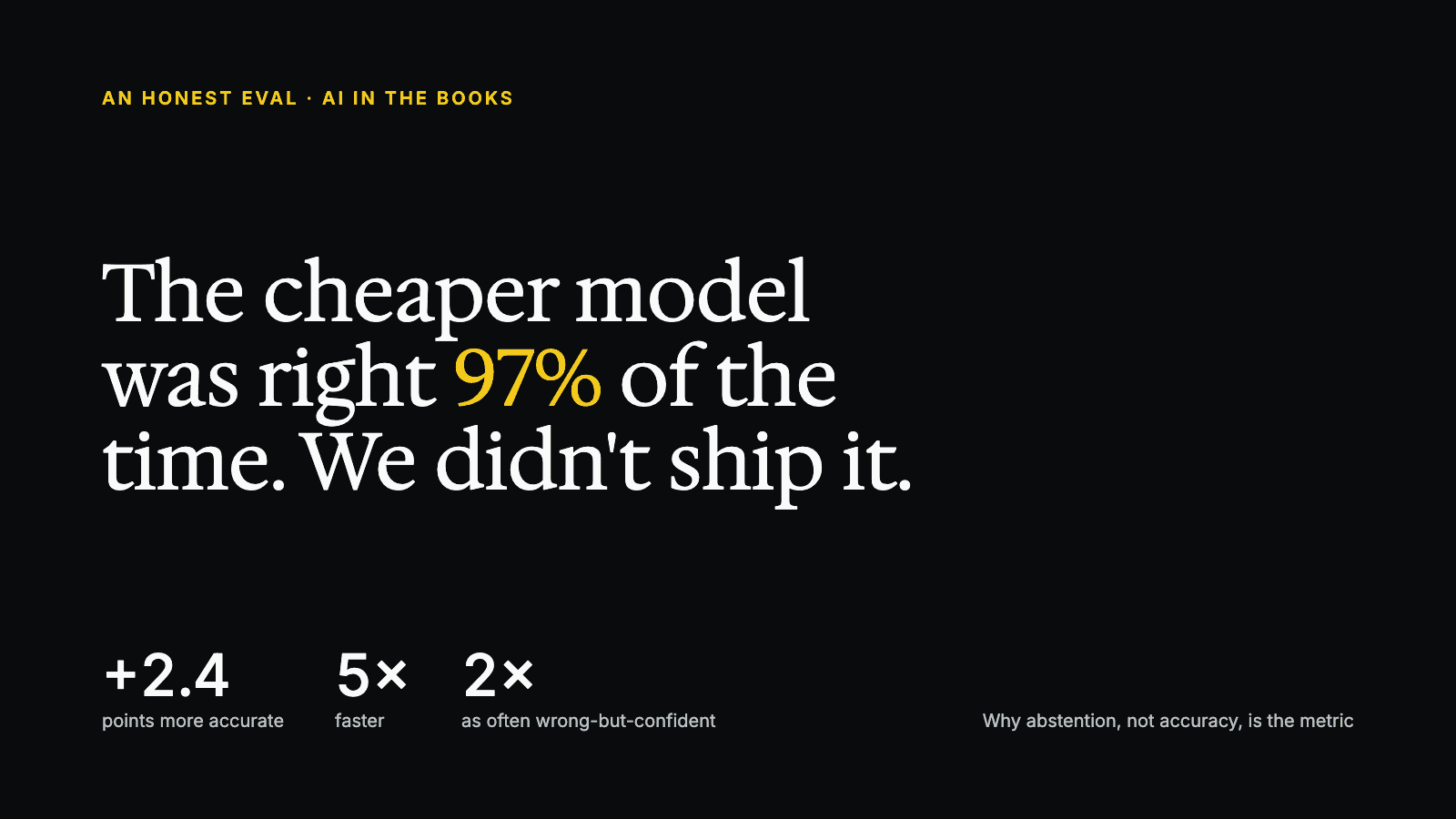
The Cheaper Model Was Right 97% of the Time. We Didn't Ship It.


See it running on your workflows
Automate your accounting workflows