
Excel Reconciliation Problems: Six Signs You've Outgrown Spreadsheets

Deepak Anchala
Co-Founder and CEO, Adopt AI7 November 2026

The workbook has been in the shared drive for ten years. It has a tab for each bank account, a tab for each balance sheet account, and a macro that nobody on the current team wrote. It still ties out every month, mostly. This post lists the Excel reconciliation problems that show a workbook has stopped working for a controller and start costing the close.
None of the six signs below is a reason to panic. Each one is a signal that the work now depends on a file and a person, and the file has no way to protect itself from either.
Sign 1: Two people, two versions
A preparer saves the file locally to work offline. A reviewer opens the shared copy and comments on balances that have since changed. By the time anyone notices, the version named "FINAL_v3" differs from "FINAL_v3_revised" by 40 rows.
Version drift is the first of the Excel reconciliation problems most teams meet, because the cost stays invisible until a number moves after sign-off. Ask one question: if the reviewer approved this reconciliation today, could you prove which version they saw? If the answer is no, the review control is a habit, not a record.
Sign 2: The lookup that broke quietly
VLOOKUP and INDEX/MATCH formulas fail without an error when a column moves, a range stops one row short, or a lookup key picks up a trailing space. The reconciliation shows a clean zero difference because the formula matched nothing and subtracted nothing.
Controllers find these failures late, often when a reconciling item appears in a later month that belonged to an earlier one. Spot-check by changing one transaction amount and confirming the difference moves. A reconciliation that cannot show a difference is not a reconciliation.
Sign 3: Support lives somewhere else
The tie-out says $48,200 in transit. The support is a PDF in someone's downloads folder, an email, or a screenshot pasted into a tab that has since been deleted. An auditor asks for the document behind the balance, and the preparer spends an afternoon reconstructing it.
Good reconciliation support sits next to the number, names the source, and survives staff turnover. Spreadsheets have no native way to enforce that. A strong audit trail records who attached what and when. A workbook records the last time someone saved it.
Sign 4: Matching eats the week
Bank and card reconciliations in Excel mean exporting transactions, sorting both lists, and matching line by line or with a filter. A high-volume account turns that into days of work for a person whose time could go to the exceptions. The bank reconciliation step-by-step guide shows the manual method, and it works until the volume outruns the preparer.
If a staff accountant spends most of the first three business days on matching, the close is waiting on clerical work.
Sign 5: Unmatched items age without owners
Excel carries unmatched items forward as a list at the bottom of the tab. Nobody assigns them, so a $300 difference in March becomes a $3,000 difference in June, and by September it sits in a suspense account that two people avoid.
The test is aging. Sort your open reconciling items by age. If the oldest is more than two closes old and has no named owner, the workbook is storing problems instead of resolving them.
Sign 6: The close waits on one laptop
One person built the workbook. One person knows which tab to refresh first and which cell to override when the bank feed double-counts a deposit. When that person takes a week off, the reconciliations slip, and the controller finds out on business day four.
Key-person risk is the sign that matters most to the controller, because it is the one that appears as a missed deadline instead of an error. The balance sheet reconciliation template helps standardize the layout, but a template cannot transfer knowledge that lives in one person's head.
What to do when you recognize three or more
Count the signs that describe your team. One or two means tighten the workbook: lock formula cells, name one owner per tab, store support in a fixed folder, and add a monthly lookup spot-check. Three or more means the workbook is carrying work that a system should carry.
You do not have to replace everything at once. Pick the account with the most transactions and the most aging items, and move that one first. Matching, support attachment, and reviewer sign-off are the pieces worth moving. Analysis and ad hoc questions can stay in Excel where they work well.
Where Adopt fits
Adopt puts agents to work on the matching and preparation: they pull the statement or ledger data, match transactions, propose reconciling items, and attach the source document to each tie-out. The controller reviews each reconciliation and approves it. Nothing posts without that sign-off, and every number traces back to the transaction or document behind it.
Adopt works on top of the systems and files your team already runs, so there is no migration and no rip and replace. Your people move from preparing reconciliations to reviewing them, and the version, lookup, and support problems above become properties of the system instead of habits of a person. The account reconciliation guide covers the full process, and automate bank reconciliation shows what the matching step looks like in practice.
Next step
Take the six signs to your next close retro and count which ones appeared this month. Then sign up free and bring your messiest reconciliation, or book a pilot to see review-first preparation on your own accounts.
Related reading
Guides
Blog
Glossary
FAQs

Related Articles

Journal Entry Automation: What Can Be Automated and What Still Needs Review
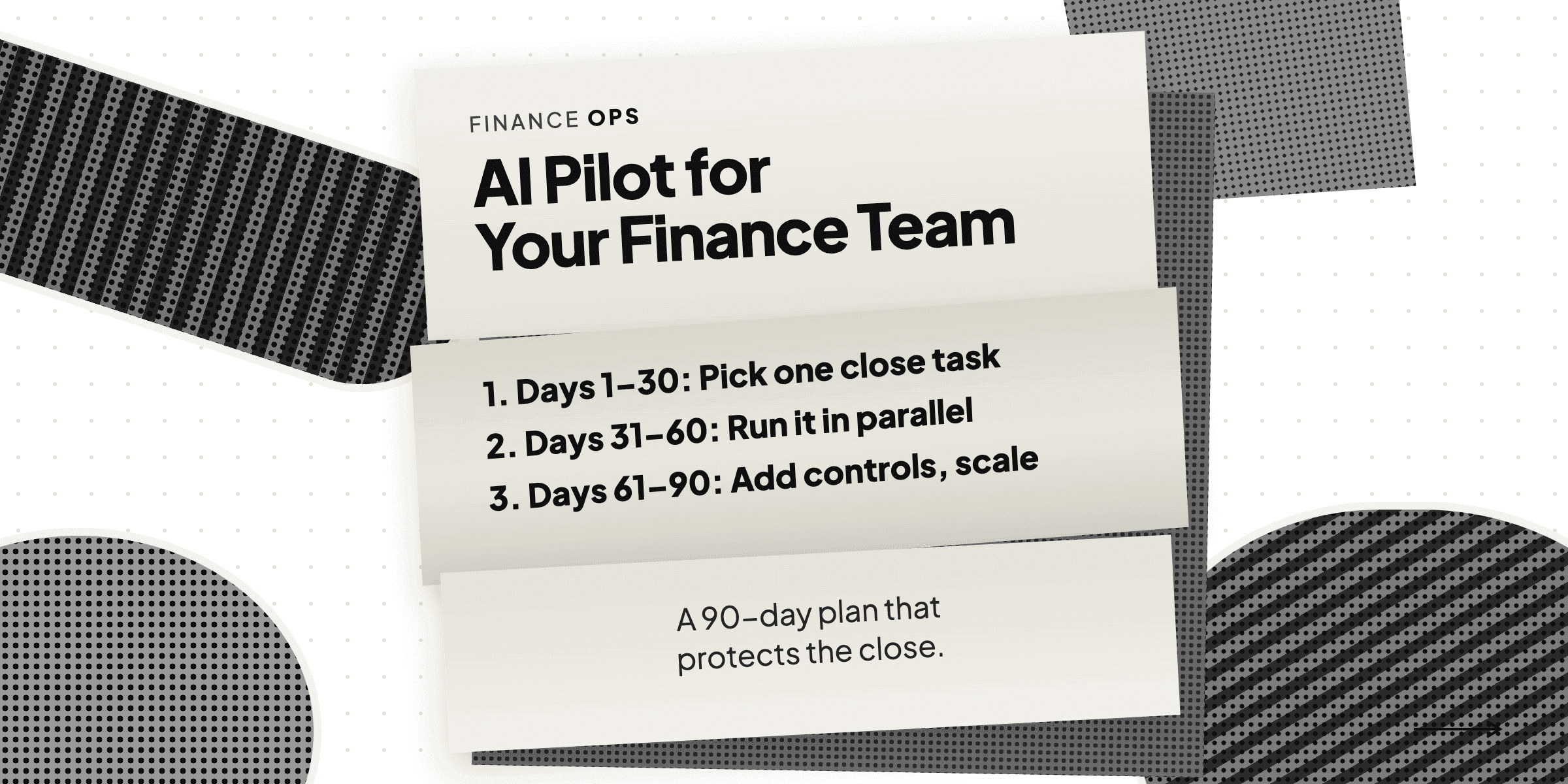
AI Pilot for Your Finance Team: A 90-Day Plan That Protects the Close


See it running on your workflows
Automate your accounting workflows