How to Evaluate AI Finance Tools: The CFO's Due-Diligence Guide

Pratyush Behera
Founding EngineerOct 25, 2026
Three vendors have shown you a demo this quarter. Each demo ran on clean data, each reconciliation matched, and each deck promised hours back. Your controller wants to try one. Your IT lead has a security questionnaire that runs for pages. You are the one who signs, and nobody has told you how to compare them.
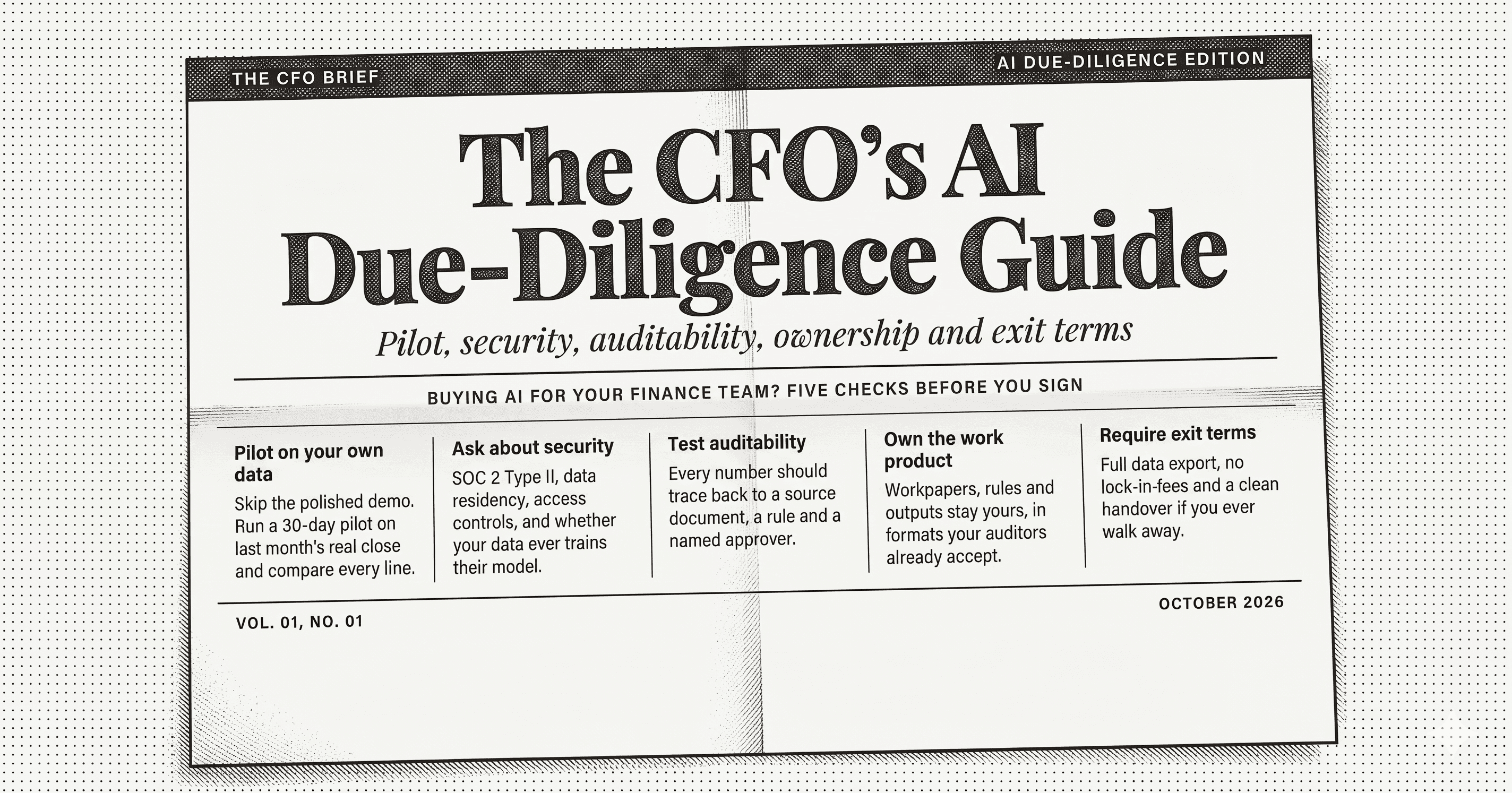
This guide shows how to evaluate AI finance tools in five parts: the pilot, security, auditability, ownership, and exit terms. Each part gives you the test to run and the answer that should worry you. It is written for the CFO who signs and the controller who runs the evaluation. Your IT lead gets a section of their own.
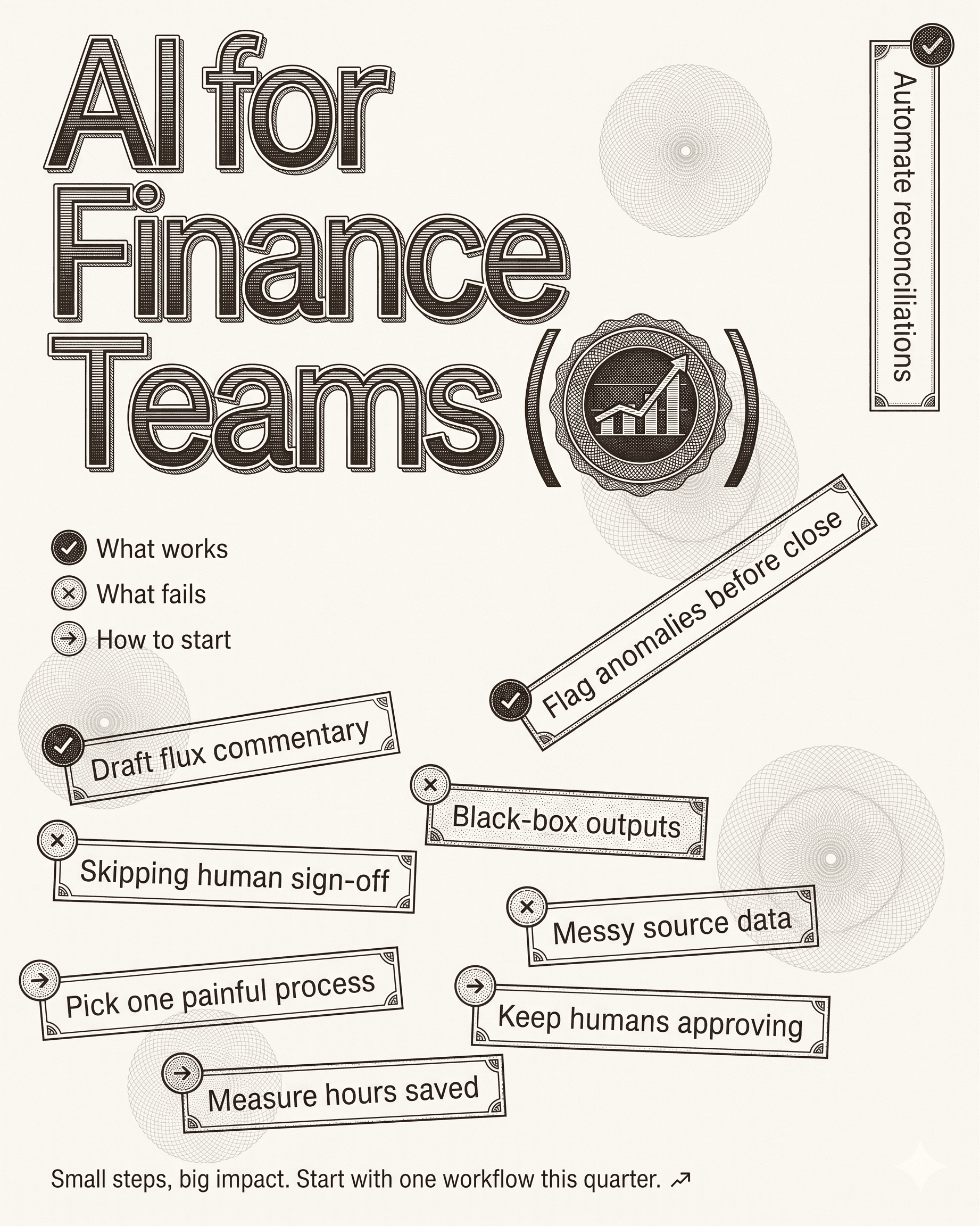
Scope note: this guide covers vendor evaluation. For where AI works in finance and where it fails, read AI for Finance Teams: What Works, What Fails, and How to Start. For one workflow in depth, see Account Reconciliation or AP Automation.
Start with the workflow, not the vendor list
An evaluation without a named workflow becomes a feature comparison, and feature comparisons favor the best demo. Pick one workflow before you take a single call. Bank reconciliation, intercompany reconciliation, flux commentary, and AP intake each work. Choose the one your team dreads most, because that is where a tool earns its price.
Write down four things before the first vendor meeting:
- The workflow and the people who run it today.
- The hours it takes in a normal month, measured from the last close and not remembered.
- The systems it touches, including any portal or legacy system with no API.
- The sign-off point, meaning who approves the output and what they check.
The measured hours matter more than any vendor's claim. A vendor who quotes a time saved without a denominator has given you a number you cannot rebuild. Ask for the inputs behind every figure. If the vendor cannot name the volume, the exception rate, and the starting condition, treat the figure as a slogan.
Run the pilot on your own closed month
A demo shows what a tool does on data chosen to flatter it. A pilot on your own closed month shows what it does on yours, and you already know the right answers.
Take a month your team closed and your auditors reviewed. Give the vendor the inputs: statements, ledger exports, invoices, whatever the workflow consumes. Ask for the output without telling them what you reconciled. Then compare against the books you already signed.
Score the result on four measures:
- Match rate with a denominator. How many items did the tool handle, out of how many in total? A rate with no total tells you nothing.
- Exceptions. How many items did the tool route to a person, and did it give a reason for each? A tool that routes nothing to a person is guessing on the hard items.
- Errors in what it matched. Check a sample of its matches by hand. A single wrong match that looks right costs more than ten items left in the queue.
- Time to review. Your reviewer, working from the tool's output, should reach sign-off faster than the preparer did from scratch. Time it.
Fix the pilot's scope in writing: one workflow, one named owner on your side, a start date for the data, and a date for the readout. A pilot with no owner and no date drifts into a trial nobody finishes. Agree the commercial terms for the pilot before it starts, so a good result leads to a decision and not a negotiation.
A file-based pilot is a fair first step. If the vendor can show results from exported files with no access to your systems, your security team can approve it in days, and you learn whether the tool reasons well before you spend time on connections.
Security: the questions that separate vendors
Security review is where evaluations stall, mostly because the questionnaire asks hundreds of questions and the vendor answers them over weeks. Give your IT lead a short list that finds the real differences first.
Where does the work run? Ask whether the tool runs in the vendor's cloud, in your cloud, or on your own servers. Ask whether you can choose. Adopt runs on isolated tenants in its cloud, in a customer's VPC, or fully on-prem.
Which models see your data, and what do they keep? Ask which model providers the vendor uses, whether you can bring your own keys, and whether the vendor has zero-data-retention terms with each provider. Ask whether anyone trains on your data. The only acceptable answer to the last question is no.
How does the tool log in to your systems? Many finance systems have no usable API, so agents often log in the way a person does. Ask where credentials are stored, who can read them, and what the tool can do once inside. A secret vault and read-only access for a first pilot are reasonable answers.
What do the certifications cover? Ask for the SOC 2 Type 2 report and the ISO 27001 certificate, and read the scope and the date. Adopt holds both. Ask each vendor what they do not have, as well. A vendor who lists gaps without being pushed is easier to trust.
Who can see what? Ask whether the tool inherits the permissions you already set in the source system, so a user cannot read through the agent what the ERP would hide from them.
Can the tool move money? For most teams the right answer is no. A tool that prepares payments for a person to approve carries less risk than one that sends them. Adopt does not execute payments.
Auditability: can you defend a number?
Your auditor will ask how a figure was produced. If the answer is "the AI did it," you lose the argument. The test for any tool is whether a reviewer can trace each output to its source and see who approved it.
Run these checks during the pilot:
- Pick five outputs at random and ask for the trail. Each should link to the transaction or document behind it, with no gap between the number and its source.
- Ask where the math happens. The correct answer is deterministic code that your team can read. A model that computes totals directly will produce errors that look like arithmetic.
- Look for a named preparer and a named reviewer on each row. The agent prepares. A person approves. Nothing should post to your books without that approval.
- Ask what the tool does when it does not know. The best tools mark an item as unexplained and route it to a person. The worst fill the cell with a plausible answer.
- Ask whether the tool shows its own faults. A balance sheet that states it does not balance and names the difference earns more trust than a dashboard where everything is green.
Then ask your auditor in advance. Share the tool's output format and trail, and ask what they would need to rely on it. Auditors who see the evidence early rarely object. Auditors who find out afterward often do. For the control language your auditor uses, see the glossary entries on audit trail and SOX compliance.
Ownership: who holds the work product?
The workflows a vendor builds with your team encode how your finance function runs. Decide up front who owns them.
Ask four questions:
- Who owns the agent definitions, the skills, and the context the tool learns from your exceptions?
- Can you export them in a format another tool can read? Adopt's skills share the format of Claude skills and import and export both ways.
- What does not export? Be specific. Dashboards, for example, are the vendor's and do not leave with you.
- Who builds the workflows, and does your team learn to change them? A tool that only the vendor can modify makes every change a ticket.
A buyer who owns the work product has a vendor on the hook and an asset that survives the contract. A buyer who rents a black box has a dependency.
Exit terms and commercial structure
Plan the exit before you sign. The question is simple: if you leave in a year, what do you take and what do you lose?
- Commitment. Ask whether you can start with a scoped pilot on one workflow before an annual contract. A vendor who requires twelve months before showing a result on your data is asking you to carry the risk.
- Pricing unit. Ask the vendor to define a unit of work in plain terms and give you a worked example sized to your volume. "Define a reconciliation" is a fair question, and it should have one answer. Be wary of pricing you cannot compute before the first invoice.
- Seats. Ask whether adding reviewers costs more. Pricing per seat penalizes the team for having more people review.
- Data on exit. Ask how and when your data is deleted and how you retrieve your exports.
- Vendor risk. Ask what happens if the vendor is acquired or closes. If your skills and agent definitions export, the risk drops sharply.
A scorecard you can use this week
Score each vendor from zero to two on each line. Zero means no answer or a bad one, one means a partial answer, and two means evidence you checked yourself.
| Area | What to check | Score |
|---|---|---|
| Pilot | Ran on your closed month with a denominator | |
| Pilot | Exceptions routed with reasons | |
| Pilot | Reviewer reached sign-off faster | |
| Security | Deployment in your cloud or on-prem available | |
| Security | Zero data retention and no training on your data | |
| Security | SOC 2 Type 2 and ISO 27001 reports read | |
| Auditability | Every output traces to source | |
| Auditability | Named preparer and reviewer on each row | |
| Auditability | Unknowns marked, not guessed | |
| Ownership | Skills and agent definitions export | |
| Exit | Scoped pilot before annual commitment | |
| Exit | Pricing unit defined with a worked example |
A vendor that scores zero on auditability should not reach a contract, whatever it scores elsewhere. A tool you cannot defend to your auditor adds work to the close instead of removing it.
What Adopt would say about its own evaluation
Adopt is AI native accounting and bookkeeping software. Agents categorize, reconcile, close, and run AP and AR inside the systems your team already uses, and nothing posts without a human sign-off. The team builds the first workflows with yours, and you own them.
Hold Adopt to the same scorecard. The strongest evidence is a pilot on a month you have already closed. Book a Pilot to run one against your messiest reconciliation, or start free to try a single workflow first.