

Looking for the best free Zapier alternatives? We've put together a list of 8 tools and why you should consider them.



Paying $500 a month for Zapier stings, especially when those workflows should only cost about $50. Many teams feel the same way. Zapier’s task-based pricing doesn’t scale well; it’s hard to see what’s happening behind the scenes, and what began as simple automation often turns into vendor lock-in with hundreds of connected workflows.
Zapier isn’t bad at its job. The real issue is knowing when it's pricing, technology, or features that no longer fit your team’s needs. Maybe you want AI-native workflows, you’re frustrated with hard-to-debug errors, or you just want costs that don’t skyrocket as you grow.
We tried each platform’s free tier, checked real 2026 pricing (no hidden 'contact sales' surprises), and ran the same three-app workflow on every tool to compare speed, error handling, and setup difficulty. Below, you’ll see real trade-offs, not just lists of features.
Where Zapier Works (And Where It Doesn’t)
Before looking at alternatives, it helps to see what Zapier does well. It became the automation standard for a reason, solving real problems for millions of teams. But the same choices that made Zapier easy to use also led to the limits that push teams to look elsewhere.
1. Make
Make started out as Integromat, promising visual workflow building without the per-task fees that Zapier charges. Six years on, it has kept that promise and grown significantly.

The main difference is how pricing works. Make charges for each operation, which is one complete action, instead of charging for every step like Zapier does. For example, sending a message to 50 Slack channels counts as 50 tasks in Zapier, but only 1 operation in Make. If your workflows have loops, branches, or batch processing, these savings add up quickly.
The visual scenario builder lets you see exactly what runs, when it runs, and why. There’s no guessing when something goes wrong. If there’s an error, you can see which branch failed, what data it got, and which part caused the problem. Zapier’s simpler interface can’t do this for complex workflows with many conditional paths.
Make offers solid integration quality. It supports over 1,500 apps, including direct connectors for major tools like Salesforce, HubSpot, and Google Workspace. You also get webhook support and HTTP modules for other needs. While it doesn’t have as many connectors as Zapier’s 7,000+ apps, it still covers about 95% of what most businesses need.
There is a learning curve. Make’s visual canvas can feel overwhelming at first because you’re mapping out data flows instead of just clicking through forms. However, this complexity allows for features that Zapier doesn’t offer, like running tasks in parallel, advanced error handling, and branching across multiple apps based on conditions.
Make’s pricing is easy to understand. The free plan gives you 1,000 operations each month. The Core plan costs $9 per month for 10,000 operations, and the Pro plan is $16 per month for 10,000 operations with extra features and faster execution. In comparison, Zapier’s Professional plan is $49 per month for 2,000 tasks, and a single complex workflow can use up your limit quickly.
2. Adopt AI
Adopt AI is an end-to-end platform for building and operating enterprise agents — not just infrastructure, but the full lifecycle from API discovery to govern agent deployment.
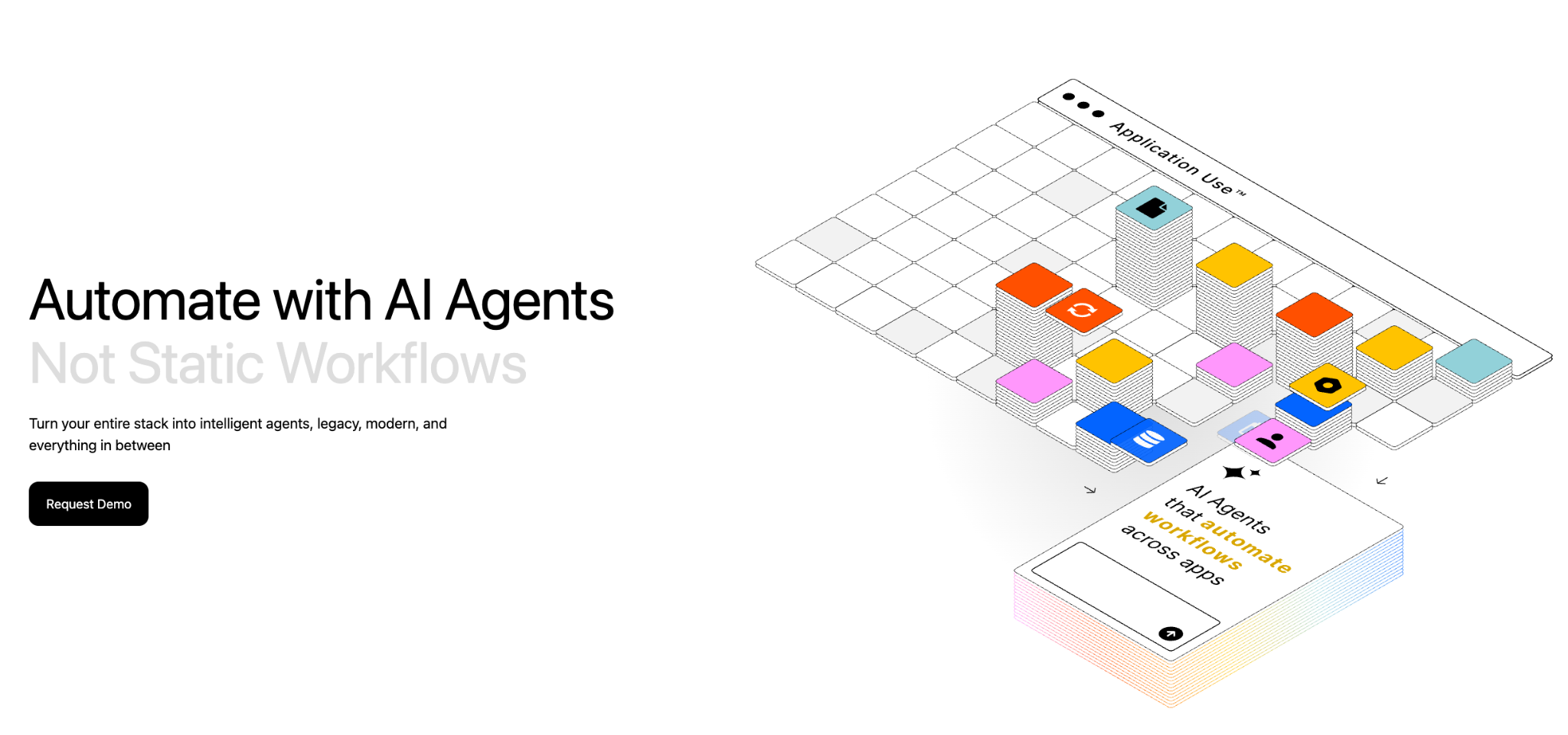
What it does: Adopt AI turns existing applications into agent-ready systems without rebuilding them. ZAPI (Zero-Shot API Discovery) uses browser-based agents and network crawling to automatically discover, document, and catalog every API in a live application — typically within 24-48 hours. ZACTION (Zero-Shot Action Generation) transforms those discovered APIs into validated, composable actions using LLM reasoning and built-in evaluation loops. The Agent Builder lets teams construct agents using natural language, configuration, or code, with prebuilt UI components for chat, structured inputs, and history. Deploy in-app via JS SDK, or extend to any external client via MCP or REST API.
Best for: Product teams embedding intelligent agents into their applications, enterprise teams needing to agentify complex workflows across fragmented systems (insurance claims, pharma compliance, retail operations, financial services onboarding, supply chain ), and companies that want production-grade agents without multi-month integration cycles.
Pricing:
Transparent, usage-aligned pricing with no hidden integration costs. Learn more about the pricing here.
What users are saying:
Customers across SaaS, logistics, and financial services agree that Adopt AI deploys quickly, integrates seamlessly with existing systems, and makes scaling AI agents across operations effortless. The result: teams work smarter, without rebuilding what already works. Read our latest customer story here.
3. n8n
n8n lets you run unlimited workflows without paying for each execution. The tradeoff is that you have to host it yourself.
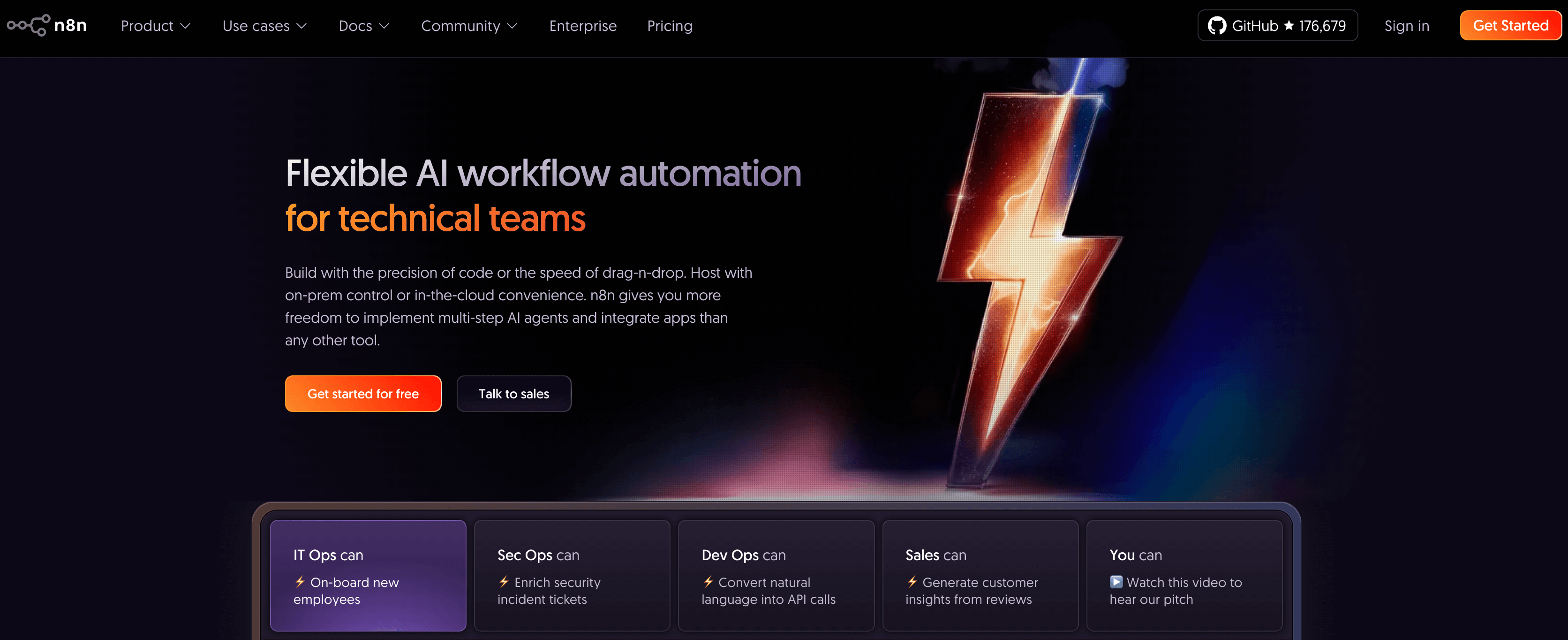
The open-source Community Edition is truly free with no limits. You get unlimited workflows, unlimited executions, and access to over 400 integrations. Just set up a server, install n8n, and it’s yours to use.
This model works brilliantly for technical teams with DevOps capacity. You pay $5-20/month for infrastructure instead of $500+/month for SaaS pricing. For high-volume automation (running workflows every 5 minutes, processing thousands of records daily), self-hosting n8n costs 70-90% less than Zapier.
The technical requirements are real. You need to manage: database setup (PostgreSQL), queue systems (Redis for scaling), SSL certificates, backups, version updates, and security patches. This isn’t click-a-button setup. It’s infrastructure management.
For teams without DevOps capacity, n8n Cloud offers managed hosting starting at $20/month for 2,500 executions. This removes infrastructure headaches but reintroduces execution limits. You’re trading n8n’s biggest advantage (unlimited execution) for deployment convenience.
Code nodes are n8n’s killer feature. When pre-built integrations can’t handle your use case, drop in JavaScript or Python. Transform data, call APIs, implement custom logic. Zapier’s Code by Zapier is limited to JavaScript and 10-second timeouts. n8n gives you full Node.js runtime.
The community is excellent. n8n’s Discord has 45,000+ members sharing workflows, troubleshooting issues, and building custom nodes. Template library covers common use cases, though not as extensive as Zapier’s.
4. Relay.app
Relay.app puts AI at the center of its platform. Unlike other tools that add AI features to existing workflow engines, Relay was designed from the ground up with AI steps and human approval built in.

The main difference is the 'human-in-the-loop' approach. For example, AI drafts an email, but a person reviews and approves it before sending. When AI extracts data from documents, a human checks it before updating the CRM. This process helps stop AI mistakes from spreading through your business systems.
Relay’s AI steps work with different models like GPT-4, Claude, and Gemini. You can choose which model handles each step, so you’re not tied to one provider. For example, use GPT-4 for complex tasks, Claude for long documents, and Gemini for special cases.
The interface is easy to use. If Make’s visual canvas felt too complicated, Relay is much simpler. You can add AI steps, approval gates, and logic without needing to map data flows or fix router settings.
Pricing is based on steps, with AI credits counted separately. The free plan gives you 200 steps and 500 AI credits each month. The professional plan costs $38 per month for 750 steps and 5,000 AI credits. Keeping these separate helps you avoid unexpected charges if your AI use increases. You always know what you’re paying for AI.
Relay’s integrations are expanding, with over 100 connectors for major business tools. While it doesn’t match Zapier or Make in coverage, it’s enough for most teams. Relay focuses on AI-heavy workflows rather than connecting every possible app.
Relay isn’t the best choice if your workflows are simple and don’t need AI. In those cases, you’d pay for features you won’t use. Relay works best when your workflows need judgment, classification, summarization, or content generation.
5. Relevance AI
Relevance AI is not a workflow automation tool. It’s designed for AI agent orchestration. Knowing this difference is important before comparing it to Zapier.

Instead of linking apps in a sequence, you build autonomous agents that can research, reason, and act across different tools. Think of it as having an 'AI employee' instead of just automating tasks. For example, an agent can monitor your inbox, research companies, write personalized replies, and update your CRM with little human help.
The platform offers templates for common agent types, like AI business development reps, customer service reps, research agents, and data extraction agents. These templates go beyond simple if-then workflows—they use multi-step reasoning to make decisions based on context.
Relevance AI is flexible with language models. You can connect to OpenAI, Anthropic, Google, or use your own API keys to avoid extra costs. Agents can even switch models during a task if needed.
There’s a steep learning curve. Instead of dragging apps onto a canvas, you design how agents behave, set up knowledge bases, and define reasoning rules. This approach is different from traditional workflow tools.
Pricing is based on actions, with vendor credits included. The free plan gives you 200 actions per month and $2 in credits. The pro plan costs $29 per month for 7,000 actions and $70 in credits. If you use your own API keys, you only pay for the actions you run.
Relevance AI is best for situations where you need agents to make decisions, not just move data between apps. If your automation involves research, classification, complex reasoning, or creating personalized content, Relevance AI is a good fit. For simple tasks like syncing Salesforce to Google Sheets, use Zapier or Make instead.
6. Gumloop
Gumloop has focused on 'AI-native automation' from the start. Unlike tools like Zapier that added AI features later, Gumloop built its workflow engine specifically for AI.
The visual canvas is easy to use. You can drag nodes for data extraction, web scraping, document processing, LLM calls, and API integrations, then connect them visually. The interface looks more polished than n8n and is less overwhelming than Make.

Gumloop offers AI workflow templates for common tasks like document processing, web scraping with LLM extraction, and CRM enrichment using AI classification. These are ready-to-use, production-quality templates that teams can deploy right away.
Gumloop uses credit-based pricing, which can get complicated. Simple workflows are affordable, but complex automations with batch processing or many AI calls use up credits quickly. The free plan gives you 2,000 credits. The solo plan is $37 per month for 10,000 credits, and the team plan is $244 per month for 60,000 credits.
You need to watch how credits are used. A standard AI call costs 2 credits, while advanced calls like GPT-4 or Claude Opus use 20 credits. Web scraping and document processing costs depend on the number of pages or size. For example, processing 50 documents with GPT-4 can use over 1,000 credits in one run.
Gumloop’s Chrome extension lets you automate actions in your browser without using APIs. You can automate website tasks, extract data, and fill out forms. This is helpful for tools without APIs or where API access is too expensive.
Gumloop has good integration coverage for an AI-focused tool. You can connect to Salesforce, HubSpot, Notion, Airtable, and major databases. While it doesn’t cover as many apps as Zapier, it’s enough for most data-heavy workflows.
7. Workato
Workato is not just 'Zapier for enterprises.' It’s a full enterprise integration platform (iPaaS) with a visual interface. This difference affects pricing, features, and who it’s best for.

Workato can handle complex enterprise needs, like workflows with over 50 steps, advanced data transformations, large-scale error handling, and cross-department automation. While non-technical users can build workflows, the platform also supports integration engineers working on critical automations.
Workato’s enterprise connectors are high quality. Integrations with NetSuite, Workday, SAP, Salesforce, and ServiceNow go beyond basic operations. Workato can handle complex data, batch processes, and advanced queries.
Workato includes built-in governance features like role-based access, recipe versioning, environment management, audit logs, and compliance certifications such as SOC2, ISO 27001, and HIPAA. These are part of the core platform, not added later.
Workato’s pricing is aimed at enterprises. Plans start at over $10,000 per year, and real-world use often costs $60,000 to $180,000 annually, depending on usage and features. This is five to fifteen times more than Make or Zapier for similar workloads.
The return on investment is different with Workato. It can replace not only Zapier, but also custom integration code, data transformation scripts, multiple integrations, and manual data entry. For companies automating over 100 workflows across departments, Workato’s higher price can make sense.
Workato is a good fit if you have over 100 workflows, need automation across departments, require SOC2 or HIPAA compliance, and have integration engineers on your team. If you don’t meet these needs, you might be paying for features you won’t use.
8. Tray.ai
Tray.ai sits between Make’s visual simplicity and Workato’s enterprise complexity. It’s enterprise-focused but emphasizes low-code accessibility over deep technical customization.
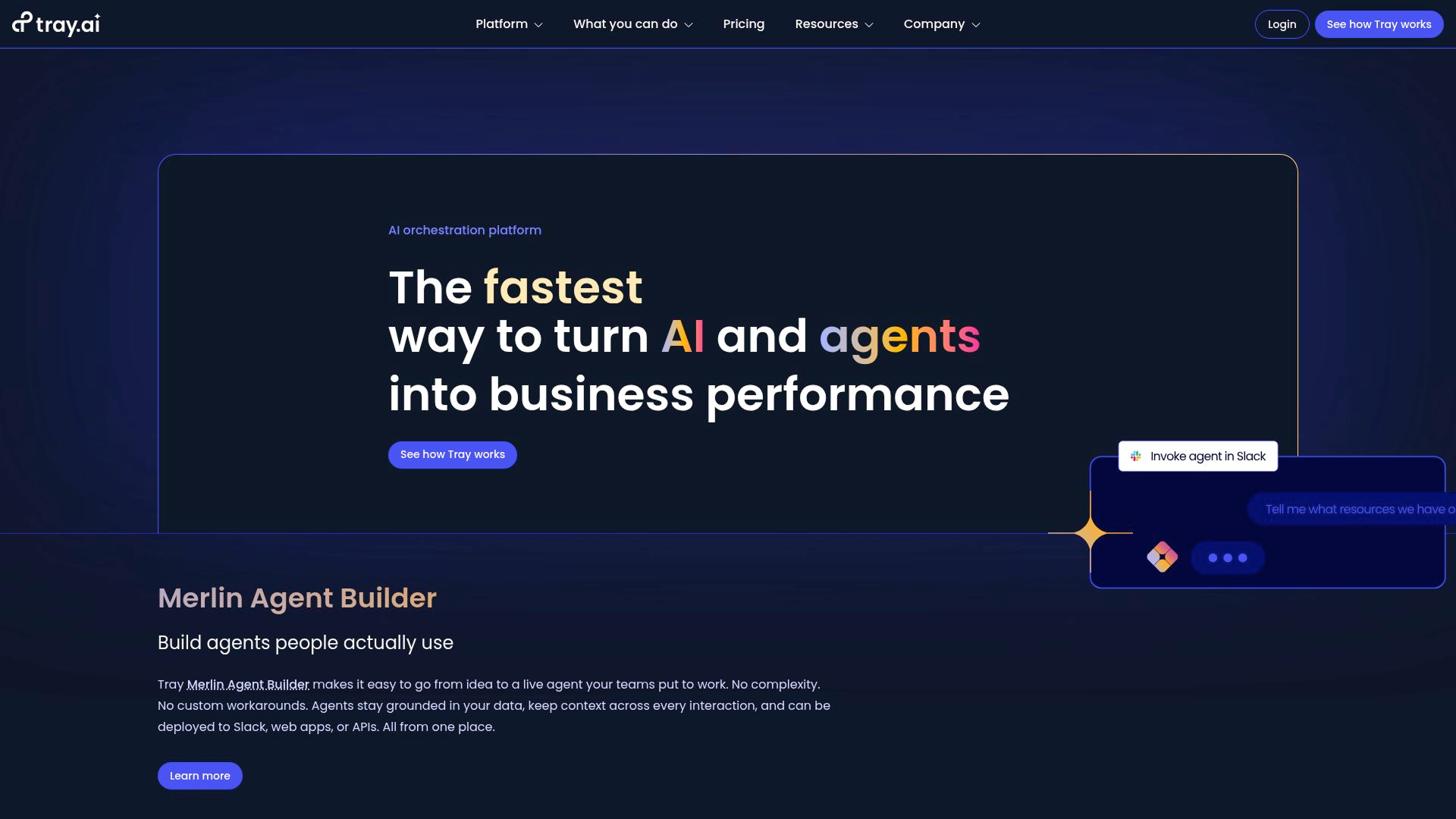
Tray.ai’s visual workflow builder is excellent. It has better debugging tools than Make, clearer logs than Zapier, and is more intuitive than n8n. If something fails, you can see which step failed, what data it got, and why. Error messages are clear and helpful.
Tray.io’s API connectors are a strong point. The team builds them with careful engineering, handling tricky authentication cases and managing rate limits automatically. Bulk operations work as expected. This quality matters for enterprises, where reliable connectors are essential.
Tray.io stands out with its embedded integrations. SaaS companies use Tray to offer customer-facing integrations. You can build a workflow once, white-label it, and let customers set up their own connections. This makes Tray more like integration infrastructure than just an internal automation tool.
Tray.io uses custom enterprise pricing, like Workato. Most deployments start at over $15,000 per year. This pricing is aimed at mid-sized companies with 100 to 1,000 employees, teams running over 50 complex workflows, or SaaS companies needing embedded integrations. matters. Tray excels when workflows involve: complex data transformations, multi-system orchestration, conditional branching across 10+ steps, high execution volumes requiring robust error handling. Below that complexity level, you’re overpaying for enterprise features.
Quick Comparison
Make the Switch (Or Stay Put)
There isn’t one 'best' alternative. Make is best for clear pricing and visual debugging. n8n is great for self-hosted workflows. Relay.app is strong in AI automation. Workato and Tray.io are built for enterprise needs. The right choice depends on your team, skills, and workflow needs.
Try Make’s free plan or n8n’s cloud trial first. Run your most expensive Zapier workflow on both to see the price difference. If neither works, you may need AI workflows (try Relay.app), enterprise features (look at Workato or Tray.io), or special compliance (consider Adopt AI).
One final note: One last tip: If you manage over 50 integrations across different automation tools, use Adopt AI to audit your APIs before moving workflows. You might find undocumented automations, security issues, or compliance gaps. It’s better to find these now than during a security audit.
How to Choose: Decision Framework
The best Zapier alternative depends on your needs. Here’s how to choose:
If you want to leave Zapier because of cost, Make offers clear per-operation pricing at $9 per month. n8n gives you unlimited self-hosted workflows. Relay.app offers AI workflows with no hidden AI costs. All three can lower your bill by 60-80% for similar usage.
If you need enterprise compliance, choose Workato or Tray.io for industries with SOC2 or HIPAA needs. Use Adopt AI for API governance and discovery. Pick n8n if you want data control through self-hosting.
If you’re building AI-heavy workflows: Relay.app for native AI steps and human approval gates. Gumloop for AI workflow templates. Relevance AI for full agent orchestration. Traditional tools like Zapier and Make can handle AI, but these platforms are designed for it.
If you’re technical and want control: n8n for code access and self-hosting. Make for visual debugging without infrastructure management. Workato for enterprise-grade orchestration.
Frequently Asked Questions
Is there a free alternative to Zapier?
n8n offers unlimited workflows if you self-host, though setup requires technical capacity. Make, Relay.app, and Gumloop have functional free tiers with monthly operation limits. All beat Zapier’s restrictive 5-workflow free cap.
What’s the best Zapier alternative for small teams?
Choose Make if you want simple workflows and clear pricing at $9 per month. Pick Relay.app for AI workflows at $38 per month. Go with n8n if you have a developer and want predictable costs, either free for self-hosting or $20 per month for cloud.
Why is Zapier so expensive compared to alternatives?
Zapier’s task-based pricing can get expensive. For example, sending to 50 Slack channels counts as 50 tasks in Zapier, but only one operation in Make or n8n. Other tools charge per workflow run, not per step. With Zapier, you’re also paying for its brand, large app ecosystem, and market position.

.svg)
.svg)


Take three minutes to find out which side of that line you are on.
Browse Similar Articles


Find Your Agentic AI Readiness Score
Every enterprise thinks they are building toward Agentic AI. But only few actually are.
Take three minutes to find out which side of that line you are on.











