9 Workato Alternatives for Enterprise Automation in 2026
Agentic AI for Enterprise
9 Workato Alternatives for Enterprise Automation in 2026
We reviewed 10 workflow automation tools to find the best Workato alternatives. Pricing, strengths, and trade-offs for every team type in 2026.
Himanshu Gupta
Content, Adopt AI
7 Min
March 2, 2026
TL;DR
Workato is ideal for cloud-first enterprises needing complex, IT-governed automations across major SaaS tools, where cost isn't a concern.
Workato is not suited for budget-conscious SMBs, high-volume or ETL use cases, self-hosting requirements, or teams wanting AI-driven workflows.
We evaluated 9 platforms, including Make, Tray.ai, Gumloop, Adopt, and more.
If you're building AI workflows — Stack AI, Gumloop, or Relevance AI are purpose-built for document extraction, RAG chatbots, and agent orchestration.
If you're embedding intelligent agents into applications, Adopt turns existing applications into agent-ready systems without rebuilding them.
Workato lets business teams build automations without engineering. But when renewal comes, many teams look for alternatives.
Workato sells low-code recipes your operations team can build without engineering. Over 1,400+ connectors, governance controls, and more. You orchestrate order-to-cash, onboarding, and ticket routing across departments and more. Gartner and Forrester both rank it as a leader in the iPaaS category.
But each new recipe increases cost, and usage-based pricing makes forecasting difficult.
We evaluated 9 platforms across the same enterprise scenarios: order-to-cash across systems, onboarding across HR, IT, and payroll, and data syncs across platforms.
Some platforms matched Workato’s orchestration at lower cost. Others replaced recipe builders entirely. A few reflect a broader shift beyond traditional iPaaS.
First, let's look at what works in Workato and what doesn't. You need to see the problem clearly to find the right solution
Where Workato Works (And Where It Doesn't)
Where Workato Shines
Built for real enterprise processes - Most automation tools connect two apps. Workato orchestrates full business processes across multiple departments.
Low-code recipes that non-engineers can actually build - The recipe builder hits a rare sweet spot. Business analysts create complex automations—loops, conditionals, custom SDK connectors—without filing Jira tickets for engineering. One Reddit user built a Salesforce-to-NetSuite integration in hours, even as a newcomer to both systems. For teams that want to build operations automation under IT oversight, that speed is hard to match.
Over 1,400 connectors - You’ll find Salesforce, NetSuite, ServiceNow, Workday, Jira, Slack, and similar tools inside the platform. For standard enterprise SaaS stacks, Workato's connector library is top-tier. Also, community-shared recipe templates mean you rarely build from scratch.
Robust security - Role-based access control, audit trails, and a centralized recipe management hub are built in. SOC 2, HIPAA, and GDPR compliance come standard.
Where Workato Falls Apart
Pricing - Workato's pricing quickly adds up, with contracts starting at $10K+ and usage-based fees that make budgeting unpredictable.
Low-code experience becomes more technical at scale - While the platform is easy to get started with, scaling advanced workflows often requires coding skills, which can lead to higher costs and a steeper learning curve.
Data volumes hit hard limits - CSV parsing caps at 50K records, and lookup tables max out at 100K. There is no centralized data store either.
Debugging becomes difficult in complex, multi-branch workflows - Some users praise task-level visibility, but many call the logging terrible and want a new logging framework.
Connector depth - There are many integrations, but some connectors are immature - missing key triggers, lacking critical actions, or still in beta.
Cloud-only - There is no on-prem runtime or self-hosting option. For organizations with strict data residency requirements or on-prem infrastructure, Workato is not the right fit.
The Pattern
Workato works when:
You're mid-market or enterprise, mostly cloud-first
Your stack runs on tools like Salesforce, NetSuite, Workday, ServiceNow, and Jira.
You want developers building automations under IT governance.
Your workflows are complex, cross-department processes where tools like Zapier and Make fall short.
Cost is not the primary constraint.
Workato fails when:
Budget matters — SMBs and startups get priced out fast.
Your primary job is data replication or ETL, not cross-app orchestration.
You need self-hosting, data residency, or on-prem deployment.
Automations are high-volume, low-value events for which per-task billing becomes uneconomical.
You want AI agents that reason across systems, not recipe-based trigger-action chains.
Many teams report hitting these limits within their first year of scaling production workflows.
How We Evaluated These Alternatives
Our analysis is based on community-sourced user discussions, supplemented by broader web research. We reviewed multiple user threads per tool to capture authentic, real-world feedback; the kind of honesty you only get when the sales pitch is over, and people are talking about what actually breaks, what scales, and what makes their jobs easier.
We validated this feedback against each tool's documented feature set, pricing structures, and real-world use cases across different team types. We covered tools across categories, from enterprise platforms to open-source options to AI-native newcomers. Each solves different problems for different teams.
1. Make
Make began as Integromat in 2012 and rebranded after Celonis acquired it in 2022. It sits between Zapier's simplicity and Workato's enterprise focus. The canvas-based builder lets you drag and connect visual nodes to see data flow. With over 3,000 app integrations, it's popular with SaaS operators, agency teams, and mid-market ops leads who want to build advanced automations without managing code repositories.
What it is: A visual automation platform with deep branching, data transformation, and API orchestration capabilities.
Best for: Power users who aren't full-time developers - ops leads, SaaS founders, and mid-market teams building multi-step workflows with real conditional logic.
Workato uses a recipe model. Make gives you a workspace. Routers split execution paths, iterators process arrays, and aggregators compile outputs. Every transformation is visible on screen, so you can trace exactly how a JSON payload changes between steps. For teams moving from Workato's opaque debugging, this visibility is a major reason to switch. If you're using Make, you might have to read our Make Alternatives blog.
Why it works:
You can see what broke and why - Make's execution history walks you through every step with the actual data that passed through it. When a scenario fails, you're looking at the payload that caused the problem — not guessing from a log entry. Workato users who've struggled with recipe debugging consistently cite this as the reason they switched.
Data manipulation without code - Text functions, array operations, date math, and JSON parsing are all drag-and-drop modules. Teams build payload restructuring, conditional routing, and multi-source aggregation that would need custom code on most platforms. One user said flows in Make would be a tangled mess elsewhere.
Broad connector coverage for the price - Over 3,000 integrations for SaaS and enterprise apps. At $9/month, you get connectors that Workato charges five figures for. The value holds for teams under 500K operations per month.
Where it falls short:
Operations pricing can surprise teams - Every loop, polling check, and test run uses operations. Teams have burned through 100K+ operations in a single debugging session. One company scaled from 1.5M to 9.5M operations and hit cost thresholds that made Make feel less affordable. At scale, Make’s billing can lead to similar unexpected costs—just with smaller figures.
Complexity grows faster - Make is more powerful than Zapier, so there are more moving parts. Routers, iterators, and nested data mapping mean users spend more time troubleshooting modules than building automations. The learning curve from first run to production-ready is steeper than the marketing suggests.
Limited native versioning and rollback controls - If a critical scenario handles your order pipeline, one wrong edit can break it with no undo. As automations grow, they become single-person dependencies—fragile systems others avoid. In comparison, Workato’s centralized governance may appeal to larger teams.
Cloud-only - There’s no self-hosting option. Like Workato, Make can't support data residency or on-prem deployment requirements.
Pricing
Core: $9/month (10K operations)
Pro: $16/month (10K operations)
Teams: $29/month (10K operations)
Enterprise: Custom
What users are saying: Make handles complex visual workflows better than most tools at its price. Complaints focus on surprise operations costs, debugging sessions that burn through monthly limits, and scenarios that become hard to maintain at scale. Teams often move from Zapier for more power, build ambitious automations, then find high-volume pricing brings back the same cost pressure.
Bottom Line
Make gives you visual debugging and data manipulation that Workato's recipe builder lacks, at a lower starting price. But you trade enterprise governance for flexibility, and per-operation billing narrows the cost advantage as you scale. Best for mid-market teams that need branching logic but don't require SOC 2 compliance or centralized IT control.
2. Tray
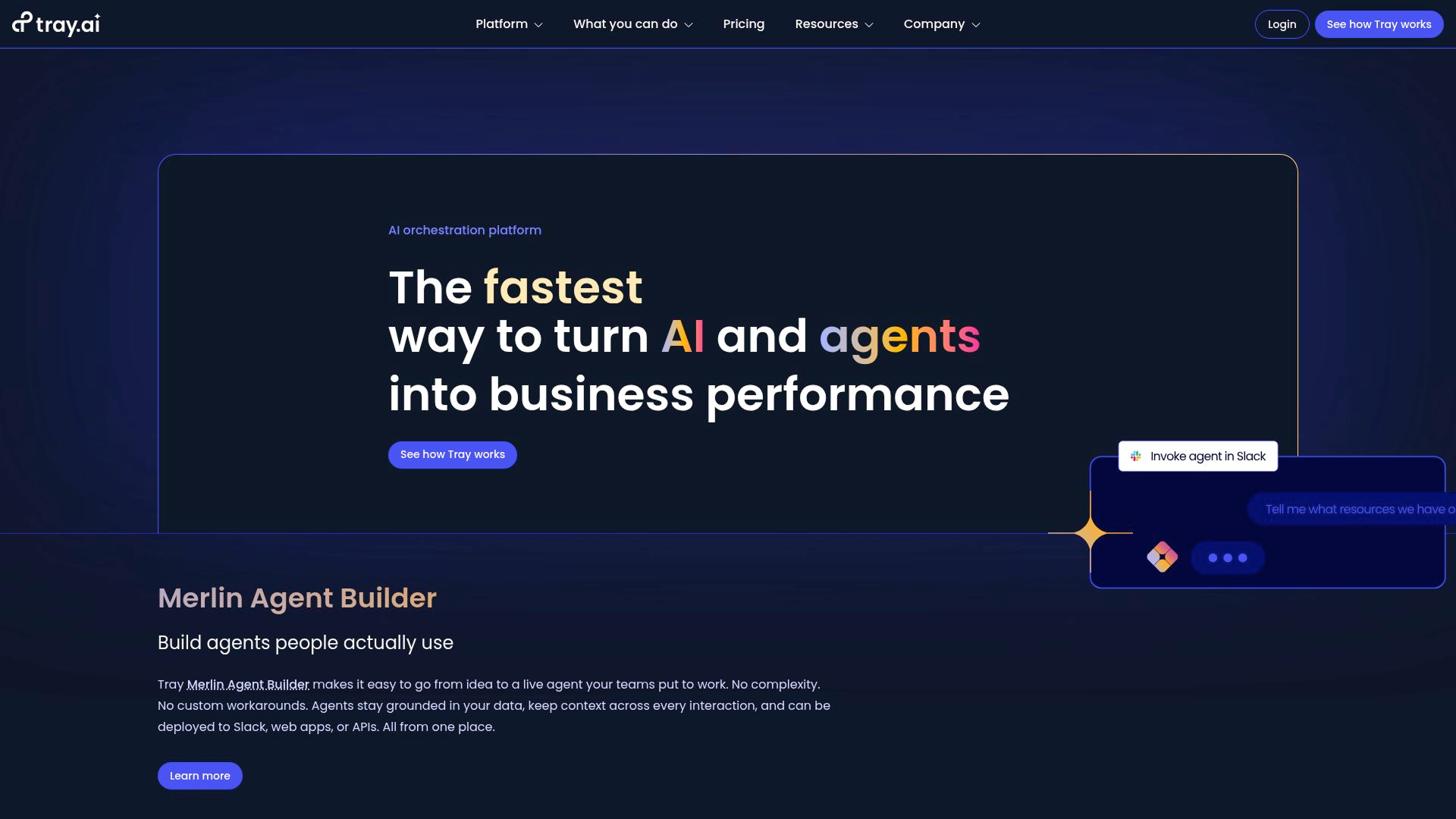
Tray.ai sits between lightweight automation and heavyweight iPaaS. Mid-market and enterprise teams wire up back-office systems—think NetSuite, ConnectWise, Zendesk, SailPoint. The value prop: enterprise-grade power, more developer-friendly than Workato.
What it does: iPaaS for complex integrations. Visual builder, logic, XML/JSON handling, custom helpers. 600+ connectors, strong API access.
Best for: Technical teams running workflows across CRM, billing, ERP, and analytics.
Workato gives you recipes and guardrails. Tray gives you an open canvas—more power if you know what you’re doing, less hand-holding if you don’t. In practitioner circles, Tray and Workato are the true enterprise tier. You move to them when Zapier and Make hit their ceiling.
Why it works:
Handles edge cases that break simpler tools -Branching, retries, exception handling, load spikes; Tray absorbs what Zapier and Make can’t. Teams build complex flows with dozens of exception paths that just work, even at scale.
Orchestration that holds under pressure - Handles high payloads when volume spikes. In automation circles, Tray is the pick for integration-heavy workloads where reliability beats simplicity.
One platform for everything - CRM, billing, analytics, support, identity. Teams use Tray to replace three tools with one orchestration layer.
Where it falls short:
Enterprise price tag - Pro starts at $500/month. Real deployments are $2,500–$10K/month. You might save a bit versus Workato, but you’re still writing big checks. Best suited for teams with dedicated integration budgets.
Powerful, but sometimes excessive for simple integrations - A NetSuite consultant who implemented Shopify-to-NetSuite via Tray called the interface "over-complicated for just mapping simple orders." Even experienced users acknowledge a meaningful learning curve around Tray's helpers and platform abstractions. If your integration needs are straightforward, you're paying for a capability you'll never use.
Connector depth doesn’t always match the pitch - Some integrations lack polish, especially for niche ERPs. Test your must-have connectors before you buy.
Cloud-only - No self-hosting. Like Workato, not an option for strict data residency.
Custom quotes are the norm. Expect $2,500/month as a realistic floor for meaningful use.
User feedback - Tray’s power and flexibility get high marks, but pricing and complexity are common complaints. “Heavy duty” is both praise and a warning. Simpler teams move to Make or DIY tools when renewal comes up.
Bottom Line
Tray is Workato's closest rival here. Both deliver on enterprise orchestration and price. Tray favors developers who want API depth and flexibility. Workato is better for business analysts who need more guardrails and connectors.
Switch from Workato if — Your integration team is technical, you want deeper API-level control, and Workato's recipe structure feels constraining.
Stick with Workato if — You need broader connector coverage, stronger compliance certifications, or your builders are business analysts rather than developers.
3. Adopt AI
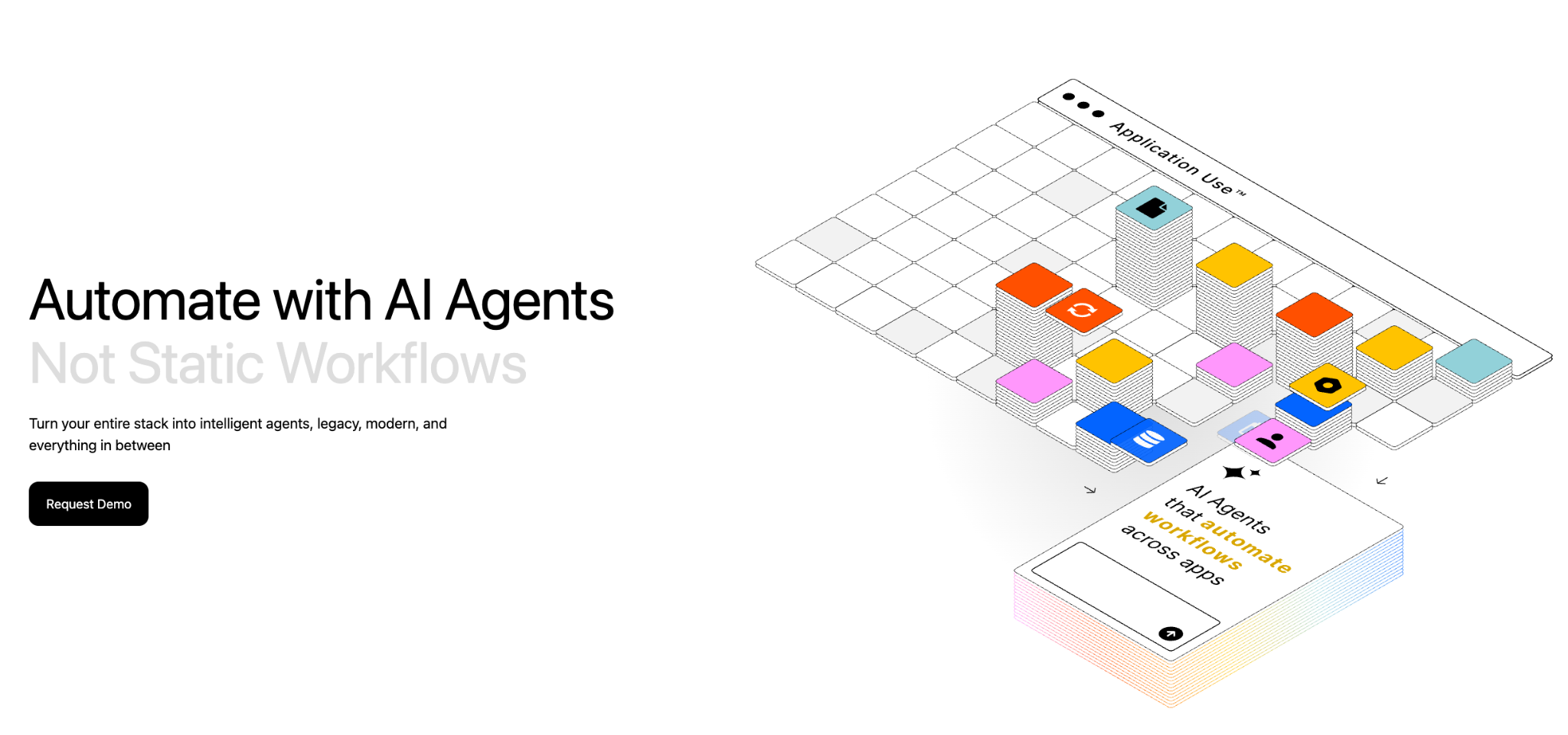
Adopt AI is an end-to-end platform for building and operating enterprise agents, not just infrastructure, but the full lifecycle from API discovery to govern agent deployment.
What it does: Adopt AI turns existing applications into agent-ready systems without requiring a rebuild. ZAPI (Zero-Shot API Discovery) uses browser-based agents and network crawling to automatically discover, document, and catalog every API in a live application — typically within 24-48 hours. ZACTION (Zero-Shot Action Generation) transforms those discovered APIs into validated, composable actions using LLM reasoning and built-in evaluation loops. The Agent Builder lets teams construct agents using natural language, configuration, or code, with prebuilt UI components for chat, structured inputs, and history. Deploy in-app via JS SDK, or extend to any external client via MCP or REST API.
Best for: Product teams embedding intelligent agents into their applications, enterprise teams needing to agentify complex workflows across fragmented systems (insurance claims, pharma compliance, retail operations, financial services onboarding, supply chain ), and companies that want production-grade agents without multi-month integration cycles.
Why it works:
Zero-shot discovery eliminates integration drag - ZAPI discovers APIs directly from live applications - no SDKs, no code changes, no manual mapping needed. It captures every API triggered by real user actions, uses your own documentation to guide exploration, and keeps output current with re-runs.
Actions are auto-generated and validated - ZACTION converts discovered APIs into structured, reusable actions with inputs, outputs, constraints, and guardrails baked in. Built-in evals continuously test action logic. Actions are composable; chain them into multi-step workflows without writing orchestration code.
Plugs into your existing stack - Adopt AI connects through your existing APIs and identity systems. Deploy agents as in-app endpoints (sidebar, search, homepage), external/web endpoints, or workflow endpoints; all under one policy and observability layer. MCP/SDK patterns with reference implementations for common systems.
Enterprise governance by design - SOC 2 Type II, ISO 27001, HIPAA, GDPR, CCPA compliant. Fine-grained permissions (RBAC), audit trails, policy enforcement, and guardrails are built into the platform. Hybrid deployment available; inference can run in the customer's cloud environment for sensitive operations.
Non-engineering teams can build & iterate - Low-code builder and SDK enable rapid iterations. Built-in dashboards, analytics, and telemetry. Product managers get a full capability surface with orchestration, guardrails, and evals without waiting on engineering for every change.
Dedicated engineering support - FDEs (Field Development Engineers) embed as an extension of your team for onboarding, scaling, and enterprise alignment.
Where it's less suited:
Not a general-purpose workflow orchestration tool - Adopt AI is purpose-built for agentifying applications and enterprise workflows. If you need data transformations, scheduled jobs, multi-branch conditional logic, or ETL-style pipeline orchestration, you’re better off leveraging both Workato and Adopt AI. Adopt AI handles what agents do across systems; it doesn't replace your workflow automation layer.
Adopt AI requires teams to adopt an agent-driven model rather than traditional trigger-action workflows.
Pricing:
Transparent, usage-aligned pricing with no hidden integration costs. Learn more about the pricing here.
What users are saying:
Customers across SaaS, logistics, and financial services agree that Adopt AI deploys quickly, integrates seamlessly with existing systems, and makes scaling AI agents across operations effortless. The result: teams work smarter, without rebuilding what already works. Read our latest customer story here.
Bottom Line
Adopt AI works when you need to turn real enterprise applications into agent-ready systems with governed, auditable execution across fragmented tools. The patented zero-shot technology (discovery + action generation) collapses months of integration into days. It's not a workflow orchestrator, not a chatbot builder. The platform that enables agents to actually work with real business systems in production.
Adopt AI can complement Workato by adding agent-driven execution on top of structured workflow automation.
4. Microsoft Power Automate
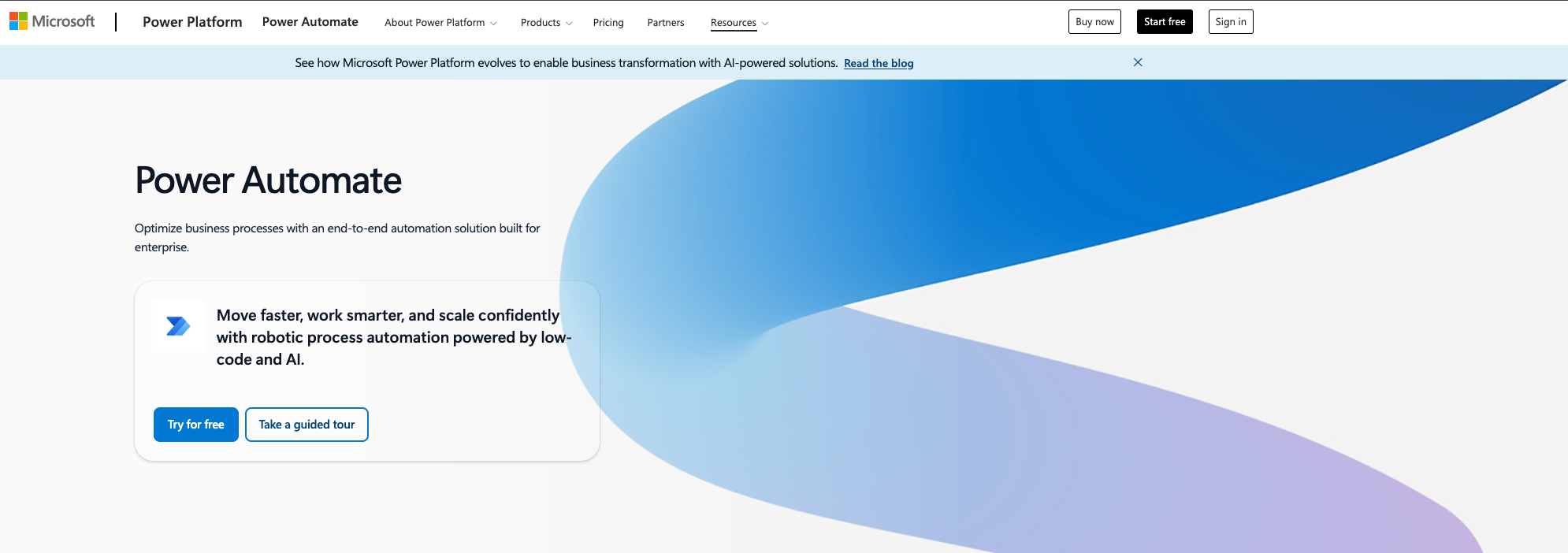
Microsoft Power Automate is Microsoft's automation tool for approvals, onboarding, HR, and document workflows across M365, Dynamics, and Azure. If you're a Microsoft shop, automation comes bundled. But the "free with M365" pitch hides complex licensing, a tough learning curve, and costs that jump if you step outside the Microsoft stack.
What it does: Visual workflow and RPA tool integrated with M365, Dynamics, and Azure. Handles approvals, onboarding, HR, and document flows across SharePoint, Teams, Outlook, and OneDrive.
Best for: Teams all-in on Microsoft who want native workflow automation across M365, SharePoint, Dynamics, and Outlook.
Why it works:
Free with Microsoft 365. Basic Power Automate comes with E1, E3, or E5 licenses—automation at no extra cost for simple workflows.
M365 integration that just works. Trigger flows from Teams, Outlook, SharePoint, and OneDrive. Native connectors mean less friction. Users say the setup is straightforward and doesn't require heavy IT support.
Templates for common scenarios - Approval workflows, routing, and onboarding—hundreds of templates so you don't start from zero.
RPA included. Automate legacy desktop and on-prem systems without APIs. If your old tools won't modernize, this keeps them running.
Why it's less suited:
Steep learning curve - The interface overwhelms non-technical users. Simple tasks often mean learning Power Platform's moving parts.
Pricing gets confusing - Free only covers standard connectors. Premium connectors are $15/user/month. Unattended RPA is $150/month per bot. Costs add up fast.
Debugging is tough - Error messages are vague, and visibility inside complex flows is limited.
Only works if you're all-in on Microsoft - If your stack is AWS, GCP, or Slack, look elsewhere.
Pricing
Free with M365 (standard connectors). Premium: $15/user/month. Unattended RPA: $150/month per bot. Hosted RPA: custom pricing.
Customer feedback: Users like that it’s bundled with Office 365 and is cost-effective for basic needs. Complaints focus on limited customization and rising license costs for more advanced features.
Bottom Line
Power Automate is cost-effective if you're deep in the Microsoft ecosystem and keep it simple. The moment you need premium connectors or step outside Microsoft, costs and complexity spike. Not for non-Microsoft shops.
Switch from Workato if — You're a Microsoft 365 shop, and 90% of your automations touch SharePoint, Teams, Outlook, and Dynamics.
Stick with Workato if — You need to orchestrate across non-Microsoft systems or require enterprise governance that Power Automate's basic tier doesn't provide.
5. n8n
n8n is the open-source favorite for automation. It's a visual workflow builder you can self-host for unlimited runs or pay for managed cloud. Built for technical teams who want control, no per-task pricing, and no vendor lock-in. If you can run Docker and manage infra, n8n is automation at infrastructure cost. If not, the engineering overhead adds up quickly.
What it does: Open-source workflow automation with a visual editor. Self-host for unlimited runs, or pay for managed cloud. Built for technical teams who need control and no pricing surprises.
Best for: Developers and ops teams who want to self-host, write code, and avoid SaaS pricing limits. If you're using n8n, you might want to read our n8n alternatives article.
Why it works:
Actually free if you self-host. Community Edition is fully functional with unlimited runs. If you can manage infra, you can automate at near-zero cost. Users report 70-90% lower automation costs vs SaaS.
Execution-based pricing. n8n charges per workflow run, not per step. Complex flows are 10-20x cheaper than Zapier.
JavaScript and Python nodes for developers. Add custom code, transform data, call APIs, and handle edge cases—all in the visual flow.
1,200+ integrations. Slack, Salesforce, HubSpot, Google Workspace, plus HTTP for any API. Community adds new nodes all the time.
Where it's less suited:
Self-hosting is not set-and-forget - You manage servers, databases, SSL, backups, monitoring, and scaling. Infra costs often hit $200-500/month when you add Redis and high availability.
Cloud plans have execution limits - Starter ($24/month) gets 2,500 runs, Pro ($60/month) is 10,000. Enterprise is unlimited, with custom pricing.
Not beginner-friendly - n8n assumes you know APIs, webhooks, JSON, and error handling. For non-technical teams, the learning curve is steep.
UI is functional, not polished - It works, but feels utilitarian next to Make or Relay.
Customer feedback: n8n offers top value for technical teams and high-volume use. Self-hosting gives unmatched ROI if you can manage infra, but requires DevOps skills. The real cost is developer time.
Bottom Line
n8n is best for technical teams who want control and unlimited runs with self-hosting. It's a low-code tool for developers, not a no-code platform for beginners. Non-technical teams should look elsewhere.
Switch from Workato if — You have DevOps talent and want to avoid $80K+ annual costs. Self-hosted n8n delivers unlimited runs at infra cost.
Stick with Workato if — Your team is non-technical and needs business analysts building recipes without touching code or servers.
6. Stack AI
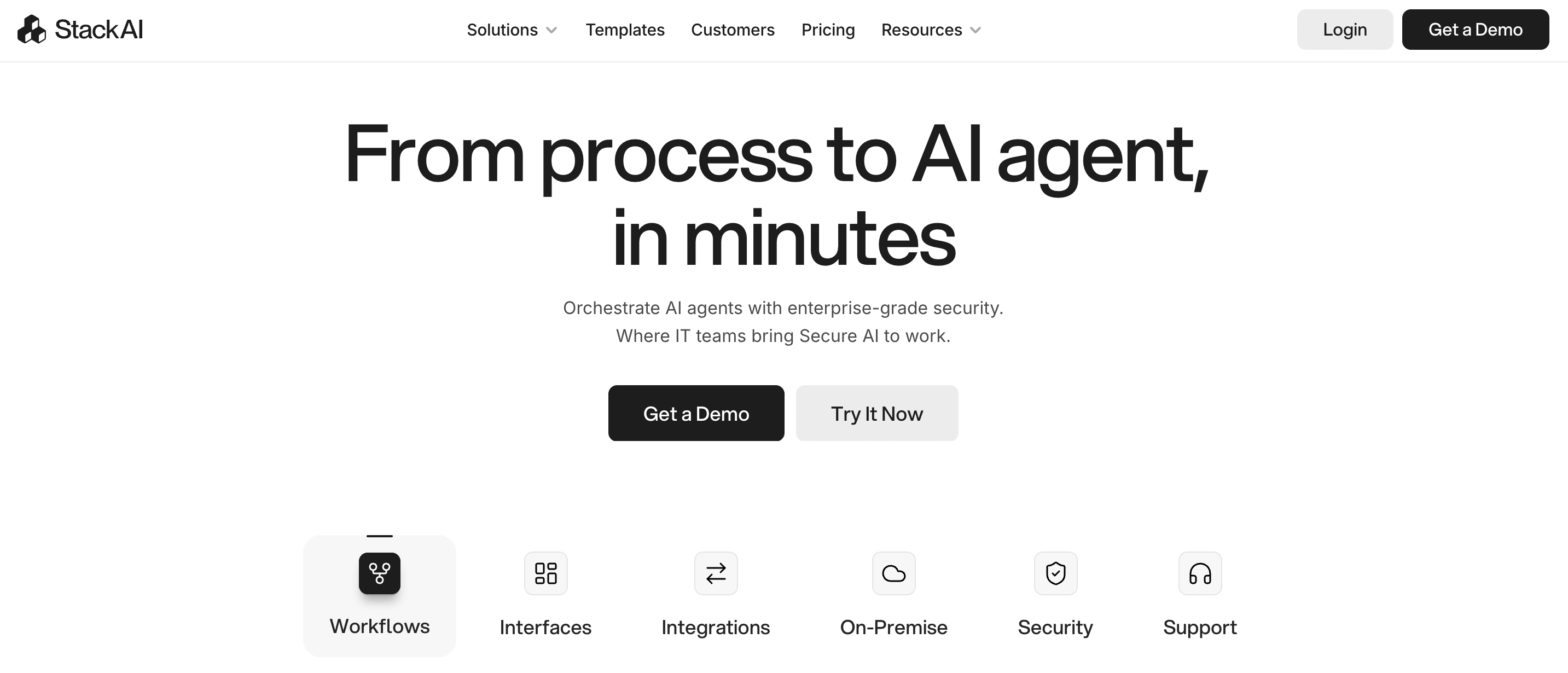
Stack AI positions itself as the fast path to building LLM applications and RAG chatbots without writing full-stack code. Launched for non-technical founders and agencies who want to prototype AI agents quickly, it offers a drag-and-drop interface to wire up data sources (Slack, Notion, PDFs, vector DBs) and deploy as APIs or widgets. Multi-model support across OpenAI, Anthropic, Meta, and Mistral. The UI is clean, templates are plentiful, and you can go from idea to working agent in minutes. Trade-offs include a $199/month entry price, maturing integrations, and limited control compared to fully programmatic frameworks.
What it does: No-code platform for building LLM applications, RAG chatbots, and document agents. Drag-and-drop interface to design workflows, plug in data sources (Slack, Notion, PDFs, vector DBs), and deploy as APIs or widgets. Supports multiple model providers: OpenAI, Anthropic, Meta, Mistral, Perplexity, and Replicate.
Best for: Non-technical founders, agencies, and teams prototyping RAG/knowledge-base agents quickly—when budget allows, and you value speed over cost or deep control.
Why it works:
Fast time-to-value. Users praise the UI as "very simple/clean" with drag-and-drop building blocks. You can go from concept to working agent in minutes using hundreds of ready-to-start templates. No need to wire up LangChain, vector DBs, and hosting yourself.
Multi-model flexibility. Switch between OpenAI, Claude, Llama, and Mistral mid-workflow. You're not locked into one provider. For teams testing which model works best for a use case, this is valuable.
BYO API key = fast performance. When users plug in their own OpenAI key, Stack AI is "incredibly fast"—"instant answers from PDFs." If you already have an LLM contract, Stack AI becomes an orchestration layer on top.
Where it's less suited:
$199/month is steep for indie builders. This pricing, "geared for professional use," pushes solo founders and small agencies toward cheaper tools like VectorShift ($19/month hidden pro plan), RelevanceAI, Gumloop, or self-hosted stacks like Flowise and LangFlow. One comparison thread contrasted Stack AI's $199/month with alternatives at $19 or free.
Integrations still in beta. Multiple users call out that knowledge base connectors are "not yet deployed" or flaky. Google Sheets integration—a basic need—was "not fully working yet" for at least one user. If your core data source is stuck in beta, you're blocked.
No-code abstraction limits deep control. Stack AI is intentionally opinionated. That's great for speed, bad for customization. If you need complex branching logic, fine-grained evaluation, or production-grade observability, you hit walls. One user put it bluntly: "It can be easier to just learn Python than go through dozens of low-code or no-code tools with typically dubious documentation and support."
Black-box nature frustrates engineers. Engineering-heavy teams want LangGraph, CrewAI, and AutoGen—programmatic control with Git workflows, custom evals, and full logging. Stack AI's abstraction feels like a opinionated abstraction layer when you need to debug deeply or wire in custom logic
Pricing:
Starts at $199/month for professional use. No public free tier. Exact limits and overage pricing are not transparently published.
What customers are saying: Stack AI appears in "what should we use?" threads, but with caveats. Users note it's "a lot more expensive ($199 monthly)" and "clearly geared for professional use." One thread positioned it as the platform "enterprise teams usually move to...instead of building agents from scratch." But the price point and integration gaps push many toward alternatives: "For solo builders, small agencies, and early-stage startups, that price point pushes them toward cheaper SaaS tools or open-source/self-hosted stacks."
Bottom Line
Stack AI works when you need to ship a RAG agent or document chatbot quickly, you're comfortable with $199/month, and your data sources are supported. It's built for speed and simplicity, not deep control or budget constraints. If you're technical, self-hosting is cheaper. If you're non-technical and on a budget, Stack AI delivers. If you're budget-constrained or need bleeding-edge integrations, look elsewhere.
Switch from Workato if — You're building internal knowledge-base chatbots and RAG apps, not cross-system workflow orchestration.
Stick with Workato if — You need enterprise-grade integration across CRM, ERP, and business systems, not just LLM-powered document agents.
7. Gumloop
Gumloop entered the automation space as an AI-native platform—not Zapier with AI features bolted on, but a tool built from the ground up for AI-driven workflows. Marketing and ops teams use it to automate document processing, web scraping, data extraction, and CRM updates—all wired together with LLM nodes for extraction, summarization, and classification. The UI is beautiful, the drag-and-drop experience is smooth, and you can turn flows into shareable mini-apps. The founders raised funding, the Product Hunt reviews are glowing, and agencies love it. But credit-based pricing burns fast, the Solo plan is single-user-only, and the jump to the Team tier ($244/month) is steep.
What it does: No-code AI automation platform with drag-and-drop flows. Built for automating AI-heavy workflows: document processing, web scraping, data extraction, CRM updates, email campaigns—all wired together with LLM nodes for extraction, summarization, classification.
Best for: Marketing and ops teams building AI-driven automations who want a cleaner, more AI-native experience than Zapier—and are comfortable with credit-based pricing that can get expensive fast.
Why it works:
AI is core, not an add-on. Unlike Zapier (which bolted AI onto a traditional task-based platform), Gumloop was built AI-first. Every workflow can include LLM nodes for text generation, summarization, data extraction, and classification—without paying for each AI call separately. One user called it "like if Zapier and ChatGPT had a baby."
Beautiful, intuitive UI. Users consistently call it "the most beautiful and intuitive builder as far as UI goes" with smooth drag-and-drop, clear focus states, and helpful debugging visualizations. Compared to n8n's utilitarian interface or Make's cluttered canvas, Gumloop feels modern.
Modular flows you can share. Gumloop lets you turn flows into public pages—essentially mini AI apps. You can build an SEO brief generator, share it with your team or community, and let them use it as a tool. This is powerful for agencies building repeatable playbooks.
SOC 2, GDPR compliant - Enterprise-grade security and auto-scaling compute resources. For companies that need compliance checkboxes ticked, Gumloop delivers without requiring your own infrastructure.
Why it works:
Credit-based pricing gets unpredictable - Every AI call, scraping step, and enrichment node consumes credits. A standard AI call is 2 credits. An advanced AI call (GPT-4, Claude Sonnet) is 20 credits. If you're running high-frequency automations with heavy AI processing, costs can spike quickly. One review noted: "Costs can become unpredictable quickly, especially when using AI or scraping nodes regularly.
Solo plan is single-user only - At $37/month (10,000 credits), you get one seat. If you need team collaboration, you jump to the Team plan at $244/month (60,000 credits, up to 10 seats). That's a big leap for small teams.
Learning curve for complex logic - While the UI is beautiful, building multi-step workflows with conditional branching, subflows, and API integrations requires time to master. One reviewer noted: "The platform does take some time to figure out, but compared to other no-code tools, the learning curve is not as steep."
Limited out-of-the-box integrations - Gumloop has 125+ app integrations, but compared to Zapier's 7,000+ or Make's 2,000+, you'll hit gaps. When you do, you're building custom API calls or webhook handlers.
What customers are saying: Product Hunt reviews are enthusiastic: "Best partners a startup could ask for! And their tools are awesome, we've automated a lot of our processes away." One user on MarketerMilk wrote: "I'm quite blown away...to be able to automate this all with Gumloop is quite mindblowing." But cost concerns keep coming up: "Starting at $30 per month for 120K credits a year, Gumloop's pricing can seem a little bit expensive compared to its peers."
Bottom Line
Gumloop works when you're building AI-driven automations and want a tool designed for that from the ground up — not Zapier with AI features tacked on. The UI is genuinely great, and for teams who need AI workflows (document processing, web scraping, content generation), it delivers. But credit-based pricing can get expensive, and the jump from Solo to Team is steep. Best for funded startups and agencies with AI automation budgets, not bootstrapped solopreneurs watching every dollar.
Switch from Workato if — You're building AI-heavy workflows (document extraction, web scraping, content generation) and want AI-native nodes without complex recipe logic.
Stick with Workato if — You need enterprise connectors (NetSuite, Workday, SAP) and cross-department orchestration, not just AI-powered content workflows.
8. Relevance AI
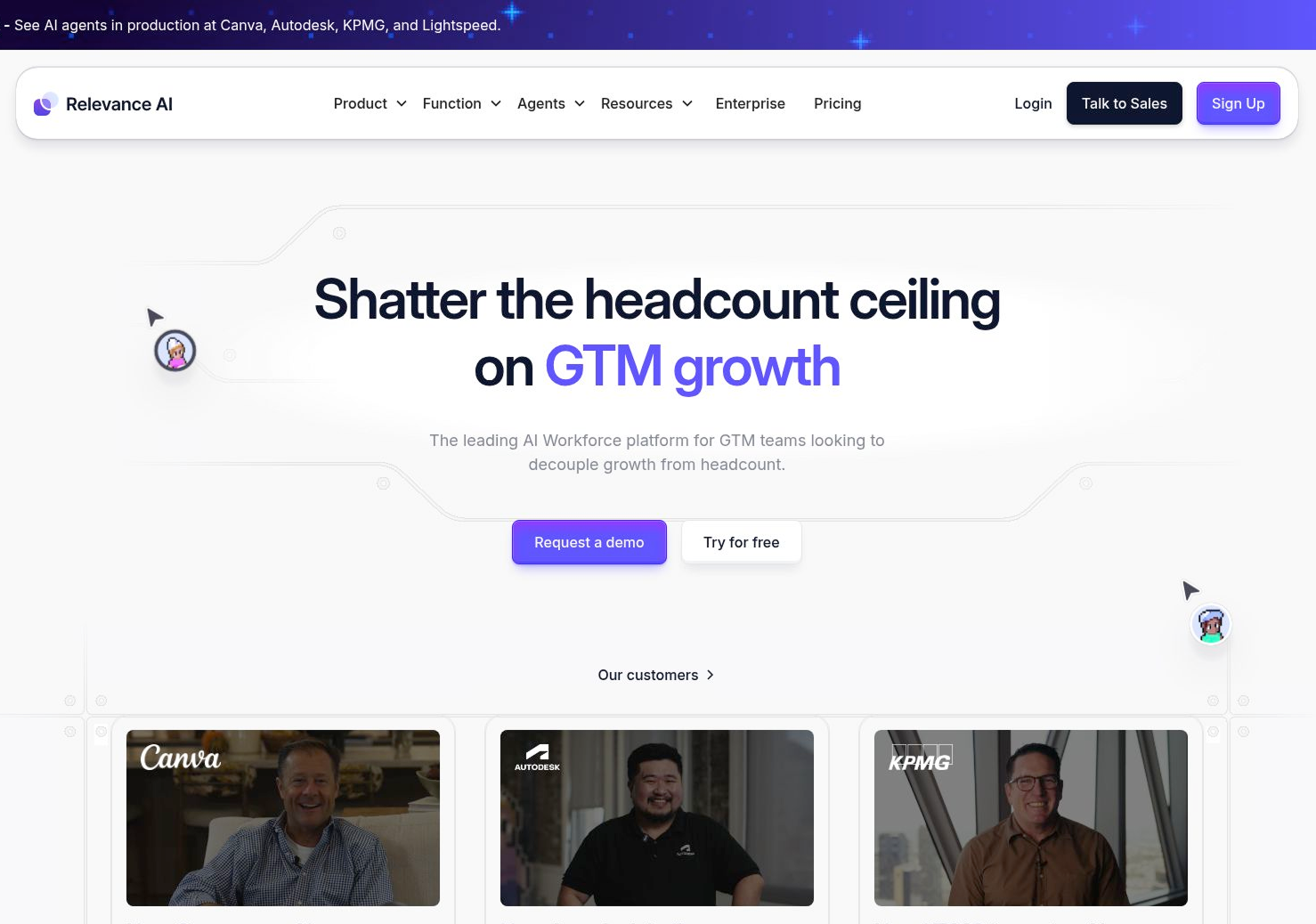
Relevance AI is a low-code platform for building "AI workforces"—multiple agents working together to automate business processes. Sydney-based startup, backed by Bessemer Venture Partners, is positioning itself as the platform for building sales agents, support agents, and marketing agents who collaborate autonomously. The interface is accessible, users praise the ease of use, and 9,000+ tool integrations sound impressive on paper. But the credit system is unpredictable, knowledge storage limits are tight, and native integrations are shallow—most connections require API and webhook workarounds. G2 reviews show the tension: "Easy to use," but "no prorated refunds" and "busy UI that doesn't sync edits."
What it does: Low-code platform for building AI agents and "AI workforces" to automate business processes. Design agents using a no-code interface, connect them to your tech stack (HubSpot, Salesforce, Slack), and deploy them to handle tasks like lead research, CRM updates, document processing, and customer support.
Best for: Teams building multiple AI agents collaboratively—when you need agent orchestration, not just single-task automation—and you're comfortable with credit-based pricing that requires constant monitoring.
Why it works:
Agent orchestration, not just workflows - Relevance AI is designed for building multiple agents that work together. You can create a sales agent that researches leads, a support agent that categorizes tickets, and a marketing agent that drafts campaigns—all within one platform. For teams scaling AI agents across departments, this is the use case.
9,000+ tools for integration - Relevance AI connects with email, calendar, CRM, and most business tools you're already using. One user noted: "Over 9000 tools for integration, including email, calendar, and CRM.
No-code interface that works - Users praise the ease of use: "I've tried other automation platforms, but only here was I able to build a solid RAG system without running into weird limitations." The platform is accessible to non-technical users while still offering customization.
Free plan to test - 100 credits per day, enough to build and test your first agent without paying anything. Good for validating whether the platform fits your needs.
Where it's less suited:
Credit system is unpredictable. Every workflow run costs credits. Fixed costs (4 credits on Free/Pro, 3 on Team, 2 on Business) plus variable costs for LLM calls and compute time. One busy week can burn through your entire monthly credit allowance, forcing you to pay expensive top-ups. As one review put it: "For any team whose needs change or grow, these variable and add-on costs can easily send your monthly bill soaring way past the subscription price you thought you signed up for."
Tiny knowledge storage limits - Each plan has tight storage caps. Need to upload more documents for your agents to learn from? That's $100 per additional GB. For data-heavy workflows, this adds up fast.
Limited native integrations - While Relevance AI claims 9,000+ integrations, connecting apps outside the short list usually means building API connections and webhooks manually. For teams without developers, this breaks the "low-code" promise. One review noted: "Connecting any app that isn't on their short list usually means you'll have to mess with APIs and webhooks."
Customer support complaints - Multiple users report "delays in getting responses or a lack of personalized attention." When you're troubleshooting complex agent setups, slow support is painful.
What customers are saying: Customer reviews reflect both strong usability and pricing concerns. Positive: "Easy to use and packed with useful features," and "I've tried other automation platforms, but only here was I able to build a solid RAG system." Negative: "No prorated refunds. Stay away! Requested a prorated refund when we found it wouldn't work for our specific need. The company refused, and we are stuck with 10 months of credits that won't be used." Another user noted: "The UX/UI is busy, and it sometimes does not fully sync your latest edits."
Bottom Line
Relevance AI works when you're building multiple AI agents that need to collaborate — sales agents, support agents, marketing agents — and you have the budget to handle unpredictable credit consumption. The platform is genuinely low-code and accessible. But the credit system, storage limits, and integration gaps create friction. Best for funded teams with technical support on standby to handle API workarounds. Budget-constrained teams or those without technical support may encounter limitations.
Switch from Workato if — You're building autonomous AI agent teams (sales research, support triage, content generation) rather than traditional system-to-system integrations.
Stick with Workato if — You need mature connectors for enterprise systems and predictable pricing for high-volume cross-system workflows.
9. MuleSoft
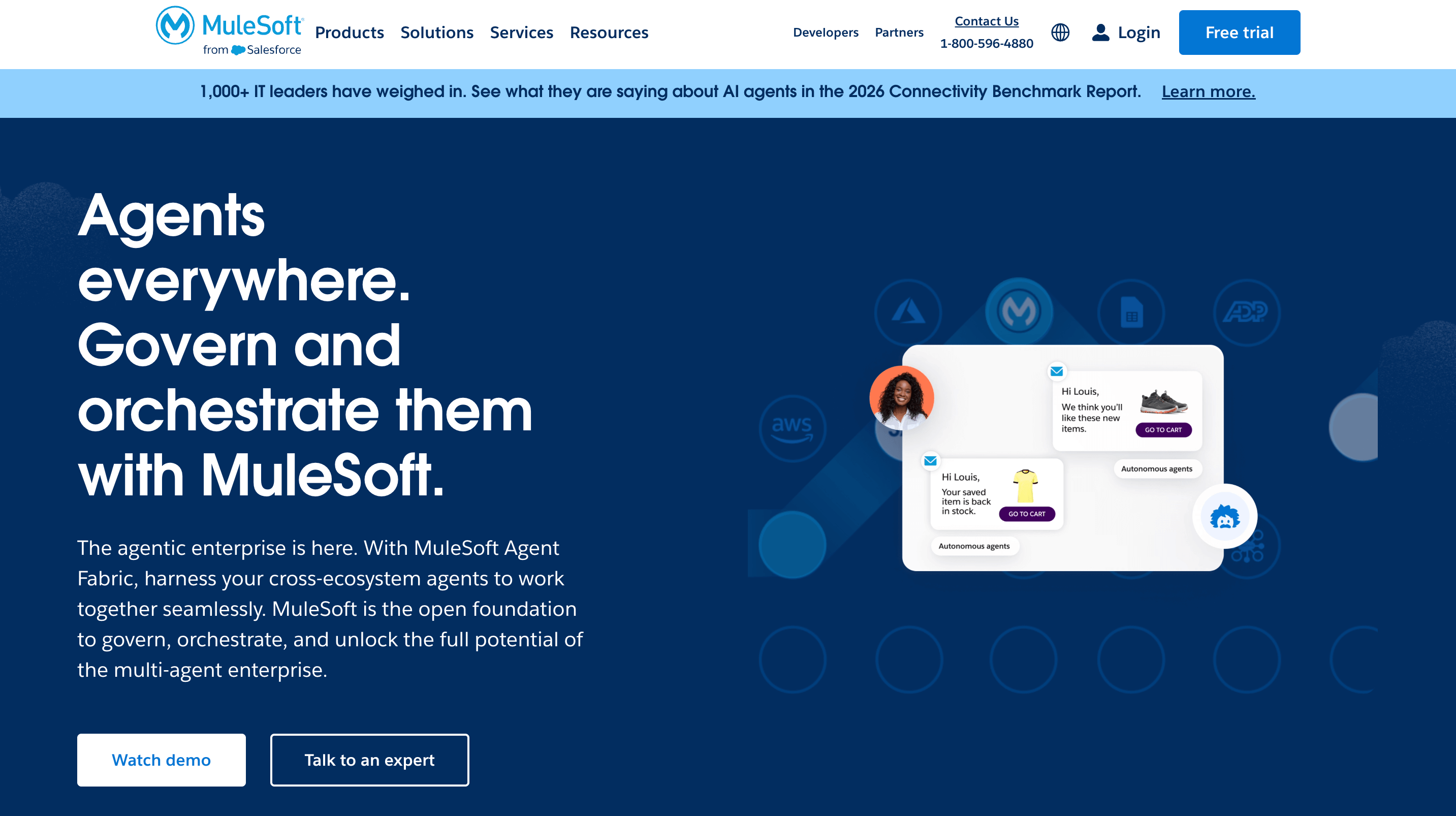
MuleSoft is the heavyweight enterprise iPaaS platform acquired by Salesforce in 2018 for $6.5B and built for large organizations with dozens or hundreds of systems that need centralized, governed, high-scale integration. Think Fortune 500 companies managing complex API lifecycles, event-driven architectures, and hybrid/multi-cloud connectivity. It handles what lightweight tools can't: massive data transformations, deep ERP integrations (SAP, Oracle, NetSuite), and AI agent governance. The problem? Per-vCore licensing is expensive and opaque. Anypoint Studio is not ideal for developers use, and the AI features are mostly a roadmap. Reddit threads are direct: organizations with strong engineering talent feel they can build cleaner solutions themselves.
What it does: Enterprise-grade integration and API management platform (iPaaS) under the Salesforce umbrella. Built for large organizations with dozens or hundreds of systems that need centralized, governed, high-scale integration. Handles complex transformations, event-driven and batch workloads, API lifecycle management, and hybrid/multi-cloud connectivity.
Best for: Large Salesforce-centric enterprises with serious integration sprawl, strict governance requirements, and the budget and talent to justify a heavyweight iPaaS platform.
Why it works:
Enterprise-grade API management and connectivity - MuleSoft handles API design, security, versioning, and reuse across hybrid/multi-cloud environments. For organizations managing hundreds of integrations and APIs, MuleSoft provides architectural visibility and control that lightweight tools can't match.
Broad connector coverage - Deep integrations for Salesforce, SAP, Oracle, core banking systems, plus the ability to build complex custom connectors when you need to go beyond simple REST-to-REST pipes. For highly regulated industries (finance, healthcare, government), this connector maturity matters.
Governance and observability for AI agents - MuleSoft's Agent Fabric and Agent Registry provide a central catalog and monitoring of AI agents and their actions across systems. For risk-sensitive organizations worried about "agent sprawl" and shadow AI, this governance story is a major selling point.
Salesforce ecosystem advantage - If you're a Salesforce shop, MuleSoft is positioned as the "official" way to wire your estate together. Tight alignment with Salesforce CRM, Data Cloud, Agentforce, and offloading heavy integration logic from Salesforce itself.
Where it's less suited:
Expensive and opaque pricing - The single loudest complaint. Per-vCore licensing pushes teams to cram many services into fewer runtimes to control cost. Pricing is "opaque and unpredictable"—customers struggle to understand if they're paying by vCores, flows, invocations, or features. One practitioner noted: "SME adoption is nearly non-existent, and recent pricing changes further limit MuleSoft's appeal outside large enterprises."
Clunky developer experience - Anypoint Studio is repeatedly called "slow, clunky, and one of the frequently criticized IDE" that developers use. Debugging and visibility inside flows are painful. The platform requires understanding multiple moving parts (Studio, Design Center, Exchange, CloudHub, API Manager), each wired differently.
Misalignment with cloud-native strategies - MuleSoft's own ecosystem (DataWeave, RAML, and its runtimes) increases vendor lock-in compared to using generalized developer skills (Java/.NET microservices, OpenAPI-first design). Many teams explicitly say they're decommissioning MuleSoft because it doesn't align with their move to Kubernetes, serverless, and native cloud services.
AI features are marketing, not reality - Anypoint Code Builder offers natural-language-driven flow and RAML generation, but users say "it is not mature enough to replace Studio today." Even insiders describe GenAI-based API management and Data Cloud integration as "lots of talk" and an early roadmap, rather than a transformational change in daily workflows. Meanwhile, competitors (SnapLogic's SnapGPT, Workato's AI-assisted recipes, Power Automate's Copilot) are shipping tangible AI features.
What customers are saying - Practitioner discussions highlight both its enterprise strength and operational complexity. Strengths: "For large enterprises with serious integration sprawl, MuleSoft is still viewed as enterprise-grade plumbing that can centralize and harden critical flows." Weaknesses: "Expensive, not open source, slow IDE, proprietary RAML spec vs OpenAPI, many legacy adapters losing value now that most systems expose REST." One architect summarized: "Organizations with strong internal engineering talent often feel they can build cleaner, more maintainable solutions with Spring Boot, Apache Camel, or cloud-native microservices instead."
Bottom Line
MuleSoft works when you're a large enterprise, already a Salesforce house, with dozens-to-hundreds of systems and strict governance/compliance requirements. Integration is a strategic, ongoing program — not a one-off project. You have or can afford specialist MuleSoft talent and accept a steeper learning curve for long-term standardization. Everyone else should look at AI-forward iPaaS (Workato, SnapLogic), cloud-native integration stacks (Azure Integration Services, AWS API Gateway + Lambda), or lower-cost automation tools (Power Automate, Make, n8n). MuleSoft can feel misaligned for cost-sensitive, cloud-native organizations.
Switch from Workato if — You're a large Salesforce-centric enterprise with hundreds of integrations needing API lifecycle management and Agent Fabric governance.
Stick with Workato if — You want low-code automation without the complexity, vendor lock-in, and six-figure costs of MuleSoft's heavyweight enterprise plumbing.
Quick Comparison: The Cheat Sheet
Here's how all 9 alternatives stack up at a glance:
Beta integrations, expensive for indies, black-box frustration
Gumloop
AI-heavy document workflows
$37/month Solo ($244 Team)
AI-native designBeautiful UIModular flows
High credit usage, Solo single-user, Team tier is expensive
Relevance AI
Building multi-agent AI workforces
$19/month Pro ($199 Team)
Agent orchestration9,000+ tool integrationsFree plan
Unpredictable credit costs, shallow native integrations, support complaints
MuleSoft
Large Salesforce-centric enterprises
Custom ($$$$)
Enterprise-grade API managementDeep ERP connectorsSalesforce ecosystem
Expensive, slow IDE, vendor lock-in
The Bottom Line
Workato is expensive and has a learning curve, but it's still one of the best enterprise iPaaS platforms for complex, multi-system workflows with governance requirements. The question isn't whether Workato is good—it's whether it's the right fit for your specific situation.
If you're a Microsoft shop: Power Automate is already in your stack. The learning curve is steep, and debugging is painful, but the price is right when it's bundled with M365.
If you have DevOps talent and high volume: n8n's execution-based pricing will save you 70-90% compared to Workato. Self-host if you can handle infrastructure, or use cloud plans if you're okay with execution limits.
If you're building AI workflows: Stack AI, Gumloop, or Relevance AI are purpose-built for document extraction, RAG chatbots, and agent orchestration. Workato can do AI actions, but these tools treat AI as a first-class citizen.
If you need visual power at mid-market scale: Make delivers robust error handling and a visual debugger at $9/month. It's the sweet spot between Zapier's simplicity and Workato's enterprise features—just watch operations pricing as you scale.
If you're embedding intelligent agents into applications, Adopt enables agent-ready execution across existing systems without requiring a rebuild. It focuses on governed reasoning and action execution rather than traditional workflow automation.
If you're Fortune 500 with complex enterprise needs: MuleSoft is the only true Workato competitor at massive scale. It's 3-5x more expensive and significantly more complex, but it handles what lightweight tools can't—deep ERP integrations, hybrid cloud, and governed API lifecycles.
If you're embedding intelligent agents into applications, Adopt turns existing applications into agent-ready systems without rebuilding them. It's not workflow automation—it's agentic endpoints that handle reasoning and decision-making across your systems.
What to do next?
Don't migrate everything at once. Pick your most annoying workflow; the one that breaks constantly or takes forever to modify. Build it in 2–3 alternatives. Live with each one for a week. You'll know which one feels right.
The best automation tool is the one where you stop thinking about automation and start thinking about the work you're actually trying to do.
Is there a completely free alternative to Workato?
n8n's Community Edition is free if you self-host, but you pay for infrastructure ($200-500/month). Microsoft Power Automate is "free" with M365 licenses, but you hit limits fast and need Premium connectors. If you're looking for truly free with zero infrastructure costs, it doesn't exist.
Which Workato alternative has the most integrations?
Make has 2,000+ integrations, Microsoft Power Automate claims 1,000+ (heavily Microsoft-weighted), and n8n has 1,200+. But integration count is a vanity metric—what matters is whether the connectors you need actually work well. Workato's connectors are battle-tested for enterprise use.
Can I migrate from Workato without rebuilding everything?
No. There's no export-and-import path. You're rebuilding workflows from scratch. Budget 2-4 weeks per complex workflow for migration. Most teams underestimate this by 50%.
What about Zapier or Make as alternatives to Workato?
Zapier and Make are great for simple trigger-action workflows. They break down when workflows orchestrate multiple systems with branching logic, bulk operations, or enterprise connectors. Use them if you're replacing simple Workato recipes that are overkill for the job. Don't use them for complex cross-department workflows.
Is MuleSoft really better than Workato?
Not necessarily better, primarily more complex and more expensive. MuleSoft excels at API lifecycle management and hybrid/multi-cloud integration at massive scale. For large enterprises with hundreds of integrations and dedicated integration engineers, it makes sense. For everyone else, it's overkill—you'll pay 3-5x more for features you don't need.
Can I use AI alternatives (Stack AI, Gumloop, Relevance AI) for general automation?
Not really. They're purpose-built for AI workflows—document extraction, web scraping, RAG chatbots. You can wire them up for non-AI workflows, but you're overpaying, and the UI is optimized for AI nodes. Use AI alternatives if your workflows are genuinely AI-heavy. Don't use them to replace general-purpose Workato recipes.
What's the biggest mistake teams make when leaving Workato?
Underestimating migration complexity. Teams see "$9/month for Make!" or "n8n is free!" and assume switching will save money. Then reality hits: rebuilding takes 2-4 weeks per complex recipe, the new tool doesn't have mature connectors, and you discover Workato was solving problems you didn't know existed (error handling, rate limiting, bulk operations).
Should I switch from Workato just to save money?
Depends on how much you're saving and what you're giving up. Switch if you're spending $80K-$180K/year, and most workflows are simple trigger-action patterns, or if you have DevOps engineers who can self-host n8n. Don't switch if Workato is deeply embedded with 50+ production recipes, or you don't have the engineering capacity to rebuild.
What's the best Workato alternative for non-technical teams?
Microsoft Power Automate (if you're a Microsoft shop) or Make (if you're cloud-native). Both offer visual interfaces that citizen developers can use. Gumloop also works if your workflows are AI-heavy. Skip n8n, MuleSoft, and Tray.ai—they require technical expertise.
Do I need an iPaaS platform at all, or should I just build custom integrations?
If you have strong engineering talent and only need 5-10 integrations, custom code often wins. Build what's critical, use lightweight tools for the rest. But if you need 20+ integrations, cross-department workflows, or governance, an iPaaS platform saves time. The break-even point is usually around 15-20 maintained integrations.









.svg)
.svg)