8 Best Make Enterprise Alternatives for AI Workflow Automation
Agentic AI for Enterprise
8 Best Make Enterprise Alternatives for AI Workflow Automation
We reviewed 10 workflow automation tools to find the best Make alternatives. Pricing, strengths, and trade-offs for every team type in 2026.
Himanshu Gupta
Content, Adopt AI
7 Min
March 6, 2026
TL;DR
Make's core problem is cost unpredictability. "Operations counting" punishes real-world use: polling triggers, test runs, and loops burn through credits faster than any estimate would suggest.
We tested 8 alternatives across identical workflows. There's no universal winner. Each platform solves a different version of the problem.
Non-technical teams can leverage either Zapier (simplicity) or Gumloop (AI-native workflows).
Developers can use the n8n self-hosted version.
Enterprises with complex system landscapes should leverage either Adopt AI or Stack AI.
Don't migrate everything at once. Pick your most annoying workflow — the one that breaks constantly or takes forever to modify. Build it in 2–3 alternatives. Live with each one for a week. You'll know which one feels right.
Make promises visual automation at scale. So why are teams switching platforms after their third billing surprise?
We tested 8 alternatives to find out what actually solves the operations trap.
The pitch sounds reasonable: build complex workflows with a visual debugger, pay only for what you use, scale without hitting artificial limits. The reality hits different. Your operations count explodes as workflows get real. The Core plan that worked last month doesn't cover this month. You're spending more time calculating operations than building automation.
So we ran the test. We built identical workflows across nine different platforms: customer onboarding sequences, data syncing between six tools, weekly report generation pulling from multiple APIs, and content workflows with conditional AI steps.
The kind of automation that looks simple in the demo but reveals everything about how platforms actually charge you.
Let's start with what Make gets right, and what sends teams hunting for alternatives after six months.
Where Make Works (And Where It Doesn't)
Before you shop for alternatives, you need to know what you're running from.
Make made some trade-offs. Some of them might work for you, while others might not.
Where Make Shines
Visual debugging - Make shows you data flowing between modules in real time. When something breaks, you see exactly where and why. This alone keeps technical teams loyal despite the cost concerns.
2,000+ integrations that work. Make doesn't just connect to apps, it exposes deep functionality most tools hide behind "premium" tiers.
Operations pricing rewards efficiency. One operation can process 100 items in a loop. Zapier would charge you for 100 tasks. For data-heavy workflows, syncing CRMs, processing bulk uploads, and updating spreadsheets, this math works in Make's favor. One team scaled from 1.5M to 9.5M operations while cutting costs from $7,600 to $320/month.
Complex logic doesn't require code. Routers, filters, iterators, aggregators. Make treating workflow complexity as a feature, not a premium tier upgrade. You can build genuinely sophisticated automations without ever touching a Code node.
Where Make Falls Apart
Operations Explode - Every module counts. Every iteration counts. Every error that triggers a retry counts. That simple workflow checking for new Gmail every 15 minutes? It's burning through operations even when nothing happens.
Complex Pricing - The "$9/month for 10,000 operations" headline looks good until you realize you're burning 2,000 operations on polling alone. Then you hit the bandwidth limits. Then you need another user seat. Then you're on the Teams plan at $34/month, wondering how this happened.
Performance suffers with complexity - Users consistently report that scenarios with 50+ modules start lagging. Heavy data transformations slow to a crawl. One Reddit user called out "scenarios that can't handle 50MB PDFs" as a dealbreaker. Make works brilliantly as an orchestrator, but chokes when you ask it to do actual computation.
Missing Collaboration features - Multiple people can't edit the same scenario without chaos. There's no real version control. No dev/test/prod environments. No approval workflows for changes. One person accidentally breaks production, and everyone finds out when customers complain.
Hidden AI module costs - The 2025 pricing update added a 25% markup on extra operations and introduced "vendor credits" for AI operations. Those Claude API calls you're making through Make? They're costing more than calling Claude directly, but Make doesn't make this obvious until you're tracking down why your bill doubled.
The 8 Best Make Alternatives
1. Zapier
Zapier is the automation platform everyone knows, and for good reason. While Make appeals to technical users who enjoy fine-tuning workflows, Zapier bets that most people just want their apps to talk to each other without requiring a YouTube tutorial. It's the McDonald's of automation, you know exactly what you're getting, it works the same way everywhere, and nobody's impressed but nobody's confused either.
The platform trades power for simplicity at every turn. Where Make gives you routers and aggregators and nested iterators, Zapier gives you linear workflows that do one thing reliably. That constraint is the point. It forces you to keep automations simple, which means they're more likely to actually keep running six months from now.
Best for: Non-technical teams who need automation that just works
Where It Shines
7,000+ integrations - Zapier doesn't just connect more apps than Make, it makes those connections feel natural. The "Find New Email" trigger actually finds new emails, not "raw email objects that need 3 transformation steps." Integrations are built for the most common use cases, not the most powerful ones.
Zero learning curve - If you can read "When this happens, do that," you can build a Zap. No modules to wire. No data mapping between steps. No JSON expressions required to grab a value from the previous step. Zapier handles the plumbing so you can focus on the outcome.
Reliable at scale - When was the last time Zapier went down? The platform processes billions of tasks monthly and users rave about 99.9%+ uptime. Make's community forums fill with "scenario randomly stopped running" threads. Zapier's fill with "I'm amazed this just works" comments.
Built-in tools - Filters, formatters, paths, and delay steps don't consume tasks. Want to add conditional logic? Free. Need to format a date? Free. This is the opposite of Make's "every module costs operations" model. For simple workflows with lots of logic, Zapier can actually be cheaper.
Where It Falls Apart:
Weak Complex Conditional Logic - Need to process data in batches? Loop through arrays? Handle conditional branches based on multiple criteria? Zapier makes this painful or impossible. You end up creating three Zaps to do what one Make scenario handles elegantly. Users literally say "Zapier for simple stuff, Make for anything complex."
Task Pricing Increases Unpredictably - That 4-step Zap that runs 1,000 times? 4,000 tasks. Add error handling? 5,000 tasks. Want to update 200 spreadsheet rows? 200 tasks. Each action counts individually, and there's no way to process items in bulk without writing code. Teams report hitting task limits "way faster than expected."
Limited Error Handling - When a Zap fails, it just... fails. No automatic retries with exponential backoff. No error paths that try alternatives. No sophisticated logging to understand what went wrong. You get a "something failed" email and have to manually replay tasks. Compare this to Make's error handlers and it feels like using training wheels.
Locked Premium apps - That $29.99/month Professional plan? Doesn't include LinkedIn, WhatsApp, or hundreds of other "premium" integrations. Need those? You're automatically bumped to higher tiers regardless of task volume. It's a hidden surcharge that catches people off guard.
Team: $103.50/month for 2,000 tasks (or $69/month annual) - > team collaboration, shared folders, priority support
Enterprise: Custom pricing - starts around $5,999/month for 2M > tasks - SSO, audit logs, dedicated support
Overage charges: 1.25x per-task cost when you exceed your limit. So if you're on Professional, each extra task costs about $0.04.
What users are saying:
"Zapier is boring in the best way possible. I set up a Zap 3 years ago and it's still running. Never touched it."
"We moved from Make to Zapier specifically because our marketing team couldn't figure out Make. Paying more for simplicity was worth it."
"The task counting is brutal at scale. We hit 10,000 tasks in week 2 and ended up back on Make for the heavy lifting."
Bottom Line
Zapier works when you have simple, linear workflows and non-technical users who need to build their own automation. It fails when you need complex logic, bulk processing, or want to avoid per-task economics that punish scale. The reliability and simplicity premium is real, but so is the cost disadvantage for anything beyond basic triggers and actions.
Switch from Make if — Your team can't figure out Make's interface and you're spending more time debugging than automating. The reliability and support premium is worth paying for. Your workflows are genuinely simple (under 5 steps) and you'd rather pay more to avoid technical complexity.
Stick with Make if — You need complex branching, loops, or data transformations. You're processing bulk data where one execution handles hundreds of items. Your team has technical skills and values control over hand-holding. Operations economics work better than task economics for your use case.
2. n8n
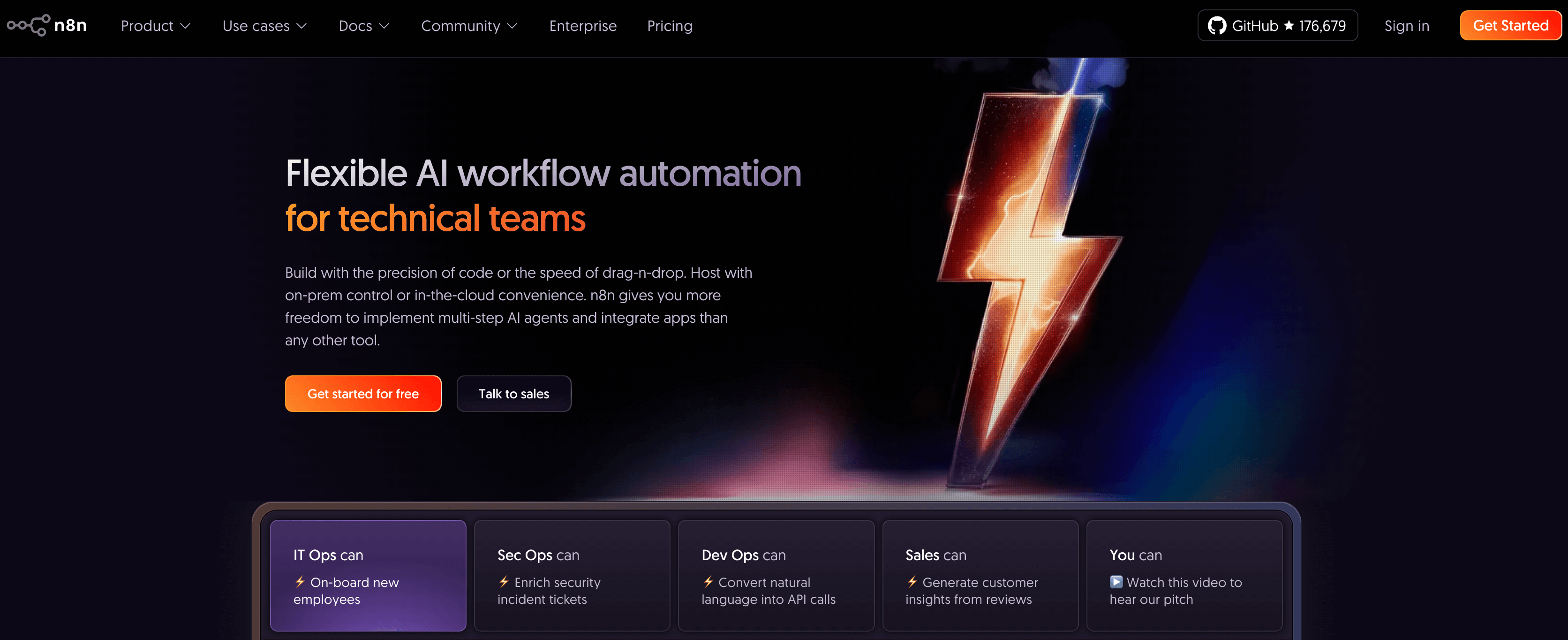
n8n is what Make would be if Make cared more about developers than drag-and-drop users. It's the automation platform for people who think Zapier is too dumbed down and Make is too expensive, and who don't mind rolling up their sleeves to run infrastructure. The trade is simple: you handle the hosting, n8n handles the automation without metering every single operation.
The platform's fair-code license (not quite open source, but close) lets you self-host the Community Edition for free with unlimited executions. That's unlimited. Not "10,000 operations included then we charge you." Actually unlimited. For teams that hit scale, this changes the economics from "how much can we afford" to "how much RAM should we allocate." If you're using n8n, you might want to read our n8n alternatives article.
Best for: Technical teams wanting self-hosted control and execution-based pricing
Where It Shines Apart:
Pricing- n8n charges per workflow execution (one full run start to finish), not per module or step. A workflow with 50 steps that processes 500 items in a loop? One execution. The same automation in Make burns through thousands of operations. One team ran 9.5M operations/month on n8n for $320 while Make would have charged $7,600.
Self-hosting - The Community Edition is completely free to self-host with no execution limits. Your data stays on your servers. No vendor can lock you out. No surprise pricing changes. You're trading infrastructure management for cost control and data sovereignty. For technically sophisticated teams, this is the dream.
Developer-friendly flexibility - Code nodes that support JavaScript. Direct HTTP/API calls to any endpoint. Function nodes for custom logic. Credentials stored in environment variables. Git-based deployment. n8n doesn't hide the technical details, it exposes them as features. This is automation for people who read API docs for fun.
Fast prototyping - Developers consistently call out how quickly they can wire up POCs in n8n compared to writing code from scratch. It's faster than raw Python but more flexible than no-code tools. The sweet spot is orchestrating between APIs and services without building full microservices.
Where It Falls:
Non-technical users struggle with JSON - Referencing data from previous steps requires dot notation and understanding data structures. File attachments? You're working with binary data objects. Credentials? Environment variables and manual configuration. Business users trained on Zapier's simplicity struggle. Multiple Reddit threads ask "is n8n for engineers or business users?" The answer: engineers.
Debugging - There's no real debugger like Make's visual flow. You click nodes, examine execution data, add console.log equivalents, trace through your workflow manually. Users call it "debugging by printf." It works, but it's tedious. When something breaks in production, you're in for some sleuthing.
Missing Collaboration features - Workflows live in a database, not files. No built-in version control (though you can export to git). No dev/staging/prod environments without manual setup. Team management is basic. Multiple people editing the same workflow = merge conflicts resolved through copy-paste. This is automation built for solo developers, not teams.
Poor Performance under heavy load - Multiple users report that large files (50MB+) crash workflows. Heavy processing in node.js expressions takes down instances. Complex workflows with hundreds of items processed in parallel cause timeouts. n8n works brilliantly as an orchestrator but struggles when you ask it to be the compute layer. Push heavy work to services; use n8n to coordinate.
Cloud pricing isn't competitive - If you don't want to self-host, n8n Cloud starts at €24/month ($26) for 2,500 executions. The Pro plan is €60/month for 10,000 executions. That's more expensive than Make's Core plan for the same rough volume, and you're getting a less polished UI, weaker collaboration tools, and more technical complexity. The value proposition is self-hosting, not cloud.
Pricing:
Community Edition (Self-hosted): Free, unlimited executions - > you pay only for infrastructure ($5-50/month for most teams)
Cloud Starter: €24/month (~$26) for 2,500 executions, 5 > concurrent workflows, basic support
Infrastructure costs for self-hosting: $5-10/month for small workloads on a basic VPS, $50-200/month for production-grade setup with Redis, PostgreSQL, proper monitoring.
What users are saying:
"I moved from Make purely on cost. I'm running 80K executions/month on a $10 VPS. Make wanted $200/month for that."
"The learning curve is real. Took our team 2 weeks to get comfortable with expressions and data structures. But now we're building stuff we couldn't touch in Zapier."
"Self-hosting sounds great until you're debugging why webhook timeouts are killing your workflows at 3 AM."
Bottom Line
n8n works when you have technical resources, want to self-host for cost or data residency, and hit enough scale that execution-based pricing makes sense. It fails when you need non-technical users to build automations, want enterprise-grade collaboration tools, or don't have DevOps capacity to maintain infrastructure. The cost advantage is real but so is the operational overhead.
Switch from Make if — You're spending $100+/month on operations and have someone who can manage a VPS. Data residency or compliance requires self-hosting. You want execution-based pricing that doesn't punish complexity. Your team is technical enough to handle JSON and environment variables without handholding.
Stick with Make if — You need non-technical team members to build workflows. Visual debugging is essential to how you work. You don't have spare DevOps cycles for maintaining infrastructure. Make's cloud convenience and polish are worth paying for.
3. Tray.ai
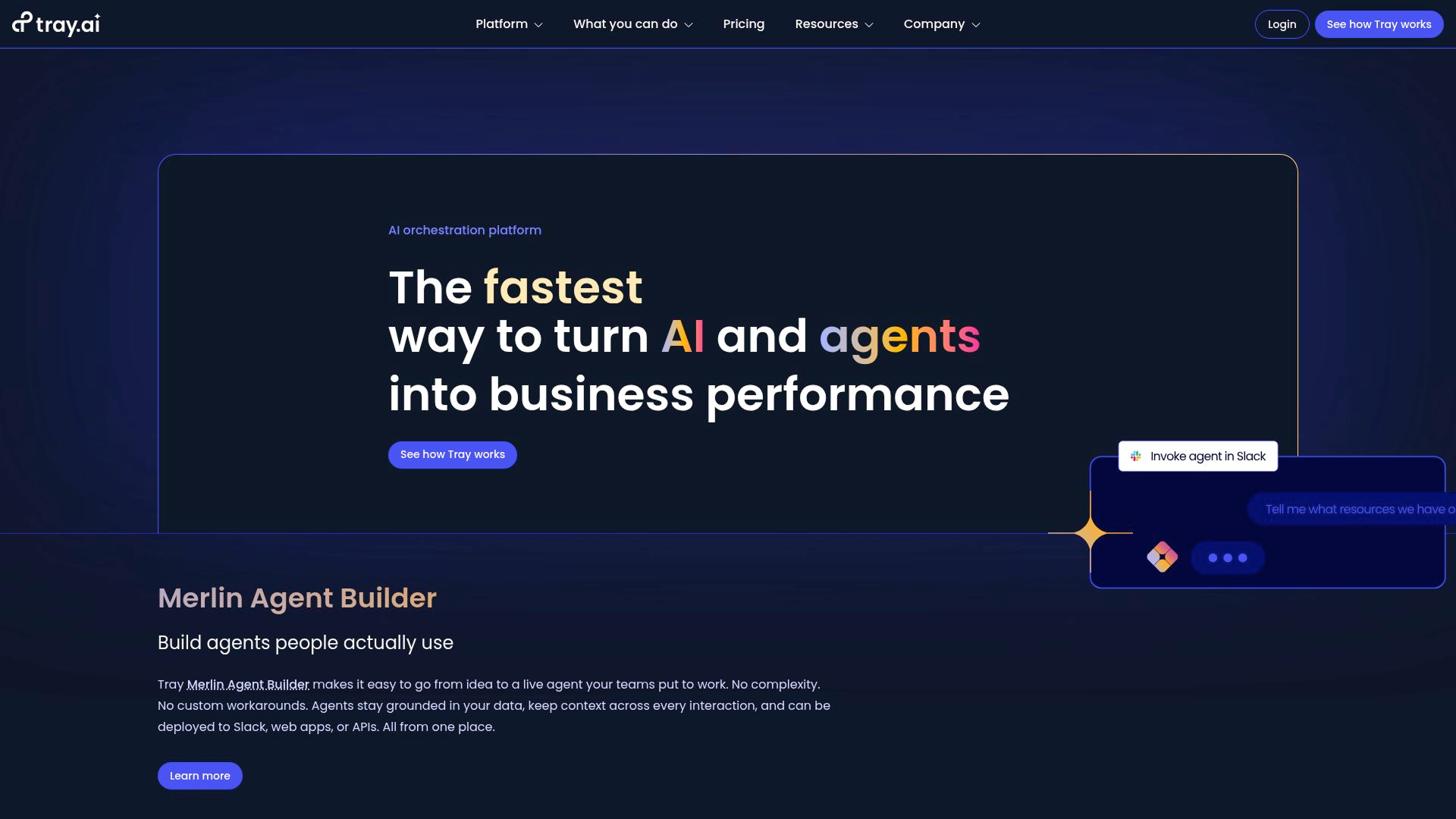
Tray.ai isn't trying to be Make for everyone. It's Make for companies that want to offer Make-style automation to their own customers. If you're building a B2B SaaS product and need to embed workflow automation as a feature, Tray solves a problem that Make doesn't even acknowledge exists. The trade-off is simple: you get enterprise-grade iPaaS with customer-facing embeddable components. You pay enterprise iPaaS pricing.
The platform positions itself as the "low-code automation layer for your product." Not for your internal ops team, for your paying customers. That changes everything about how features are built. Workflows become APIs. User authentication becomes required. Multi-tenancy and workspace isolation become table stakes. This isn't automation for your business. It's automation as your business.
Best for: SaaS companies embedding automation into products
Workflows-as-API for product embedding - Tray's killer feature is turning automation into an API endpoint your customers can call. Build a workflow, expose it through Tray's API, let your customers trigger it programmatically. This is how SaaS companies add "native integrations" without building 600 custom integrations themselves. You build one workflow template; customers configure it for their use case.
600+ connectors - Tray has fewer integrations than Zapier but goes deeper on each one. Need to update a specific Salesforce custom object with conditional field mapping based on account type? Tray's Salesforce connector handles it. Most platforms would make you call the API directly. Tray exposes the functionality you actually need for enterprise use cases.
Visual and code flexibility for complex workflows - Tray gives you the visual builder for business logic and drops to JavaScript/Python when you need custom transforms. No artificial constraints. You can build sophisticated data pipelines with branching, error handling, and parallel processing, then expose them as a simple API call. Technical teams rave about not being boxed in.
Built for product teams - Configuration wizards that let customers set up integrations themselves. Solution instances that maintain customer-specific state. Multi-tenant workspaces with proper isolation. Usage analytics per customer. This is infrastructure that Make and Zapier don't provide because they're not thinking about embedded use cases.
Where It Falls Short:
Expensive - Tray's Pro plan starts around $5,000-$10,000 annually. Team plan runs $10K-$20K+. Enterprise runs $20K-$50K+. This isn't automation-as-a-service pricing. It's enterprise software pricing. You're buying a platform, not a tool. For internal-only automation, this math rarely works. For product-embedded automation, it becomes a build-vs-buy decision.
Requires Technical expertise - You're not dragging and dropping Zapier-style triggers. You're building workflow templates with proper error handling, configuring customer authentication, setting up webhooks, managing API quotas, designing configuration UIs for customers. Plan on 2-4 weeks of engineering time just to get your first integration live. Tray is infrastructure, not a productivity app.
Not Suitable for Internal Automation - Using Tray to sync your CRM to your project management tool is like using AWS to host a static website. Technically possible. Complete waste of money. Tray makes sense when automation is part of your product roadmap, not when you're just trying to save your ops team some manual work.
Task-based billing gets expensive at scale - Tray charges per "task" (each step in a workflow). The Pro plan includes 250,000 starter task credits. Sounds like a lot until you realize that processing 10,000 customer orders through a 10-step workflow = 100,000 tasks. Scale this to real SaaS volume and you're either negotiating overage rates or doing math to figure out if building custom integrations would've been cheaper.
Embedded Bundle: Additional cost on top of Enterprise - > white-label UI, configuration wizard, solution instances, > customer-facing features
Pricing is "contact sales" for a reason, every deal is negotiated based on expected task volume, number of customers, and which add-ons you need. Plan to spend 4-6 weeks in the sales cycle just to get a quote.
What users are saying:
"We evaluated Tray vs. building our own integration infrastructure. Tray saved us 12 months of engineering time. Worth every penny."
"The pricing shocked us. $25K/year felt insane until we calculated what it would cost to hire someone to build and maintain this."
"If you're using Tray for internal automation, you're doing it wrong. This is for when integrations are a product feature, not an ops tool."
Bottom Line
Tray.io makes sense when you're building a SaaS product and need to offer "native integrations" to customers without building 600 custom integrations. It fails spectacularly when you're just trying to automate internal business processes. The platform is enterprise iPaaS priced and positioned for companies where automation is part of the product roadmap. If that's not you, you're overpaying by an order of magnitude.
Switch from Make if — You're a B2B SaaS company that needs to embed automation into your product for customers. You're building an integration marketplace or workflow layer that end users configure. Engineering time is more expensive than software licenses. You need enterprise-grade multi-tenancy, white-labeling, and customer-facing configurability.
Stick with Make if — You're automating internal processes, not customer-facing workflows. The $5K–$50K annual price tag would be spent better elsewhere. You don't need embeddable automation, you just need your own team to connect apps. Make's pricing suddenly looks reasonable in comparison.
4. Adopt AI
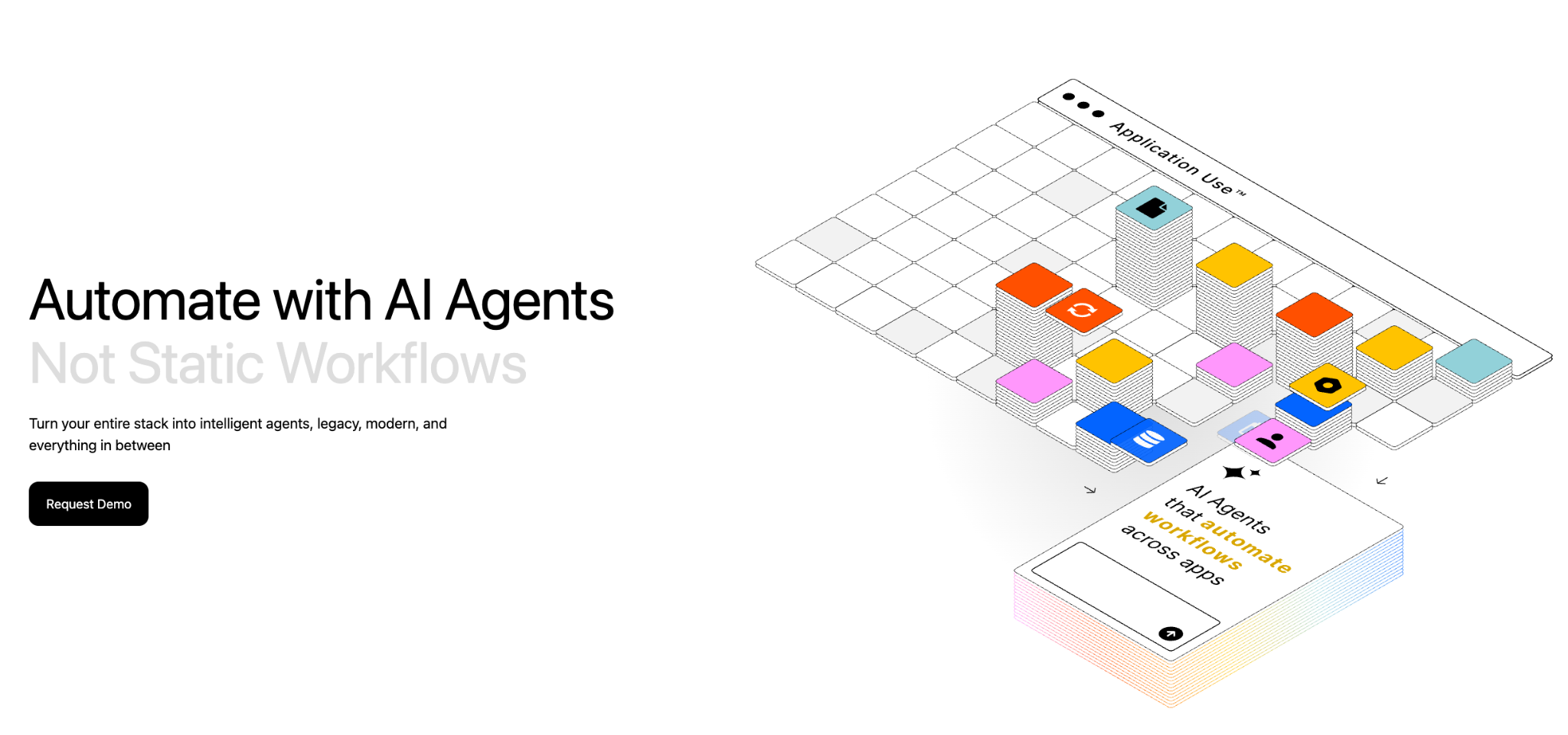
Adopt AI is an end-to-end platform for building and operating enterprise agents — not just infrastructure, but the full lifecycle from API discovery to govern agent deployment.
What it does: Adopt AI turns existing applications into agent-ready systems without rebuilding them. ZAPI (Zero-Shot API Discovery) uses browser-based agents and network crawling to automatically discover, document, and catalog every API in a live application — typically within 24-48 hours. ZACTION (Zero-Shot Action Generation) transforms those discovered APIs into validated, composable actions using LLM reasoning and built-in evaluation loops. The Agent Builder lets teams construct agents using natural language, configuration, or code, with prebuilt UI components for chat, structured inputs, and history. Deploy in-app via JS SDK, or extend to any external client via MCP or REST API.
Best for: Product teams embedding intelligent agents into their applications, enterprise teams needing to agentify complex workflows across fragmented systems (insurance claims, pharma compliance, retail operations, financial services onboarding, supply chain ), and companies that want production-grade agents without multi-month integration cycles.
Why it works:
Zero-shot discovery eliminates integration drag - ZAPI discovers APIs directly from live applications - no SDKs, no code changes, no manual mapping needed. It captures every API triggered by real user actions, uses your own documentation to guide exploration, and keeps output current with re-runs.
Actions are auto-generated and validated - ZACTION converts discovered APIs into structured, reusable actions with inputs, outputs, constraints, and guardrails baked in. Built-in evals continuously test action logic. Actions are composable; chain them into multi-step workflows without writing orchestration code.
Plugs into your existing stack - Adopt AI connects through your existing APIs and identity systems. Deploy agents as in-app endpoints (sidebar, search, homepage), external/web endpoints, or workflow endpoints; all under one policy and observability layer. MCP/SDK patterns with reference implementations for common systems.
Enterprise governance by design - SOC 2 Type II, ISO 27001, HIPAA, GDPR, CCPA compliant. Fine-grained permissions (RBAC), audit trails, policy enforcement, and guardrails built into the platform. Hybrid deployment available; inference can run in the customer's cloud environment for sensitive operations.
Non-engineering teams can build & iterate - Low-code builder and SDK enable rapid iterations. Built-in dashboards, analytics, and telemetry. Product managers get a full capability surface with orchestration, guardrails, and evals without waiting on engineering for every change.
Dedicated engineering support - FDEs (Field Development Engineers) embed as an extension of your team for onboarding, scaling, and enterprise alignment.
Where it's less suited:
Not a general-purpose workflow orchestration tool - Adopt AI is purpose-built for agentifying applications and enterprise workflows. If you need data transformations, scheduled jobs, multi-branch conditional logic, or ETL-style pipeline orchestration, you’re better off leveraging both n8n and Adopt AI. Adopt AI handles what agents do across systems; it doesn't replace your workflow automation layer.
Pricing:
Transparent, usage-aligned pricing with no hidden integration costs. Learn more about the pricing here.
What users are saying: Customers across SaaS, logistics, and financial services agree that Adopt AI deploys quickly, integrates seamlessly with existing systems, and makes scaling AI agents across operations effortless. The result: teams work smarter, without rebuilding what already works. Read our latest customer story here.
Bottom Line
Adopt AI works when you need to turn real enterprise applications into agent-ready systems with governed, auditable execution across fragmented tools. The patented zero-shot technology (discovery + action generation) collapses months of integration into days. It's not a workflow orchestrator, not a chatbot builder. The platform that makes agents actually work against real business systems in production.
Adopt AI and Make, when leveraged together, removes all the tradeoffs that come with Make.
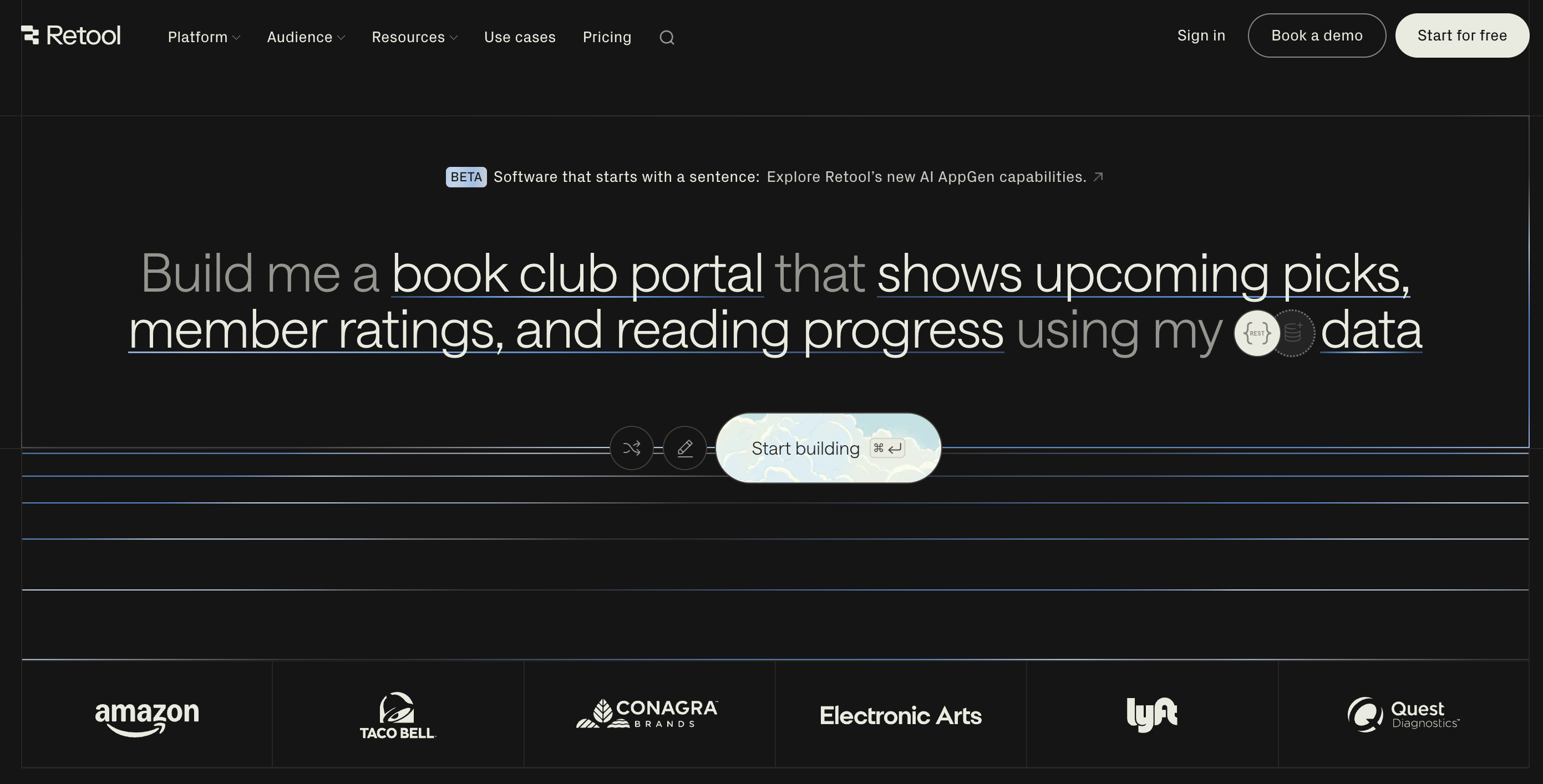
5. Retool AI
Retool spent years becoming the default platform for engineers building internal tools. CRUD dashboards on top of databases. Admin panels for operations teams. Back-office UIs that would take weeks to build in React but ship in days with Retool's component library.
Then AI happened. Retool added "Assist", an IDE feature that generates queries and modifies apps from natural language prompts. They showcased AI agent demos. The positioning shifted from "low-code for internal tools" to "AI-powered app builder."
But here's the gap: Retool's AI feels incremental, not transformational. It speeds up development for teams already standardized on Retool. It doesn't replace the mental model of dragging components, wiring data sources, and tweaking JavaScript in browser-side logic. If you want "prompt-to-production" AI app generation, Retool isn't that. If you want governed, database-centric internal tools with AI helping you build faster, it might be.
Best for: Building internal tools with AI-assisted development
Where It Shines:
Deep data integration for database-heavy apps - Retool connects directly to Postgres, MySQL, MongoDB, and dozens of other data sources without row limits or annoying abstractions. If your internal tool is fundamentally "put a UI on top of this database," Retool excels. Query builders understand your schema. Components bind to data naturally. You're not fighting the platform to access your own data.
Robust Component library - Tables, forms, charts, filters. Retool provides production-ready components designed for internal users who prioritize function over aesthetics. You accept slightly generic-looking UIs in exchange for shipping dashboards in hours instead of weeks. For CRUD operations and admin panels, this trade-off makes sense.
Enterprise governance - Role-based access control. Audit logs. SSO. Retool brings enterprise-grade security that tools like Bolt or Lovable don't even think about. When you're building internal tools touching sensitive data, this isn't optional. IT actually approves Retool where they'd block pure AI code generators.
AI Assist Capabilities - Natural language prompts can generate queries, suggest components, and modify existing apps. This genuinely accelerates development for teams already familiar with Retool's patterns. But you're not describing a complete app and watching it appear. You're getting AI assistance while manually designing the interface, wiring data flows, and handling edge cases.
Where It Falls Short:
Poor Performance - Retool runs heavy logic in the browser using JavaScript. When you're processing large datasets or building complex workflows, users report timeouts, lag, and frustrating performance degradation. Competing platforms like Superblocks market server-side execution (Python/Node) as a specific advantage for this reason. Internal tools handling millions of records can outgrow Retool's architecture.
Missing Features - Multiple developers describe Retool as fast for building 90% of a feature but tedious for finishing the remaining 10%. Tweaking component layouts, fixing filter edge cases, getting tables to behave exactly how users expect, this polish work involves manual dragging, resizing, and fighting UI quirks. What started as "ship in one day" extends to "finish in two weeks."
High Per-seat pricing - Retool charges per user with a free tier up to 5 users. Scale to 50 internal users and you're paying hundreds monthly. Need 200 end users? The math gets painful fast. Open-source alternatives like Appsmith exist specifically because teams want to avoid this per-seat trap for large internal user bases.
Not built for customer-facing apps - Retool works for internal tools, back-office UIs for employees. Trying to build external-facing applications with polished UX and custom branding reveals platform limitations. Teams building customer products typically abandon Retool for custom code, Bubble, or other tools designed for end-user experiences.
AI features feel shallow compared to AI-first tools - Developers comparing Retool to Lovable, Bolt, Cursor, or other AI code generators describe a gap in speed and fluidity. Retool's AI helps but doesn't fundamentally change how you build. You're still manually wiring components and data sources. AI-first platforms generate complete apps from prompts, even if they lack Retool's governance and enterprise features.
Pricing:
Free: Up to 5 users, standard connectors, basic features
Enterprise: Custom pricing - self-hosting, advanced governance, > dedicated support
Pricing scales per-seat, which works for small teams but becomes expensive for tools with 50+ regular users.
What users are saying:
"Retool is unbeatable for internal CRUD apps if you're comfortable with SQL. But it's not magical AI, you're still doing real development work."
"We hit performance walls with complex dashboards. Switched to Superblocks for better server-side execution and haven't looked back."
"The AI helps me build faster, but I wouldn't call it an 'AI app builder.' It's a low-code platform with AI assist features."
6. Relevance AI
Relevance AI positions itself as an "AI workforce" platform. Not a single chatbot. Not one automation. A team of specialized AI agents collaborating on complex tasks like a human team would. Research agents that prep you for sales calls. Content agents that draft, review, and publish. Support agents that triage, categorize, and route tickets.
In practice, pricing complexity, scalability concerns, and the classic no-code trade-off surface fast: easy to start, expensive to scale.
Best for: Building multi-agent AI workforce systems quickly
Where It Shines:
Multi-agent orchestration - Relevance AI excels when multiple specialized agents need to collaborate. Research team workflows where one agent gathers data, another analyzes sentiment, a third drafts recommendations. Content pipelines with writing, editing, and SEO agents working in sequence. The platform handles agent-to-agent coordination that would be painful to build manually.
No-code builder - Visual flow design. Drag-and-drop logic. Pre-made templates for research, support, content ops. Non-technical users can prototype agent workflows without writing code. Marketing teams, ops managers, consultants. Relevance lowers the barrier enough that they can build without bothering engineering.
Fast prototype-to-production - Users consistently describe Relevance as "easy to pick up" for individual productivity. Sales prep agents. Meeting summarizers. Research assistants. For solo users or small teams automating their own work, Relevance provides quick wins without heavy infrastructure.
Robust Team collaboration features - Roles. Analytics. Assignments. Workspace organization. Relevance treats agents as team infrastructure, not just personal tools. For agencies deploying agent teams across clients or companies sharing agent capabilities across departments, these collaboration concepts matter.
Where It Falls Apart:
Expensive - Community feedback is blunt: Relevance feels aimed at "individual work tasks" not large-volume production. Rate limits and credit costs make high-scale operations prohibitively expensive. Running customer support at volume or SEO content at scale quickly outgrows what the platform handles economically. You prototype fast, then hit a cost wall.
Enterprise security gaps - Third-party guides explicitly call out that Relevance's security features may not align with strict enterprise compliance requirements. For healthcare, finance, or companies with heavy regulatory constraints, the platform's security posture falls short of self-hosted or mature enterprise alternatives. Legal and security teams block adoption.
Steeper learning curve - While marketed as no-code, the multi-agent architecture introduces complexity. Understanding how agents delegate to each other, managing context passing, debugging coordination failures, users note it's "more technical than it seems at first glance." Simple single-agent use cases get easy wins. Complex multi-agent orchestration requires real conceptual overhead.
Less control than open-source alternatives - Technical teams building automation stacks increasingly choose open-source orchestrators (n8n, Flowise, Dify) for cost control, self-hosting, and deep customization. Proprietary SaaS like Relevance feels limiting when you want to own infrastructure, modify underlying logic, or deploy to your own cloud. You're locked into their platform, pricing, and feature roadmap.
Pricing:
Relevance AI uses a credit-based "AI workforce" model with tiered plans:
Free: Limited credits to test the platform
Pro: Starting around $200-500/month for regular usage (exact > pricing varies by workload)
Enterprise: Custom pricing based on agent count, credit usage, > team size
Credit consumption depends on agent complexity, AI model selection, and execution frequency. Costs become unpredictable without detailed scenario modeling before committing.
What users are saying:
"Relevance is perfect for my personal research agents. But when we tried scaling to production customer support, the costs and rate limits made it unworkable."
"The multi-agent coordination is genuinely impressive. But the pricing model makes it impossible to give finance a straight answer on monthly costs."
"For prototyping agent workflows, nothing beats it. For production at scale, we moved to open-source orchestrators where we control costs directly."
Bottom Line
Relevance AI works when you're a consultant, marketer, or small team building multi-agent workflows for internal productivity and can tolerate unpredictable credit-based pricing. It fails when you need production-scale automation, strict enterprise compliance, simple transparent billing, or prefer open-source control over proprietary SaaS. Fast prototyping hits a cost and scale wall quickly.
Switch from Make if — You're building complex multi-agent AI workflows, not just app-to-app integration. You want templates and no-code visual design for agent orchestration. Your use case is internal productivity and research rather than high-volume production. Make doesn't provide the AI agent coordination capabilities you need.
Stick with Make if — You're running high-volume production workflows where predictable billing matters. Enterprise security and compliance are non-negotiable. You prefer execution-based or operation-based pricing to credit systems. Multi-agent AI orchestration is overkill for connecting apps and moving data.
7. Stack AI
Stack AI targets a specific buyer: large enterprises in regulated industries that need to build internal AI tools with strict governance frameworks. Not customer chatbots. Not marketing automation. Internal employee-facing AI agents for knowledge management, process automation, and decision support, with enterprise IT watching every step.
The platform offers model routing, compliance guardrails, and evaluation frameworks. It connects to enterprise infrastructure like Salesforce, HubSpot, ServiceNow. It provides the governance layer that makes security teams comfortable deploying AI internally.
The catch? Implementation complexity, enterprise-only pricing, and a focus so narrow that anyone outside Fortune 500 IT departments finds better alternatives.
Best for: Enterprise AI agent builders with compliance requirements
Where It Shines:
Enterprise governance built-in - SSO (Okta, Azure AD, Google). Role-based access control. Audit logs. PII masking. Data residency controls. Cost guardrails per team or user. Stack AI provides the compliance infrastructure that enterprises demand before deploying AI. IT doesn't have to jerry-rig governance on top of a consumer AI platform.
LLM routing - Route workflows across OpenAI, Anthropic, Google, or local models based on task requirements and budget constraints. Set cost limits per user or team. Stack AI positions this as critical for enterprises managing AI spend across departments. You're not locked into one vendor's models or pricing.
Built for internal workflow automation - Knowledge base search across SharePoint, Confluence, Notion, Google Drive. Document processing and RFP generation. Support desk automation for employees. Stack AI focuses on employee-facing automation where compliance, knowledge retrieval, and internal process optimization matter more than consumer chatbot polish.
Integrations with enterprise platforms - Slack, Teams, Salesforce, HubSpot, ServiceNow. Stack AI connects to the enterprise SaaS stack rather than consumer productivity tools. For IT teams building agents that interact with existing enterprise systems, this integration focu
Where It Falls Apart:
Pricing- Stack AI offers a free plan with 500 runs/month for testing. Production use requires contacting sales for enterprise quotes based on seats, usage, deployment needs, and support requirements. No transparent pricing. No monthly SaaS tiers for growing companies. You're in procurement cycles and negotiated contracts, not self-service signup. Small businesses and startups can't access it.
Implementation is Resource Intensive - Deploying Stack AI means navigating enterprise IAM, configuring governance policies, setting up integrations, designing agent workflows, and managing model routing. Plan on weeks of implementation with dedicated technical resources. Compared to platforms where you deploy a chatbot in 5 minutes, Stack AI demands real project cycles and engineering involvement.
Not built for customer-facing automation - If you want customer service chatbots, lead qualification, or user-facing AI agents, Stack AI is the wrong tool. It targets internal employee workflows, not external customer experiences. The architecture, compliance focus, and enterprise positioning don't translate to consumer-facing AI products.
Pricing:
Free: 500 runs/month, 2 projects, 1 seat - testing only
Enterprise: Custom pricing based on users, usage, deployment > model, support tier
Production use requires sales engagement and enterprise budgets. No self-service middle tier for growing companies.
What users are saying:
"Stack AI gave us the governance layer we needed to actually deploy AI internally. Our compliance team approved it where they blocked other platforms."
"The free tier is generous for testing. But moving to production means enterprise sales cycles and pricing that small companies can't access."
"If you're building customer chatbots, look elsewhere. This is for internal enterprise AI workflows with strict compliance requirements."
Bottom Line
Stack AI works when you're a large enterprise building internal AI tools with strict compliance, have IT resources for implementation, and need governance frameworks that smaller AI platforms don't provide. It fails spectacularly for small companies, customer-facing automation, simple use cases, or teams wanting transparent pricing and fast deployment. This is enterprise AI infrastructure, not a productivity tool.
Switch from Make if — You're deploying AI agents for internal enterprise workflows, not connecting apps. Compliance and governance are mandatory, not optional. You have enterprise IT resources and budgets. Make doesn't provide the AI agent capabilities, model routing, or compliance controls you need. You're already in the enterprise software buying cycle.
Stick with Make if — You're connecting apps and automating workflows, not building AI agents. You're a small team without enterprise IT resources or budgets. You need transparent pricing and fast deployment, not procurement cycles. Customer-facing automation matters more than internal employee tools. Make's simplicity and cost model fit better.
8. Gumloop
Gumloop wants to be "if Zapier and ChatGPT had a baby." Visual workflow builder. Drag-and-drop nodes. AI-powered steps that analyze data, generate content, make decisions. Pre-built templates for marketing, sales, support. No code required.
It's the pitch every no-code AI platform makes. Gumloop's execution reveals both why this category is exploding and why most teams hit cost and complexity walls faster than vendors admit.
Best for: No-code AI workflow automation with visual builder
Where It Shines:
Visual canvas with AI nodes - Connect 125+ apps using drag-and-drop nodes. Add AI steps for categorization, content generation, data extraction, sentiment analysis. The visual builder makes complex workflows easier to conceptualize than writing code. Non-technical teams can prototype automations that genuinely leverage AI without engineering help.
AI assisted Workflows Generation - Describe what you want in natural language and Gummie generates the workflow. Not just templates, actual custom workflows based on your specific requirements. For teams intimidated by blank canvases, this AI-assisted building accelerates getting started and suggests approaches you wouldn't have thought of.
Generous free tier for testing ideas - 2,000 credits free without even creating an account. Enough to build and test real workflows before committing. The low barrier to entry makes experimentation easy. You can validate ideas and learn the platform without spending money or providing payment information.
Premium AI models included in subscription - Gumloop includes access to GPT-4o, Claude Sonnet, and other premium models in the subscription price. You're not managing separate OpenAI and Anthropic accounts, tracking API usage, or getting surprise bills from multiple AI vendors. The bundled model access simplifies budgeting and procurement.
Where It Falls Apart:
Credit-based pricing - Gumloop charges by credits. Different nodes consume different credit amounts. A GPT-4o query costs 30 credits. A cheaper model costs 2 credits. Data enrichment nodes can cost even more. One user's workflow went from 1-2 credits per run to 70 credits after a minor modification. You can't predict costs without running workflows at scale first. Finance teams hate this.
No clear cost calculator before building - Unlike platforms with transparent "X executions = Y dollars" pricing, Gumloop requires trial and error to understand costs. You build the workflow, run it, check credit consumption, multiply by expected volume, discover it's expensive, redesign for cheaper nodes, repeat. The platform works great once you know the cost model. Getting there involves experimentation and billing surprises.
Solo plan limits collaboration severely - The $37/month Solo plan supports exactly 1 user. Want to collaborate? Jump to the Team plan at $244/month, a 6.6x price increase. For small teams of 2-3 people wanting to build together, there's no middle tier. You're either working alone or paying enterprise-tier pricing immediately.
High Learning curve - Gumloop is easier than writing code but harder than Zapier's trigger-action simplicity. Understanding node types, data passing between nodes, conditional logic, error handling, users describe 1-2 week learning curves even for straightforward workflows. "No-code" doesn't mean "no learning." It means no programming syntax, but you're still designing logic flows.
Fewer Built-in Integrations - Gumloop has 125 built-in integrations. Want more? Connect to Zapier to access 8,500+ additional apps. This works but adds complexity, another platform to manage, and potential points of failure. You're dependent on Zapier's reliability and mapping data through an extra hop instead of direct connections.
Pricing:
Free: 2,000 credits, 2 concurrent flows, forum support - testing > only
Solo: $37/month - 10,000 credits, 1 user, API access, limited > support, BYOK for reduced credit costs
Credit costs per node vary widely: 0 credits for basic operations, 2-30+ credits for AI models and enrichment nodes. BYOK (bring your own API key) reduces AI costs to 1 credit per node but requires managing separate AI vendor accounts.
What users are saying:
"Gumloop feels powerful but credit costs are impossible to predict. My monthly bill swings 40% based on workflow usage I can't forecast accurately."
"The visual builder is genuinely helpful for understanding complex workflows. But jumping from $37 to $244 just to add one more teammate feels brutal."
"Gummie (the AI assistant) saved me hours designing workflows I wouldn't have known how to build. But I still spent 2 weeks learning the platform before building anything useful."
Bottom Line
Gumloop works when you're a solo user or small team building AI-powered workflows with visual tools, can tolerate credit-based pricing unpredictability, and want bundled access to premium AI models without managing multiple accounts. It fails when you need transparent costs, team collaboration on budget plans, or simple pricing that finance approves without detailed modeling. The visual builder and AI assistance are genuine strengths. The pricing model and collaboration limits hold it back.
Switch from Make if — You want visual workflow building with AI nodes built-in rather than treating AI as separate modules. The AI assistant (Gummie) building workflows for you accelerates productivity. Bundled premium AI model access simplifies procurement compared to Make's vendor credit markup. Your team is small enough that Solo plan limits or Team plan pricing work.
Stick with Make if — You need predictable operation-based pricing, not credit systems. Team collaboration matters and jumping to $244/month doesn't fit your budget. You prefer Make's larger community, template library, and established platform. Credit consumption unpredictability creates budget problems your finance team won't tolerate.
Six months of testing showed us: there is no "best Make alternative." There are nine different solutions to nine different problems.
If operations counting is bleeding your budget, switch pricing models. n8n charges per execution, not per step. Zapier's task-based billing might actually save money if your workflows are simple. Do the math on your actual usage patterns before assuming another platform fixes cost problems.
If Make's complexity is slowing your team, simplify your stack. Zapier handles 80% of business automation with 20% of Make's features. Sometimes less capability means more productivity. Not every workflow needs nested iterators and 50-module scenarios.
If you're building products, not processes, use the right infrastructure. Tray.io for embedded customer automation. Adopt.ai for enterprise system integration. Stack AI for governed internal AI agents. These aren't automation tools. They're development platforms. Price and complexity reflect that.
If AI is core to your workflows, not an add-on, choose platforms built around AI-first. Gumloop and Relevance AI treat AI as native functionality, not bolt-on modules. Make's AI features work but feel incremental. Depends whether you're adding AI to automation or building AI-powered processes from scratch.
If you're technical and hate vendor lock-in, self-host everything. n8n runs on a $10 VPS. You own the infrastructure, control the costs, and never face surprise pricing changes. The trade-off is operational overhead. Someone has to maintain it. Make sure that someone exists on your team.
What to do next?
Don't migrate everything at once. Pick your most annoying workflow — the one that breaks constantly or takes forever to modify. Build it in 2–3 alternatives. Live with each one for a week. You'll know which one feels right.
The best automation tool is the one where you stop thinking about automation and start thinking about the work you're actually trying to do.
Is Make still worth using in 2026, or should everyone migrate?
Make isn't dying. It's maturing into a specific use case: technical teams building complex visual workflows who value debugging transparency over cost predictability. If Make's visual debugger genuinely helps you troubleshoot failures faster, and you've figured out operations counting, there's no reason to leave. Migrate only when specific pain points (cost, performance, collaboration) create real problems, not because competitors have shinier marketing.
Which Make alternative is closest to Make's functionality?
n8n. Nearly identical visual workflow builder, similar complexity handling, comparable integration depth. The main differences are pricing model (execution-based vs operations-based) and hosting (self-hosted option vs cloud-only on lower tiers). Teams migrating from Make to n8n report the smoothest transitions because mental models transfer directly.
Can I migrate Make workflows to other platforms automatically?
No complete solution exists. Make exports scenarios as JSON, but no platform imports them directly. Some workflows translate easily (simple trigger-action-action chains). Complex scenarios with nested routers, iterators, aggregators require rebuilding from scratch. Budget 2-4 hours per complex workflow for manual recreation and testing. Simple workflows take 15-30 minutes.
What happens to Make workflows when I cancel my subscription?
Scenarios stop executing immediately. You can export scenario JSON files before canceling (Settings > Export), but these are primarily documentation, not portable workflows. Download execution history and logs if you need them for compliance. Make doesn't keep your data after account deletion. Plan your migration timeline to avoid gaps in critical automation.
How do I calculate which platform is actually cheaper?
Track real usage for 30 days. Count: (1) How many workflows execute, (2) How many steps/operations/tasks each execution consumes, (3) Which workflows handle errors and retry. Take these numbers to each platform's pricing calculator. Make's operations model advantages disappear if you're running simple workflows. Zapier's task model hurts if you're processing bulk data. Do math on YOUR patterns, not hypothetical examples.
Is self-hosting n8n really cheaper than Make's cloud pricing?
For high-volume usage, yes. Running 80K+ executions monthly on a $10 VPS beats Make's $200+ pricing. For low volume (under 10K/month), cloud convenience might outweigh savings. Self-hosting adds infrastructure costs (VPS, backups, monitoring, update management). Calculate total cost including DevOps time, not just server bills. If no one on your team enjoys infrastructure work, cloud platforms save time by costing money.
Do AI automation platforms replace traditional integration tools?
Not yet. AI platforms (Gumloop, Relevance AI, Stack AI) excel when workflows need decision-making, content generation, or complex data analysis. Traditional integration platforms (Make, Zapier, n8n) win for deterministic data moving between systems. Most teams end up with both: traditional platforms for reliable system integration, AI platforms for intelligent workflow steps. Full replacement requires AI becoming more deterministic and traditional platforms becoming more intelligent. We're years away.
Should I use one platform for everything or best tool for each workflow?
Depends on team size. Teams under 10 people benefit from tool consolidation, easier training, simpler troubleshooting, one platform to learn deeply. Teams over 50 people can afford specialization: Zapier for marketing, n8n for engineering, Tray.io for product teams. The overhead of managing multiple platforms gets amortized across more people. Small teams using 5 different automation platforms create operational chaos. Choose consolidation until size justifies specialization.







.svg)
.svg)